Port Terminals - Work Orders, Incidents, Infrastructure Maintenance Planfix CRM and Project Management System

Port Terminals - Work Orders, Incidents, Infrastructure Maintenance

Planfix turns port work orders, incidents, and maintenance into one controlled system so you keep cranes moving, stay safe, and stay audit ready.

Start free with Planfix No credit card needed. Unlimited time on Free plan
Run a Safe, Available Terminal — Port Terminals - Work Orders, Incidents, Infrastructure Maintenance

Run a Safe, Available Terminal

Keep your terminal safe and available while ships, trains, and trucks keep moving. Planfix centralizes defects, hazards, and work requests in tasks, routes them by asset and severity, and shows live status on Planner boards and maps.

Capture Every Defect

Collect incidents and defects from email, radio, and forms into one structured queue that never loses signals.

Plan Around Vessels

Align maintenance with vessel windows and yard plans so you shorten repair time without blocking operations.

Prove Compliance Fast

Keep clean histories by asset and area so auditors and port owners see that you are fully in control.

Capture Every Defect in One Place — Port Terminals - Work Orders, Incidents, Infrastructure Maintenance

Capture Every Defect in One Place

Every defect, incident, and maintenance request lands in one system. Email to ticket, channel to task, and simple inspection forms keep reports flowing so nothing is missed and you always see the real volume of work.

Email to Ticket

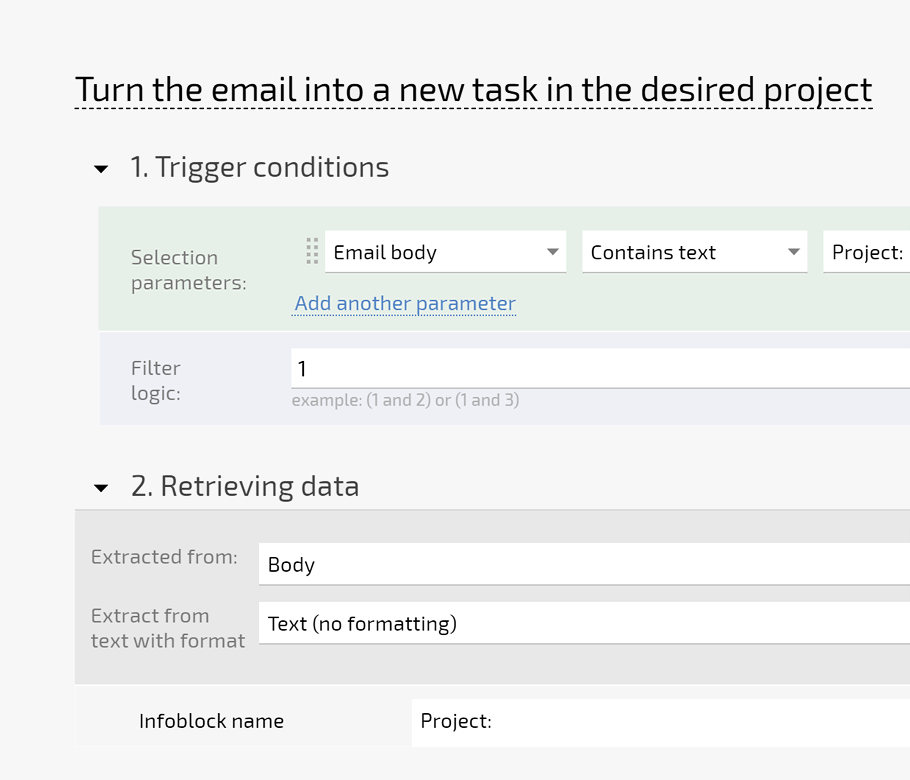
Turn incident emails and radio follow ups into tasks with reporter and timestamps preserved automatically.

Channel to Task

Convert messages from chats and integrated systems into structured tasks with no manual copy and paste.

Inspection Forms

Use structured forms for yard walks and crane checks so defects are logged the same way every time.

Prioritize and Schedule Around Vessel Operations — Port Terminals - Work Orders, Incidents, Infrastructure Maintenance

Prioritize and Schedule Around Vessel Operations

Use priorities, areas, and assets to decide what must be fixed first. Schedule tasks around vessel windows and traffic plans, balance crew capacity with demand, and shorten repair time without disrupting operations.

Risk Based Priorities

Tag tasks by area, asset, and impact so the most critical risks are handled first every shift.

Aligned Schedules

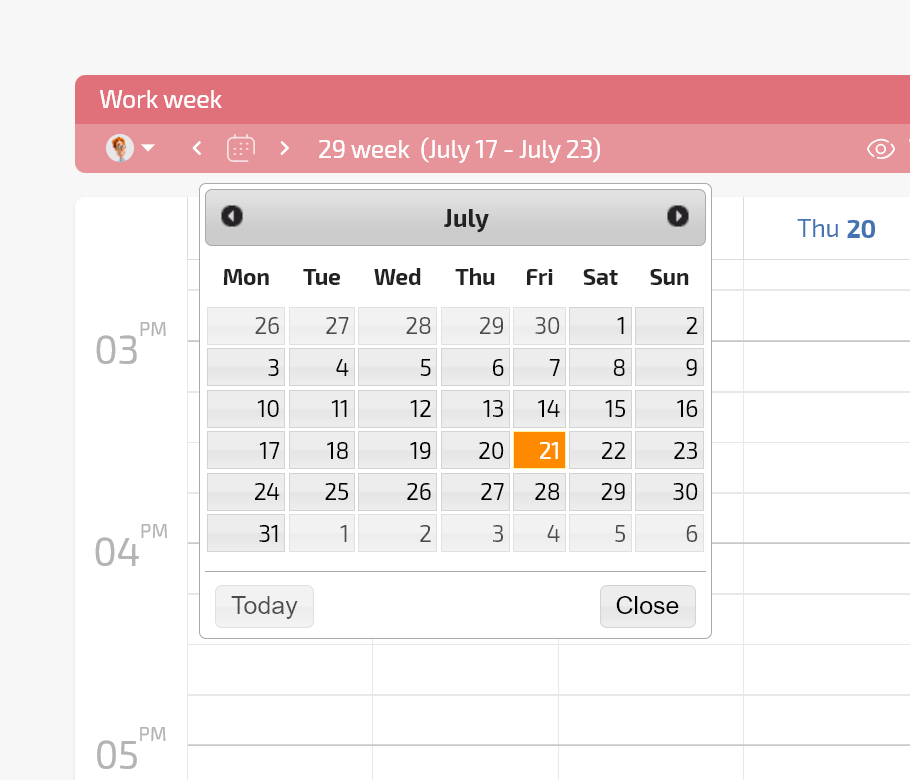
View repair work on shared calendars so maintenance aligns with vessel calls and gate or rail plans.

Balanced Crews

Use workloads and planned work time to avoid overloading mechanics or electricians during peak calls.

Prove Compliance With Clean Records — Port Terminals - Work Orders, Incidents, Infrastructure Maintenance

Prove Compliance With Clean Records

Keep incident details, permits, photos, and sign offs in linked tasks. Use filters and saved views to surface what auditors and port owners request in seconds and show full histories by asset, area, contractor, or incident type.

Linked Evidence

Attach permits, photos, drawings, and sign offs directly to tasks so every decision has supporting evidence.

Saved Views

Use filters and saved views to answer recurring questions from auditors and port owners without extra work.

Full Histories

Show records by asset, area, contractor, and incident type so you prove long term control easily.

Understand Time, Cost, and Downtime — Port Terminals - Work Orders, Incidents, Infrastructure Maintenance

Understand Time, Cost, and Downtime

Add time tags for labor and downtime, and finance tags for parts, contractors, and rentals. Group and analyze by asset, area, shift, or contractor to understand maintenance economics and justify renewals or replacement.

Time Tags

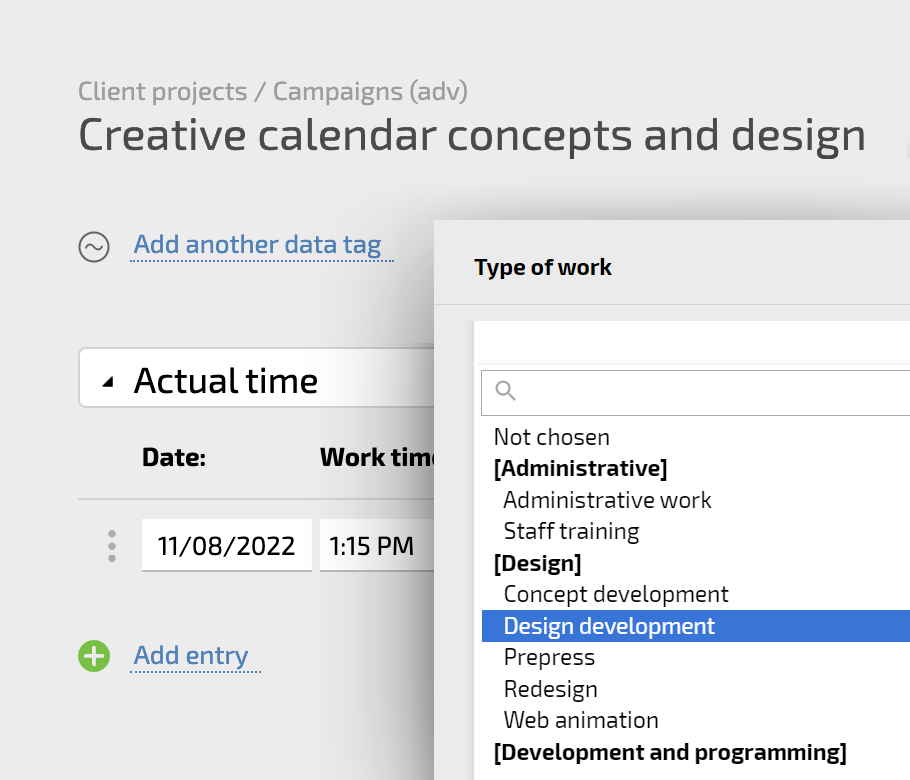
Use timers and manual entries to log labor by job so you see true effort per asset and area.

Finance Tags

Log parts, contractor invoices, and rentals so you understand cost per crane, berth, stack, or gate.

Dashboards and KPIs

Build reports and charts that track downtime, backlog, and spend so teams share one view of performance.

Start With the Fastest Improvement — Port Terminals - Work Orders, Incidents, Infrastructure Maintenance

Start With the Fastest Improvement

Begin by funneling incident emails and radio follow ups into Planfix using email to ticket. Each report becomes a task with reporter, time, and channel captured so you quickly see where the terminal loses safety and availability.

See Everything in One Live Picture — Port Terminals - Work Orders, Incidents, Infrastructure Maintenance

See Everything in One Live Picture

View open work orders and incidents on one Planner board sorted by area, impact, and crew. Switch to maps to watch tasks move from red to green as teams close jobs across berths, yards, gates, and rail tracks.

Capture Every Signal

Clarify and Triage Fast

Schedule Work With Operations

Measure and Improve Over Time

Capture Every Signal — Port Terminals - Work Orders, Incidents, Infrastructure Maintenance

Capture Every Signal

Use email to ticket, channel to task, and telephony call tasks so every defect becomes a structured task.
Add simple inspection forms for cranes, yards, and gates so supervisors can log issues in seconds.
Keep one source of truth instead of scattered paper, chat logs, and personal notebooks.
Capture calls and messages
Clarify and Triage Fast — Port Terminals - Work Orders, Incidents, Infrastructure Maintenance

Clarify and Triage Fast

Planfix AI Dataminer reads long incident descriptions and fills asset, area, and severity fields automatically.
Conditional lists act as triage queues for safety, mechanical, electrical, and infrastructure teams.
Coordinators spend less time cleaning data and more time making decisions based on clear queues.
AI agents in Planfix
Schedule Work With Operations — Port Terminals - Work Orders, Incidents, Infrastructure Maintenance

Schedule Work With Operations

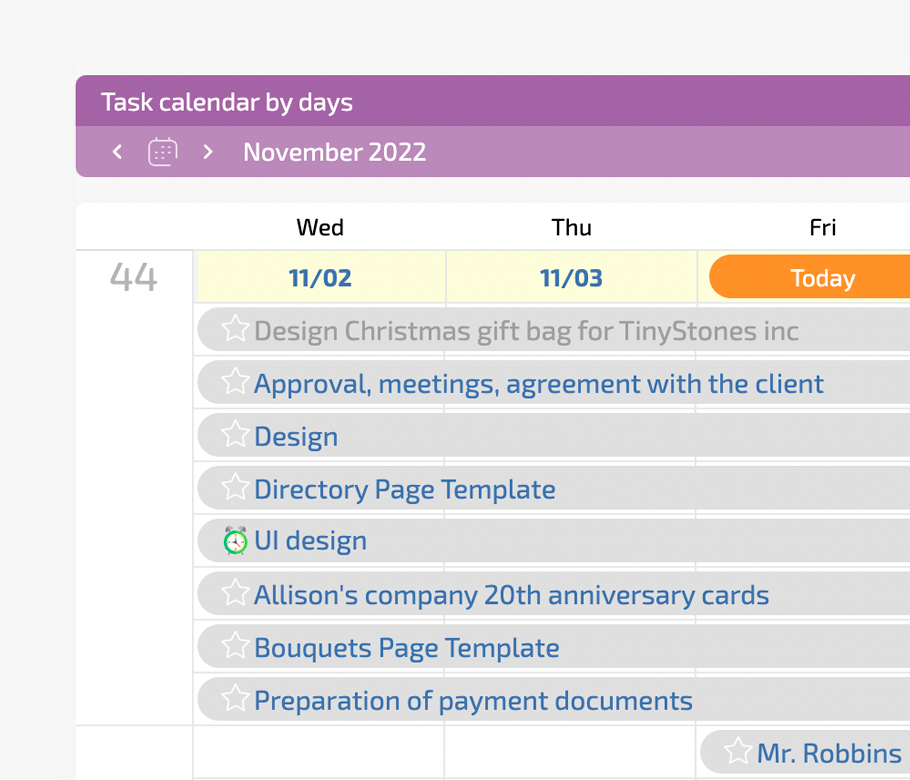
Planner boards show tasks beside calendars and day views so everyone shares the same time line.
Location fields highlight which berths, stacks, and gates are affected so you plan around vessel calls.
Planned work time blocks crew calendars so schedules reflect real work instead of wish lists.
Work with real schedules
Measure and Improve Over Time — Port Terminals - Work Orders, Incidents, Infrastructure Maintenance

Measure and Improve Over Time

Data tags store time, downtime, and cost for each job which feeds live reports and dashboards.
Project totals roll up key metrics by area, asset type, and contractor so trends become clear.
Share dashboards with HSSE, maintenance, and management so everyone sees the same performance picture.
Project reports in Planfix
Where You Want to Be — Port Terminals - Work Orders, Incidents, Infrastructure Maintenance

Where You Want to Be

You have a calm, reliable way to move from incident to resolution across the terminal. Everyone sees the same list of risks and work, crews know priorities, and management and regulators see real control, not excuses or missing records.

Make Adoption Easy for Crews and Contractors — Port Terminals - Work Orders, Incidents, Infrastructure Maintenance

Make Adoption Easy for Crews and Contractors

Use no code configuration, custom fields, and custom objects so Planfix matches how your terminal already works. Keep reporting simple with email, messengers, and call tasks while contractors use client dashboards or restricted interfaces without heavy training.

Match Your Processes

Configure fields, workflows, and objects for assets and permits so the system follows your real procedures.

Simple for Crews

Let crews report from email or messenger and work from clear task lists instead of complex screens.

Low Risk Rollout

Start with one area such as cranes, then extend to rail, gates, and yards using the same structure.

Why Choose Planfix Instead of Other Tools — Port Terminals - Work Orders, Incidents, Infrastructure Maintenance

Why Choose Planfix Instead of Other Tools

Replace spreadsheets and shared folders with a structured system that links tasks, files, and approvals. Go beyond generic ticketing tools with Planner boards, conditional lists, and maps, and complement heavy terminal systems with a flexible workspace everyone can actually use.

Beyond Spreadsheets

Move from uncontrolled lists to one audit ready trail that links tasks, comments, and documents together.

Beyond Simple Queues

Use Planner boards that mix conditional lists, calendars, and maps so teams share one live picture.

Beyond Specialist Systems

Give maintenance, HSSE, operations, and contractors one flexible workspace without long coding or training projects.

Planfix Integrations for Port Terminals

Connect email, telephony, maps, calendars, and automation platforms so Planfix fits your existing port technology stack.

See all integrations

Keep Work Orders and Incidents Under Control with Planfix

Start now
Start with one maintenance area and scale across the terminal at your own pace
FAQ

Use all of Planfix's features for 14 days, completely free of charge

Start now