When it's time to prepare a contract, teams often spend way too much time on repetitive manual work. This can include everything from opening an old file, copying customer details, and updating terms to checking dates, document…
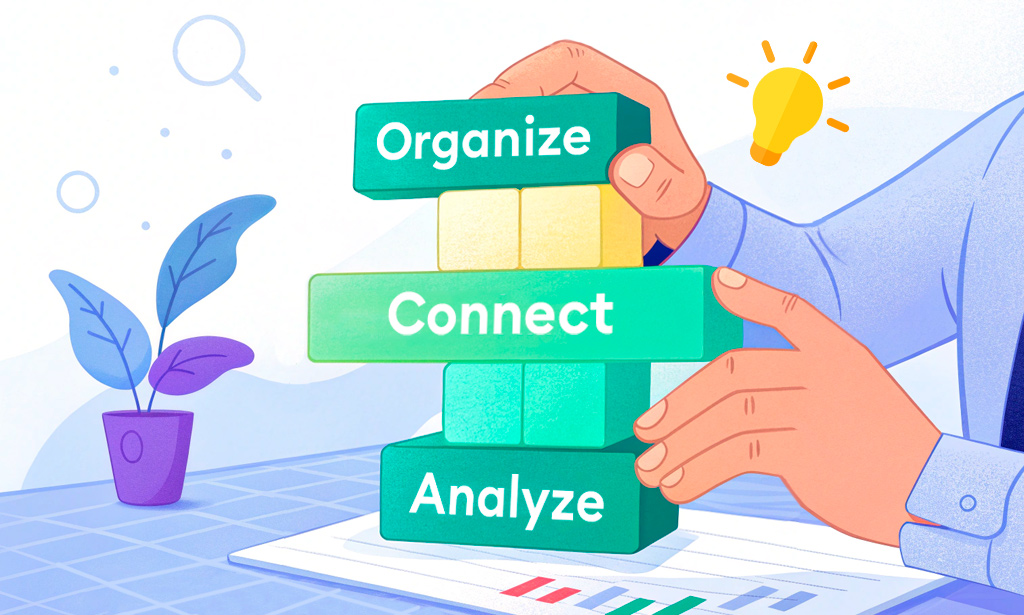

We’ve already used the humble light bulb to show how everything connects in Planfix. Now it’s time to go a little deeper and look at how the setup actually works. This…

If you're just getting started with Planfix, terms like "data tags," "objects," and "directories" might sound better suited to accountants, system administrators, or…

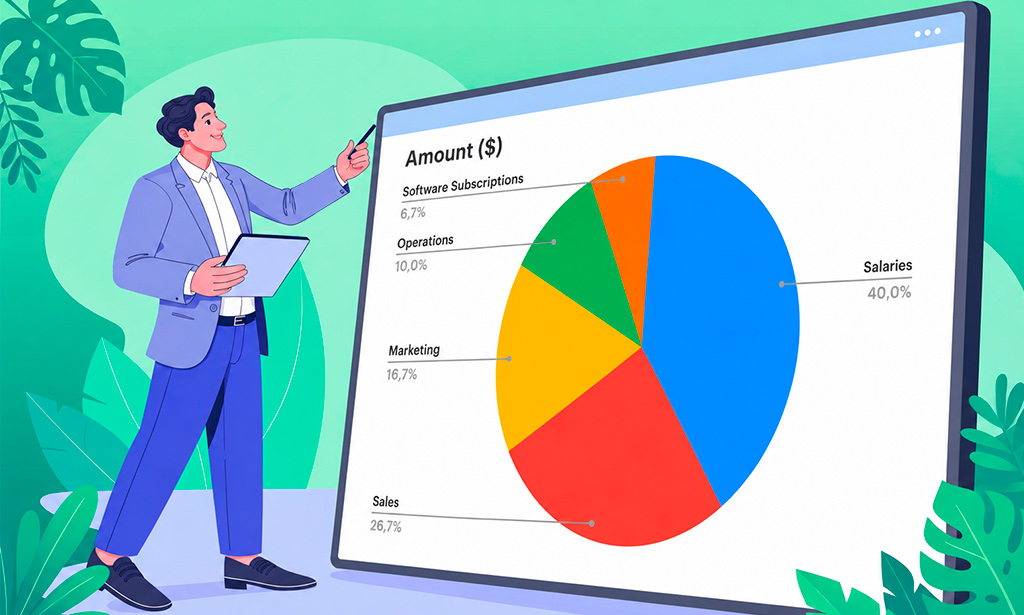
Excel makes it easy to store business data, but a spreadsheet full of numbers is not always easy to present. When you're preparing a report, you often need a way to show…

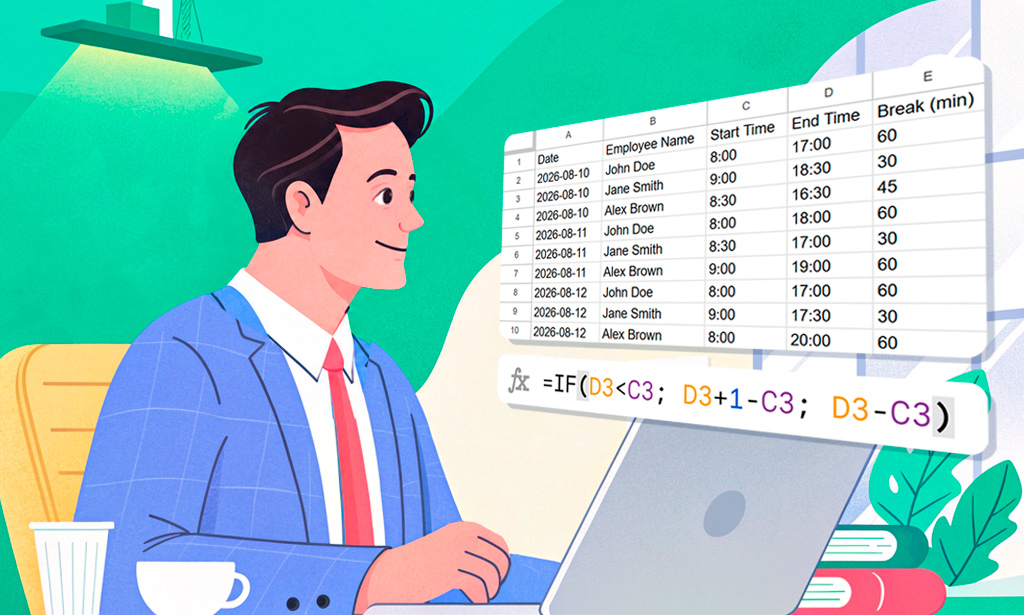
Excel calculates time by subtracting one time value from another and formatting the result as time – and date differences work the same way, using the serial day numbers…

With over 1 billion Telegram users, the app is one of the most powerful channels for business communication. But here's what we've experienced firsthand: knowing how to…

Managing work without clear numbers is like steering a ship with the instruments painted over. To understand what is really happening, managers often have to piece the…

July's Planfix update is here, and we're excited to show you new features that will make your life easier and increase productivity.Keep reading for more - there's…

3-minute video + steps: schedule recurring tasks in Planfix, repeat them on the first business day of the month and see future workload in the calendar.

Custom objects in CRM let you model leads, deals or requests. See how Planfix objects use custom fields, statuses, transition rules and permissions.

Task search in Planfix, step by step: find a task by keyword, narrow the list with filters, sort tasks by last comment and search inside the Planner.

How to mention team members in task comments in Planfix: notify a whole department, leave personal notes, and hide comments to cut notification noise.