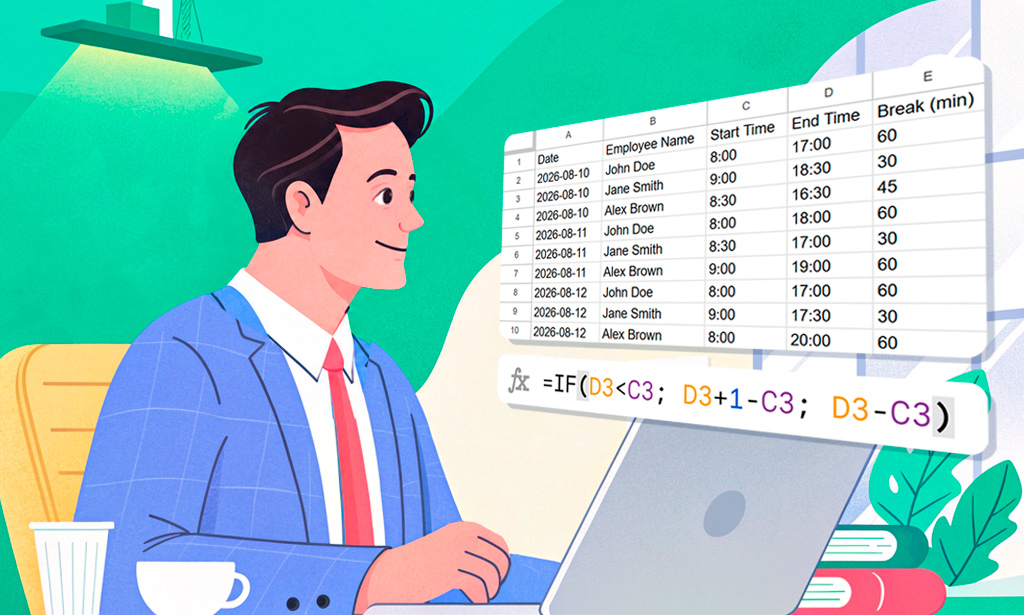
How to Calculate Time in Excel: A Comprehensive Tutorial
Excel calculates time by subtracting one time value from another and formatting the result as time – and date differences work the same way, using the serial day numbers…

How to Attach Files to a Task and Keep File Versions
A 2-minute video and steps: attach files to a task in Planfix by drag and drop, the paperclip icon or the Documents tab, and update them as new versions.

How to Break Down a Large Task into Subtasks in Planfix
One-minute video and steps: break down a large task into subtasks in Planfix with checklists, import a list of stages and track progress.

How to Manage Task Deadlines and Duration in Planfix
Manage task deadlines in Planfix: a 1-minute video and steps to set a due date, let duration calculate the deadline and count working days only.

How to Create a Telegram Bot?
With over 1 billion Telegram users, the app is one of the most powerful channels for business communication. But here's what we've experienced firsthand: knowing how to…

Dashboards in Planfix: Get Key Metrics Right in Planner
Managing work without clear numbers is like steering a ship with the instruments painted over. To understand what is really happening, managers often have to piece the…

What’s New in Planfix: July 2026
July's Planfix update is here, and we're excited to show you new features that will make your life easier and increase productivity.Keep reading for more - there's…
Planfix Recognized as a Summer 2026 Category Leader on SourceForge
Planfix has once again been recognized by the people who matter most – its users. We’re proud to share that Planfix has earned the Summer 2026 Category Leader award from…

How to Track Project Milestones and Prevent Missed Deadlines
Project milestones are checkpoints that show whether or not a project is progressing on schedule. To prevent missed deadlines, teams should define milestones before work…

Custom Objects in CRM: Fields and Statuses in Planfix
Custom objects in CRM let you model leads, deals or requests. See how Planfix objects use custom fields, statuses, transition rules and permissions.

Task-Based Communication: Move Chat Discussions into Tasks
Task-based communication keeps decisions out of chat threads. See how Planfix lets you ask colleagues, add assignees and follow replies in the Chronicle.

How to Standardize Data Entry with Directories
Standardize data entry in Planfix with directories: pick values from predefined lists, block duplicates, import records and set who can edit entries.