Medical Equipment Vendors - Installations, Warranty, Partner Support Planfix CRM and Project Management System

Medical Equipment Vendors - Installations, Warranty, Partner Support

Capture every service signal, route it to the right performer, and prove what was done without building new spreadsheets.

Run Service in One Workspace — Medical Equipment Vendors - Installations, Warranty, Partner Support

Run Service in One Workspace

Planfix captures every installation, warranty, and partner escalation in one place. Signals from email, phone, messengers, and partners become tasks with device, site, and contract attached. Dispatch stays predictable from request to acceptance.

Boards with Conditions

Build separate rule-based boards for installs, warranty, and partner escalations and see them in Planner.

Status Sets

Make engineers and partners follow the same steps with status sets and explicit transition rules.

Client and Partner Dashboards

Let customers and partners track their cases in external dashboards without full Planfix access.

Data Tags for Time and Parts

Log time, parts, and finance as data tags to build service and partner reports.

Full History Per Device

Every task stores device, site, files, and acceptance so future warranty cases stay connected.

Why It Matters — Medical Equipment Vendors - Installations, Warranty, Partner Support

Why It Matters

Service teams stop losing requests in chats and mailboxes. Checklists and site readiness live inside the task, so visits succeed more often. Partners work in the same task you report from, making accountability simple.
Every Request Is Captured

Capture all incoming service requests and auto-triage them to the right engineer, partner, or queue.

Fewer Failed Visits

Put visit checklists, site readiness, and required photos inside tasks so field work is done correctly.

Fewer Failed Visits — Medical Equipment Vendors - Installations, Warranty, Partner Support

Partner Accountability

Give partners restricted UI or external dashboards so they update the same task you report from.

Partner Accountability — Medical Equipment Vendors - Installations, Warranty, Partner Support

Reportable Service

Time, parts, statuses, and files are logged as data, making installs and warranty fully auditable.

Core Actions — Medical Equipment Vendors - Installations, Warranty, Partner Support

Core Actions

Capture from all channels, identify the right device and contract, schedule and dispatch, then close with evidence. You run the whole loop in Planfix.
1. Capture and Create Task

2. Identify Device and Site

3. Schedule and Dispatch

4. Execute on Site

5. Close and Update History

1. Capture and Create Task — Medical Equipment Vendors - Installations, Warranty, Partner Support

1. Capture and Create Task

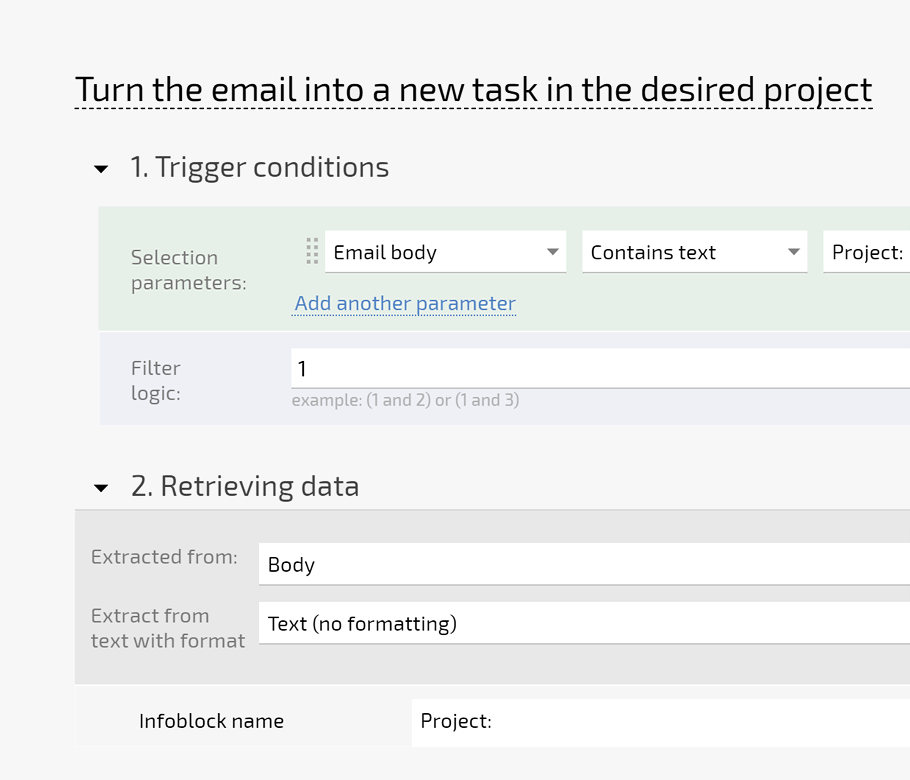
Turn emails, calls, messengers, and partner requests into tasks automatically.
Customer gets the task number and you see it on the board.
AI Dataminer can extract serials and site details from long letters.
Capture requests
2. Identify Device and Site — Medical Equipment Vendors - Installations, Warranty, Partner Support

2. Identify Device and Site

Pick equipment, contract, and address from directories.
See what is covered under warranty and where to go.
Keep full history per device and customer.
Use directories
3. Schedule and Dispatch — Medical Equipment Vendors - Installations, Warranty, Partner Support

3. Schedule and Dispatch

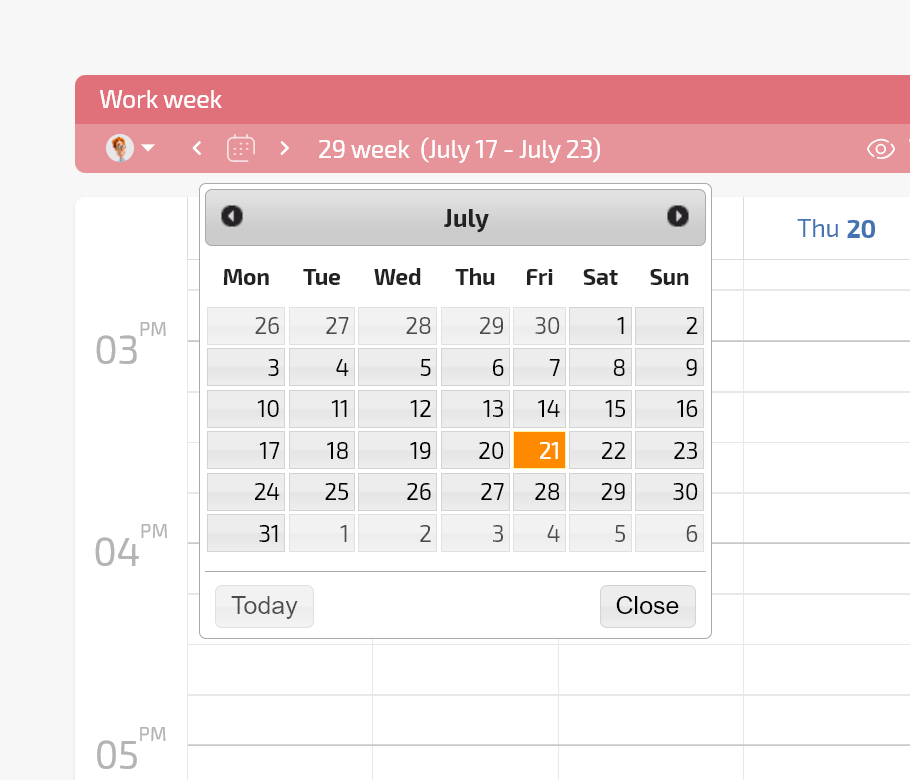
Use shared and personal calendars to avoid double booking.
Dispatch the right engineer or partner from Planner.
Customer is informed automatically.
Scheduling in Planfix
4. Execute on Site — Medical Equipment Vendors - Installations, Warranty, Partner Support

4. Execute on Site

Use mobile to attach photos, acts, and checklists.
Log time and parts as data tags for reporting.
Partners work in the same task.
Log time and parts
5. Close and Update History — Medical Equipment Vendors - Installations, Warranty, Partner Support

5. Close and Update History

Close with acceptance and required documents.
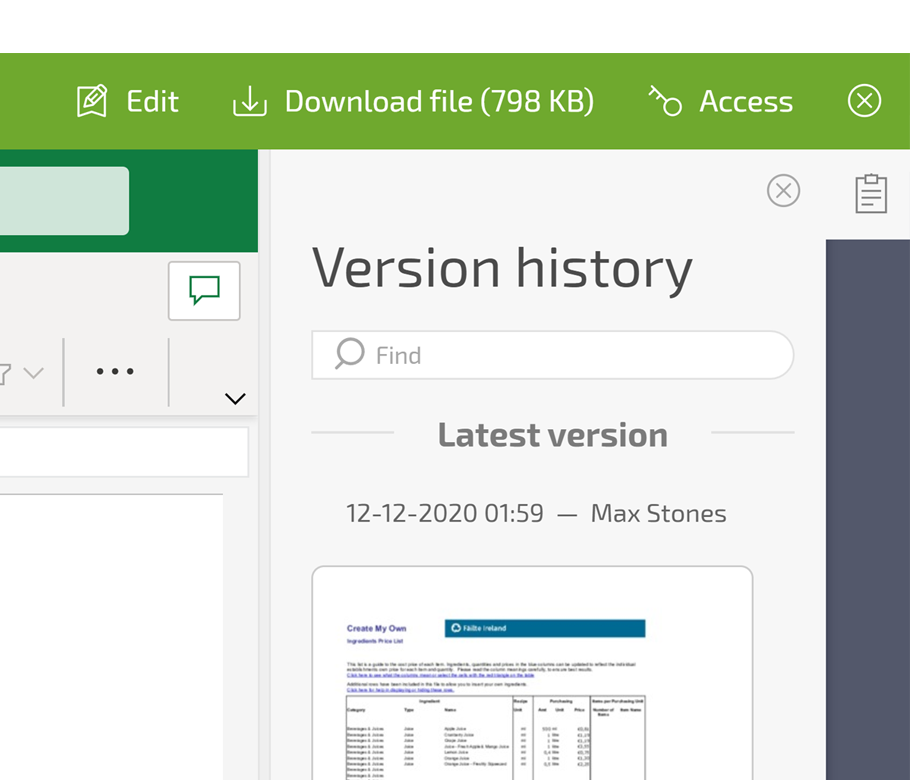
Update equipment record so future cases link back.
Reports show first-time fix and SLA.
Store documents
Features That Make This Work — Medical Equipment Vendors - Installations, Warranty, Partner Support

Features That Make This Work

Planner with conditional lists, status sets, client dashboards, and directories give you governed service flows. AI Dataminer helps extract serial numbers and site data from long customer messages.

Planner with Conditional Lists

Move a card between lists and Planfix can change assignee, queue, or responsible team automatically.

Status Sets with Rules

Force engineers and partners to upload photos, acts, or files before the task can be closed.

Client Dashboard

Customers and partners see their tasks, comments, and files in a safe external dashboard.

Directories for Equipment

Pick devices, contracts, and parts from structured directories so performers choose the right item.

AI Dataminer

Extract serials, error codes, and site notes from long messages straight into task fields.

When It Is Working — Medical Equipment Vendors - Installations, Warranty, Partner Support

When It Is Working

Dispatch sees the whole day in Planner. Every task has device, site, performer, and proof. Management reads SLA, first-time fix, and partner performance from reports. Customers and partners work without a full license.

Many Channels? One Board.

Email, messengers, telephony, and partners land in tasks instead of scattered chats and inboxes.

Many Channels? One Board. — Medical Equipment Vendors - Installations, Warranty, Partner Support

Partners Outside System

Give them external dashboards or restricted UI so they update tasks in your process.

Engineers Forget Files

Use templates, checklists, and status rules that require photos and documents before completion.

Need Management Visibility

Show installations, warranty fixes, and partner performance in one reportable view for leadership.

Need Management Visibility — Medical Equipment Vendors - Installations, Warranty, Partner Support
FAQ

Use all of Planfix's features for 14 days, completely free of charge

Start now