Best Diagram Software Tools

Let’s be honest – most diagrams end up as pretty pictures that nobody looks at again. You spend hours drawing them, share the file, and then watch everything fall apart when the real work starts.
We’ve been there. That’s why our team spent weeks testing more than 20 different diagram software options on live projects. We weren’t just clicking around – we were mapping real client onboarding flows, system architectures, and team processes that actually had to get done.
If you’re hunting for real software for diagram creation that actually helps your team move faster, this list is built for you.
Top 10 Recommended Diagram Software Tools
| Rank | Tool | Best For | Standout Feature | Pricing Snapshot | G2 Rating |
| 1 | Planfix | Teams that want diagrams + execution | Live task linking inside Whiteboard | Free tier + flexible plans | 4.6/5 |
| 2 | Lucidchart | Complex data-heavy diagrams | Smart data linking | Free + premium | 4.5/5 |
| 3 | Miro | Remote brainstorming sessions | Infinite collaborative canvas | Free tier + team plans | 4.6/5 |
| 4 | diagrams.net | Quick, no-cost technical drawings | 100% free + offline | Completely free | 4.4/5 |
| 5 | Microsoft Visio | Companies already in Microsoft 365 | Deep Excel & Teams integration | Included in some M365 plans | 4.1/5 |
| 6 | Creately | Process maps that stay alive | Data-connected visuals | Free tier + paid | 4.4/5 |
| 7 | SmartDraw | Automated engineering & floor plans | Auto-layout magic | Paid with trial | 4.5/5 |
| 8 | ClickUp | PM teams who love whiteboards | Mind maps that become tasks | Free tier + paid | 4.7/5 |
| 9 | EdrawMax | Tons of specialized templates | 200+ diagram types | Subscription or lifetime | 4.5/5 |
| 10 | Cacoo | Design & product teams | Wireframing + Adobe sync | Free tier + team plans | 4.5/5 |
What is Diagramming Software?
In simple terms, diagramming software (or diagram tools, diagram maker, whatever you call it) lets you turn ideas, processes, and systems into clear visual maps using shapes, lines, and text.
Think flowcharts, mind maps, org charts, network diagrams, or process diagram software for business workflows. The best modern diagramming tools don’t stop at pretty pictures – they let teams collaborate in real time, pull in live data, and even connect directly to tasks and projects.
How We Chose These Tools?
We didn’t just read marketing pages. We used every single tool on real client work for 2–4 weeks.
Our checklist was strict:
- How fast and natural the drag-and-drop feels
- Real collaboration (not just “share link”)
- Ability to connect diagrams to actual work
- Value – does the free version actually help, or is it a tease?
- Honest user reviews from G2 and Capterra
- How well it fits into daily team life
Only the tools that passed all these tests made the final cut.
Honest Reviews of All 10 Tools
1. Planfix – Our #1 Pick for Most Teams
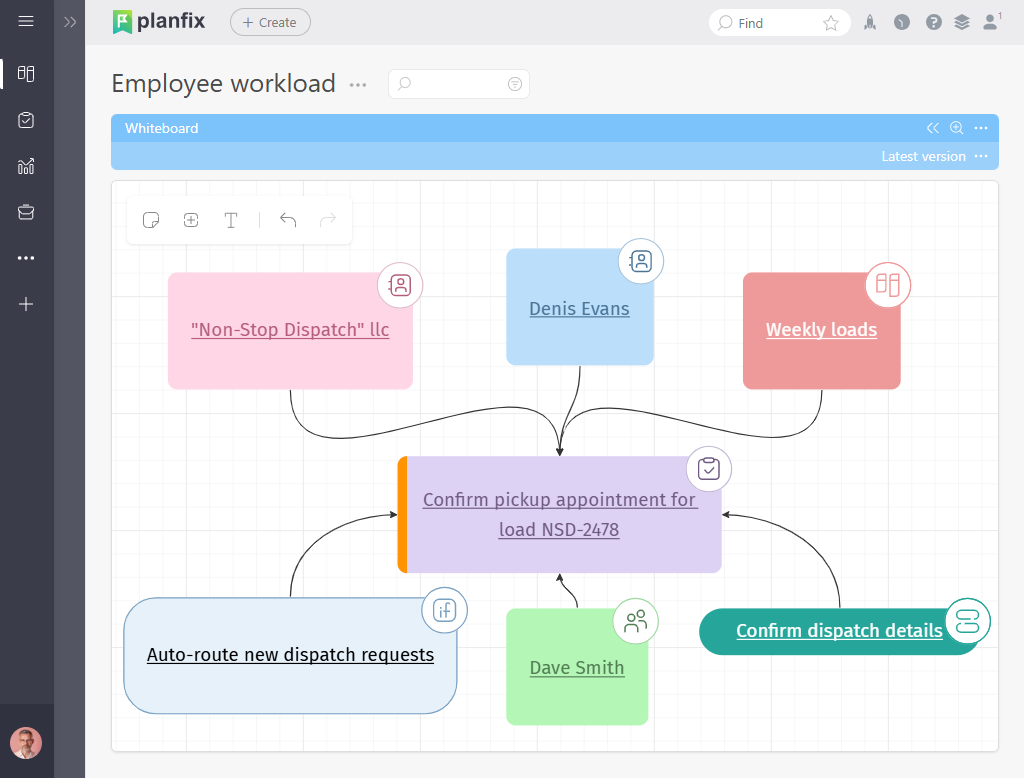
Planfix isn’t just another diagram software – it’s the one where your drawings actually get things done.
Source: https://planfix.com/
What it does: Virtual Whiteboard, dynamic Gantt charts, Kanban, custom graphs – everything links straight to real tasks and automations.
Pricing: Solid free tier that already feels generous; paid plans grow with your team.
Reviews: 4.6/5 on G2 – people love how customizable it is.
What we loved
- Drag a shape and it instantly becomes an assigned task.
- Real-time Whiteboard with zero lag even with big teams.
- Finally, diagrams that update themselves when work changes.
What felt tricky
- There’s a short learning curve if you’re coming from pure drawing apps.
- The focus is on processes more than artistic design.
Real screenshot moment: You open the Whiteboard and see task cards already sitting inside your flowchart – click one and the status updates live.
Our team’s takeaway: We mapped a 50-step onboarding process in one hour and watched it run itself. Nothing else came close.
2. Lucidchart – Best for Serious Data-Driven Diagrams
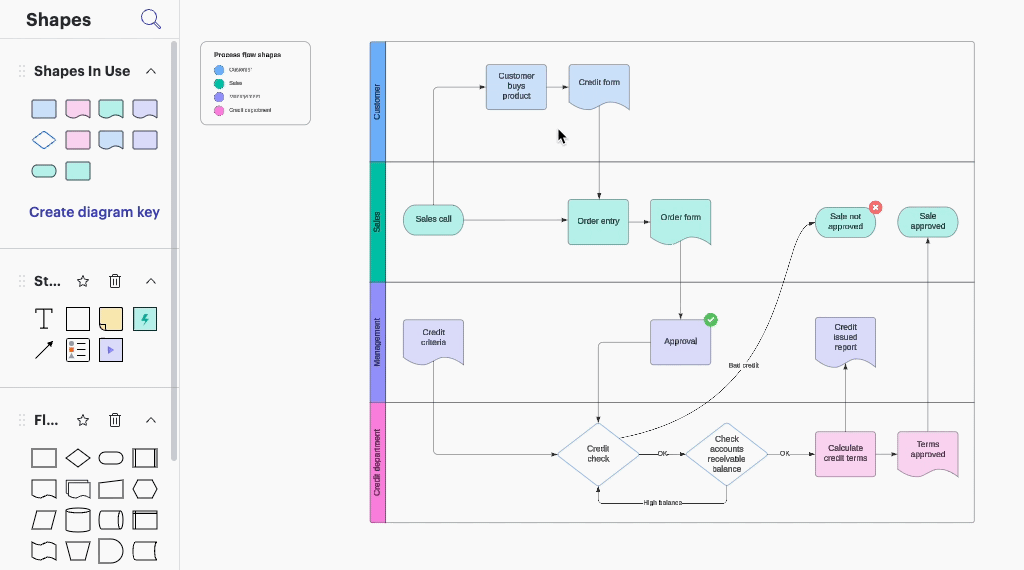
If you need complex system diagrams that pull live data, Lucidchart is hard to beat.
Source: https://www.lucidchart.com/pages
What it does: Smart shapes, conditional formatting, Excel/Google Sheets linking, version history.
Pricing: Free plan works for individuals; teams usually upgrade.
Reviews: 4.5/5 with thousands of users.
What we loved: Data refreshes automatically and integrations are rock-solid.
What felt tricky: It can feel like overkill for simple flowcharts.
Our team’s takeaway: Perfect for IT and engineering docs that need to stay accurate.
3. Miro – The King of Collaborative Whiteboarding
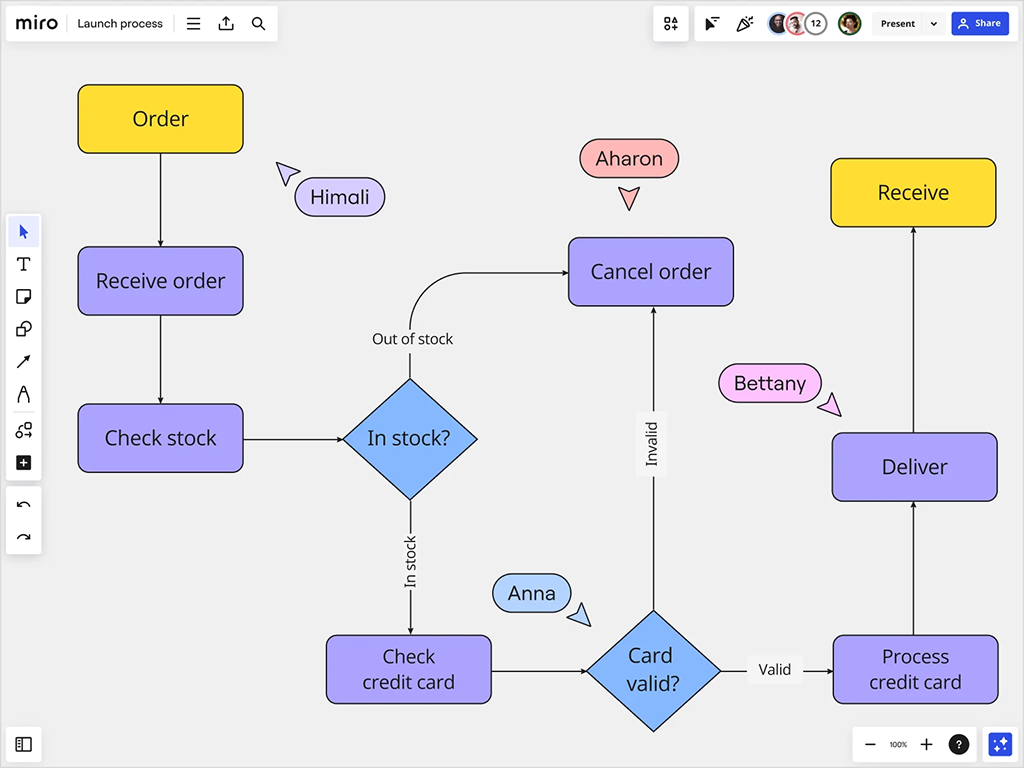
Miro is what happens when you give a team an infinite digital wall.
Source: https://miro.com/
What it does: Sticky notes, flowcharts, mind maps, real-time cursors, workshop templates.
Pricing: Free tier is surprisingly useful; paid unlocks more power.
Reviews: 4.6/5 – people rave about the collaboration.
What we loved: Feels like everyone is in the same room.
What felt tricky: Can get chaotic fast without some ground rules.
Our team’s takeaway: Amazing for kickoffs, but you need to stay organized.
4. diagrams.net (Draw.io) – Best Completely Free Option
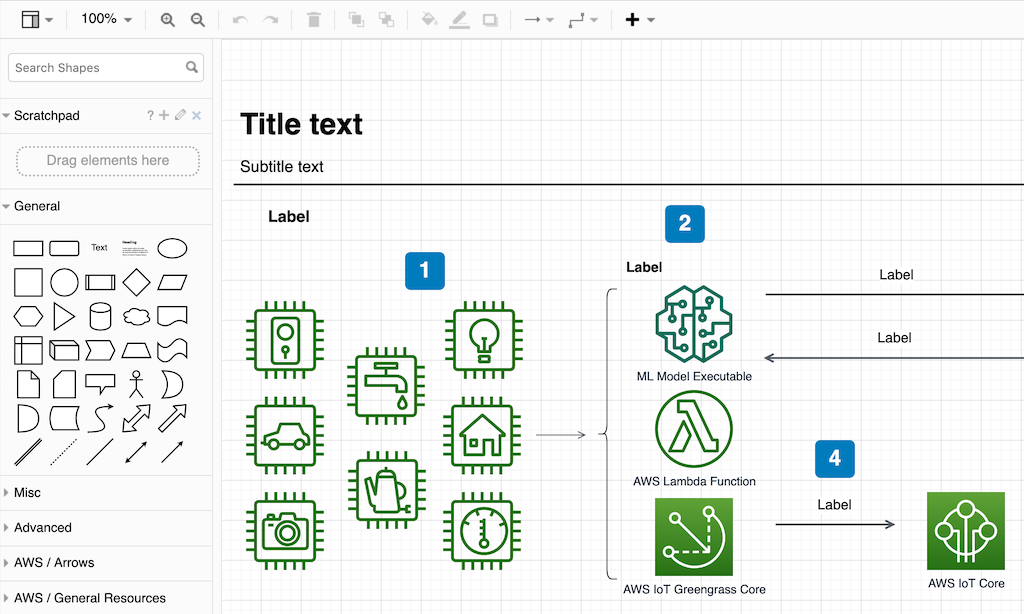
Draw.io is still the champion of free diagramming software.
Source: https://www.drawio.com/
What it does: Clean drag-and-drop, desktop app, works offline, no login needed.
Pricing: 100% free forever.
Reviews: 4.4/5 and loved for being simple.
What we loved: Zero cost, strong privacy, great for quick technical sketches.
What felt tricky: The interface looks a bit old-school.
Our team’s takeaway: Grab it when you just need to draw something fast without any hassle.
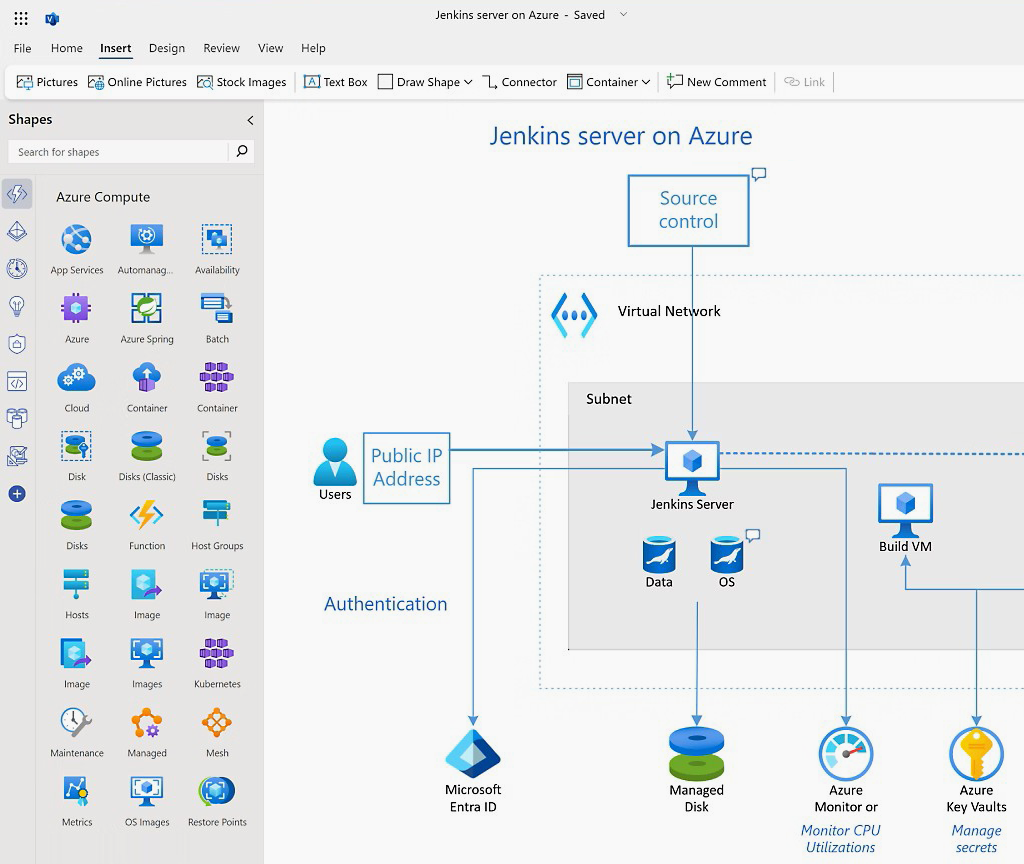
5. Microsoft Visio – Best If You Live in Microsoft 365
The old reliable for big companies already using Microsoft tools.
Source: https://www.microsoft.com/
What it does: Smart shapes, Excel import, deep Teams integration.
Pricing: Comes with some Microsoft 365 plans.
Reviews: 4.1/5.
What we loved: Seamless if your company is all-in on Microsoft.
What felt tricky: Not the most modern feel, and Mac support is limited.
Our team’s takeaway: Great inside the Microsoft bubble, less flexible outside it.
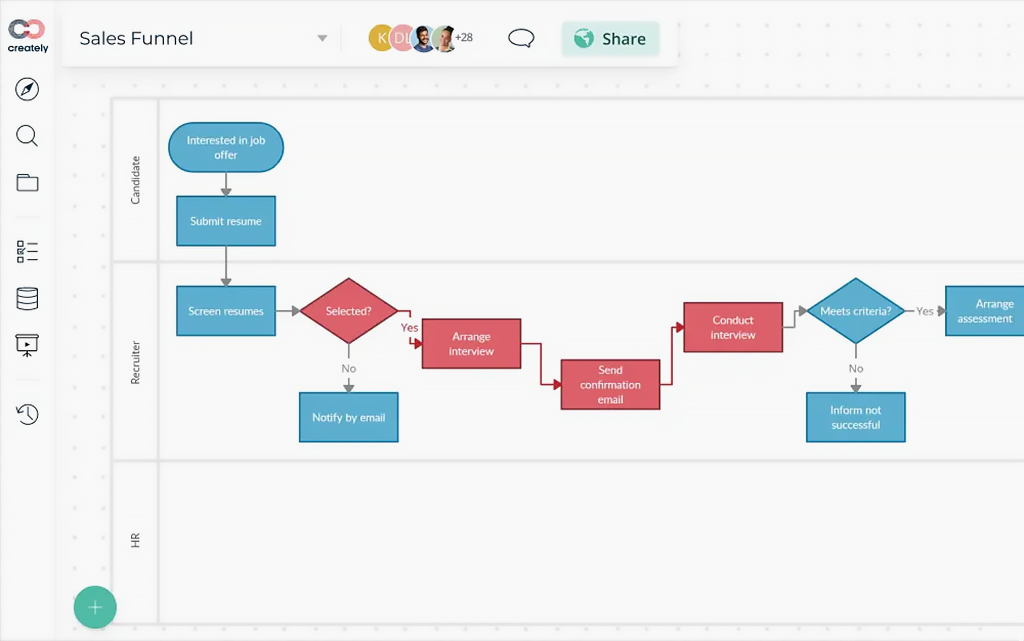
6. Creately – Smart Choice for Living Process Maps
Creately keeps your diagrams connected to real data and people.
Source: https://creately.com/
What it does: Data linking, role-based editing, Slack and GitHub connections.
Pricing: Decent free tier.
Reviews: 4.4/5.
What we loved: Visuals stay alive and useful across departments.
What felt tricky: Mobile experience could be better.
Our team’s takeaway: Excellent when processes need to evolve over time.
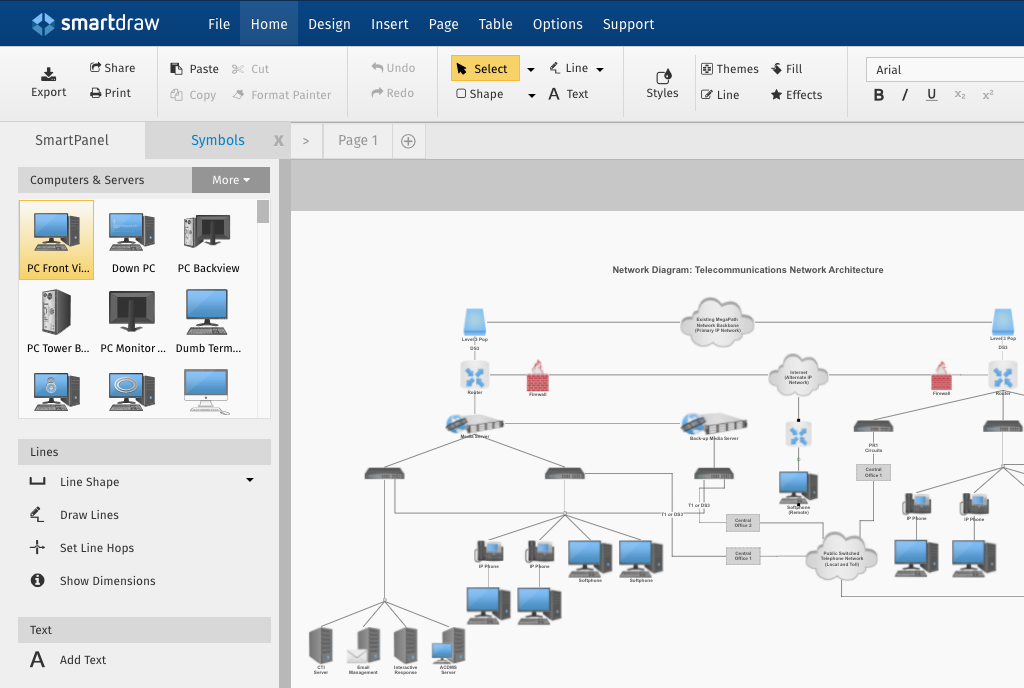
7. SmartDraw – The Automation Wizard
SmartDraw does a lot of the heavy lifting for you.
Source: https://workspace.google.com/marketplace/app/smartdraw_diagrams/
What it does: Auto-resize, data-to-diagram conversion, engineering templates.
Pricing: Paid plans with trial.
Reviews: 4.5/5.
What we loved: Turns raw data into clean visuals ridiculously fast.
What felt tricky: No generous free plan.
Our team’s takeaway: Our engineering folks couldn’t stop smiling.
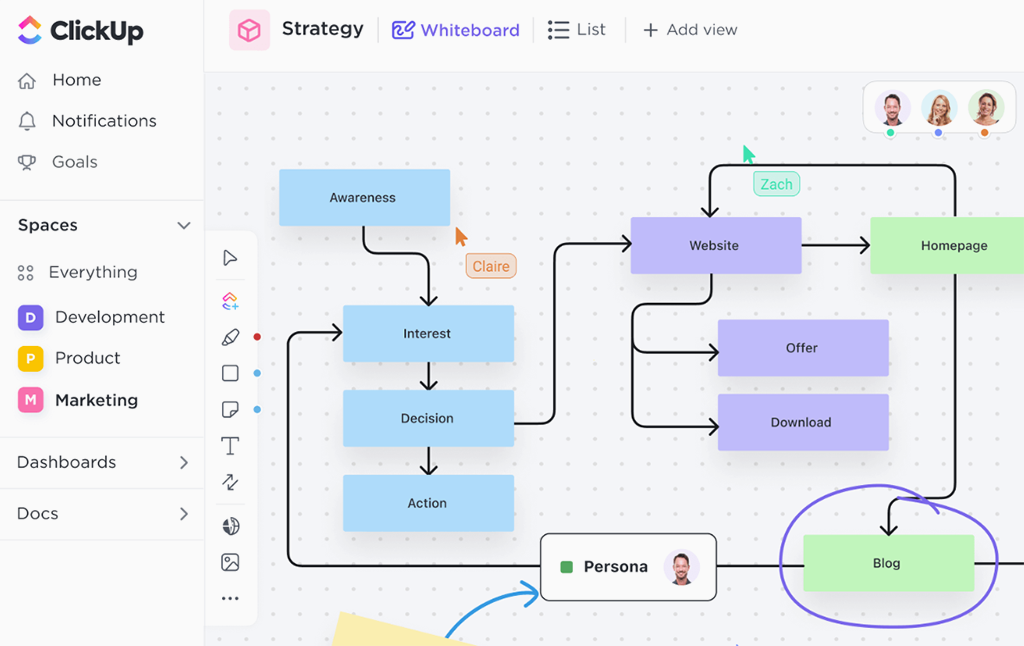
8. ClickUp – Strong PM Alternative
ClickUp brings whiteboards right into its project management world.
Source: https://clickup.com/
What it does: Gantt-style diagrams, AI help, task-connected shapes.
Pricing: Generous free tier.
Reviews: 4.7/5.
What we loved: Diagrams turn into real work instantly.
What felt tricky: Can feel overwhelming with so many features.
Our team’s takeaway: Very close to Planfix, but Planfix felt more visual and focused.
9. EdrawMax – The Template King
If you need every possible diagram type in one place, EdrawMax delivers.
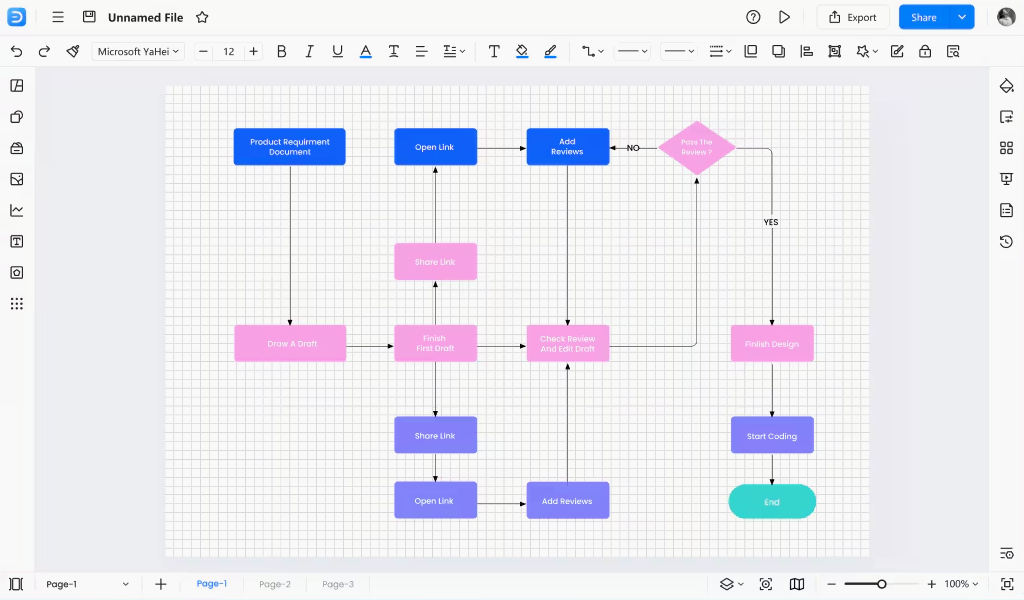
Source: https://www.edrawmax.com/
What it does: 200+ templates, works on Windows/Mac/Linux.
Pricing: Subscription or lifetime license.
Reviews: 4.5/5.
What we loved: Huge variety for both business and technical work.
What felt tricky: Some manual tweaking when resizing groups.
Our team’s takeaway: Lifesaver when you switch between different diagram styles.
10. Cacoo – Great for Designers and Product Folks
Cacoo feels like it was made for creative teams.
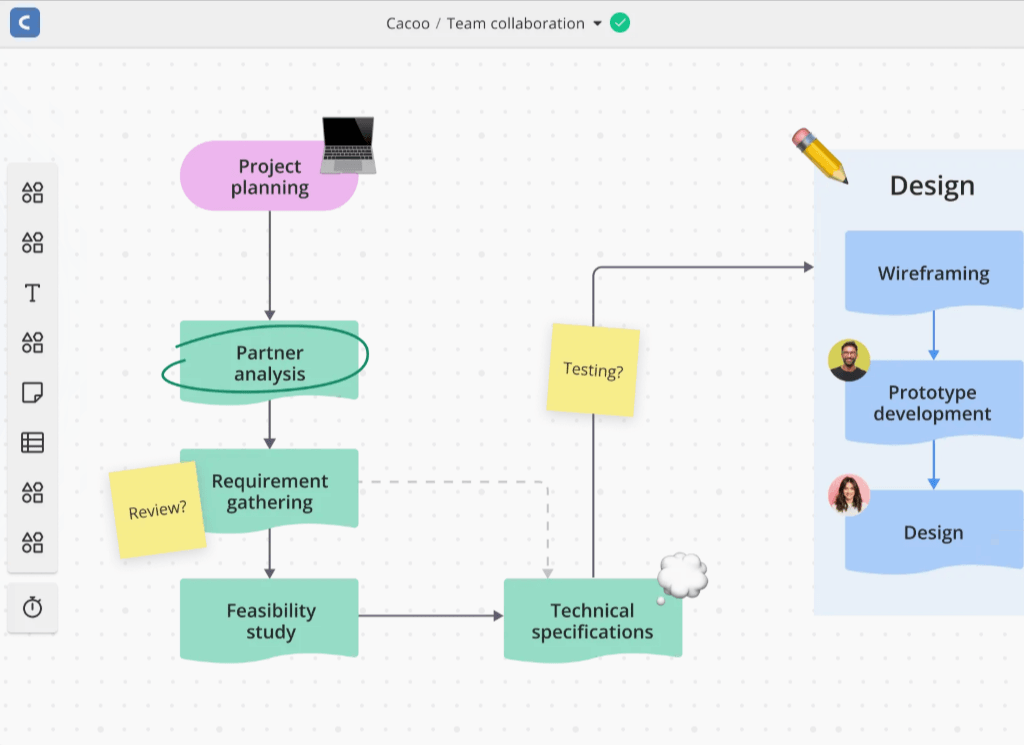
Source: https://nulab.com/cacoo/
What it does: Wireframing, roadmaps, Adobe integration, strong commenting.
Pricing: Free tier + team plans.
Reviews: 4.5/5.
What we loved: Clean, designer-friendly interface.
What felt tricky: Some advanced exports need extra polishing.
Our team’s takeaway: Our designers actually enjoyed using it – rare for diagramming tools.
Quick Categorization
- Best free diagram software: diagrams.net, Planfix free tier, Miro basic.
- Best for business process diagrams: Planfix, Creately, SmartDraw.
- Best collaborative tools: Miro, Planfix, ClickUp.
- Best enterprise Microsoft option: Visio + Lucidchart.
- Best all-in-one PM + diagrams: Planfix and ClickUp.
- Best for design teams: Cacoo and Miro.
How to Pick the Right One for You?
Here’s the simple way we recommend choosing:
- What’s your main job for the diagrams – quick sketches, complex processes, or team workshops?
- How big is your team and how much real-time collaboration do you need?
- Are you already locked into Microsoft, Google, or another ecosystem?
- Do you want something free forever or are you ready to pay for features that save hours?
- Do your diagrams need to connect to tasks and real work, or are they mostly for documentation?
Our honest advice: Start with Planfix if you want your diagrams to actually drive results. Need pure visualization power? Go Lucidchart or Miro. Just want zero cost and zero hassle? diagrams.net is still unbeatable.
FAQ
What is the best diagram software overall in 2026?
Planfix came out on top in our hands-on testing. It’s the only tool that turns static diagrams into living workflows where shapes connect directly to real tasks, deadlines, and automations. If you need diagrams that actually drive work instead of just looking pretty, Planfix is the clear winner.
What is the best completely free diagramming software?
diagrams.net (formerly Draw.io) is still the best 100% free option. No account needed, works offline, and has zero limits on documents or features. It’s perfect for quick technical schematics and personal use. Planfix also offers a generous free tier if you want more than just drawing.
Which diagram tool is best for business process mapping and workflows?
Planfix and Creately are the strongest here. Planfix stands out because every process step can instantly become a live task with deadlines and assignees. It’s ideal for teams that want process diagrams to actually get executed, not just documented.
What is diagramming software?
Diagramming software is a tool that helps you turn ideas, processes, and systems into visual maps using shapes, lines, and text—like flowcharts, mind maps, org charts, and network diagrams.