
Task search in Planfix, step by step: find a task by keyword, narrow the list with filters, sort tasks by last comment and search inside the Planner.
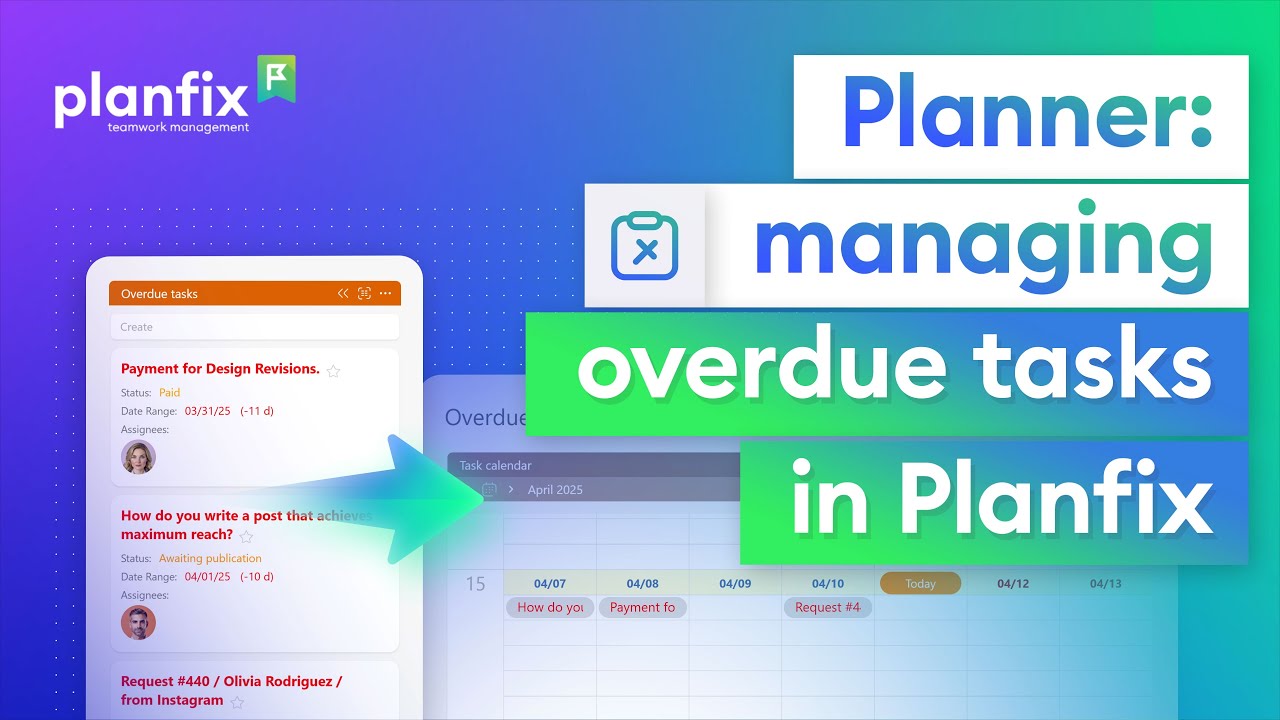
Learn how to track overdue tasks in a Planfix planner: collect them in one list automatically, ask assignees why and set new deadlines on a calendar.

Key Planfix updates for October 2026. Discover what's new on the platform, which new features have been added, and how the system has improved.

A 2-minute video and steps: visualize projects and tasks on the Planfix Whiteboard, connect blocks, turn them into tasks and navigate your workflow.

Managing work without clear numbers is like steering a ship with the instruments painted over. To understand what is really happening, managers often have to piece the…

Work notification management with Chronicle in Planfix: one feed instead of notification overload. Read, postpone or answer each event and keep it at zero.

Task tags and labels in Planfix: a 1.5-minute video and the steps to mark tasks with Favorites, add a label field and filter by it in the Planner.
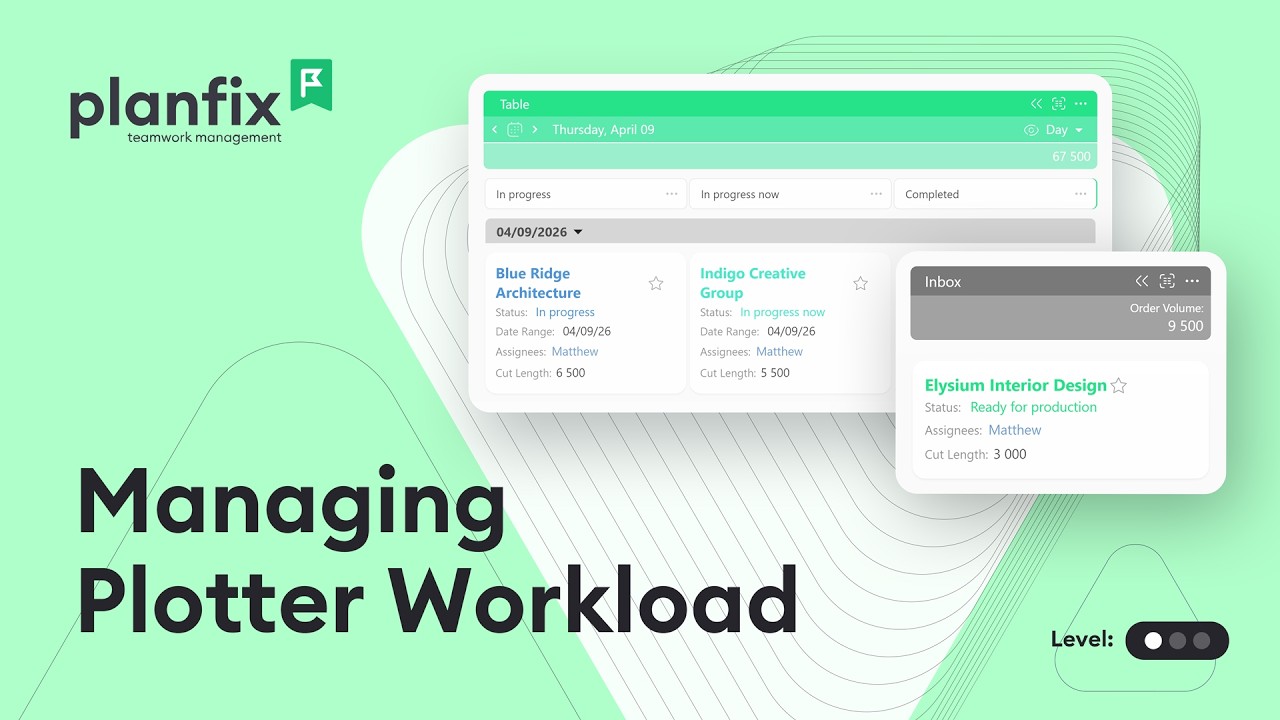
Print shop order management in Planfix: queue plotter orders, track their statuses and see the day’s plotter workload before it becomes a bottleneck.
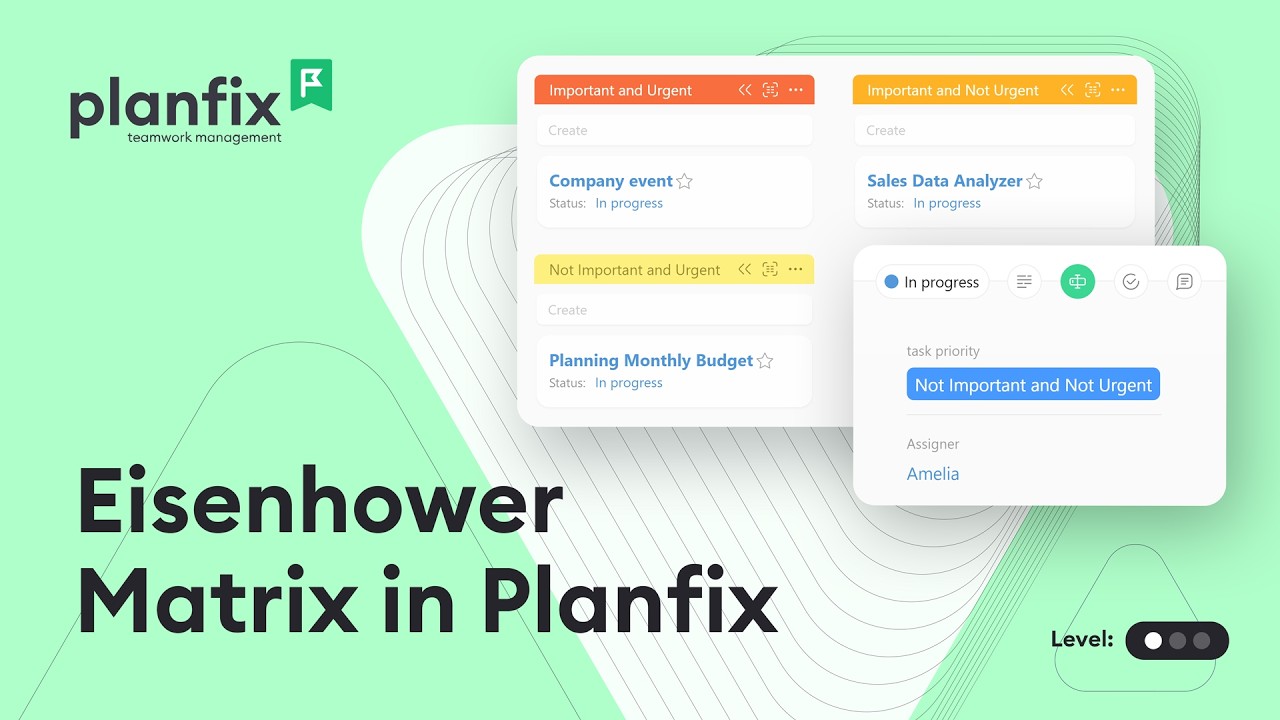
Build an Eisenhower Matrix board in a Planfix planner: add a priority field, create quadrant lists and drag tasks to rank them by urgency and importance.

Keep track of important tasks in Planfix: add them to Favorites, mark them urgent, set reminders, save a priority filter and tag them. Video guide.

Open a planner list as a table with the expanded planner list view in Planfix: choose columns, use quick filters and bulk-edit tasks in one go.
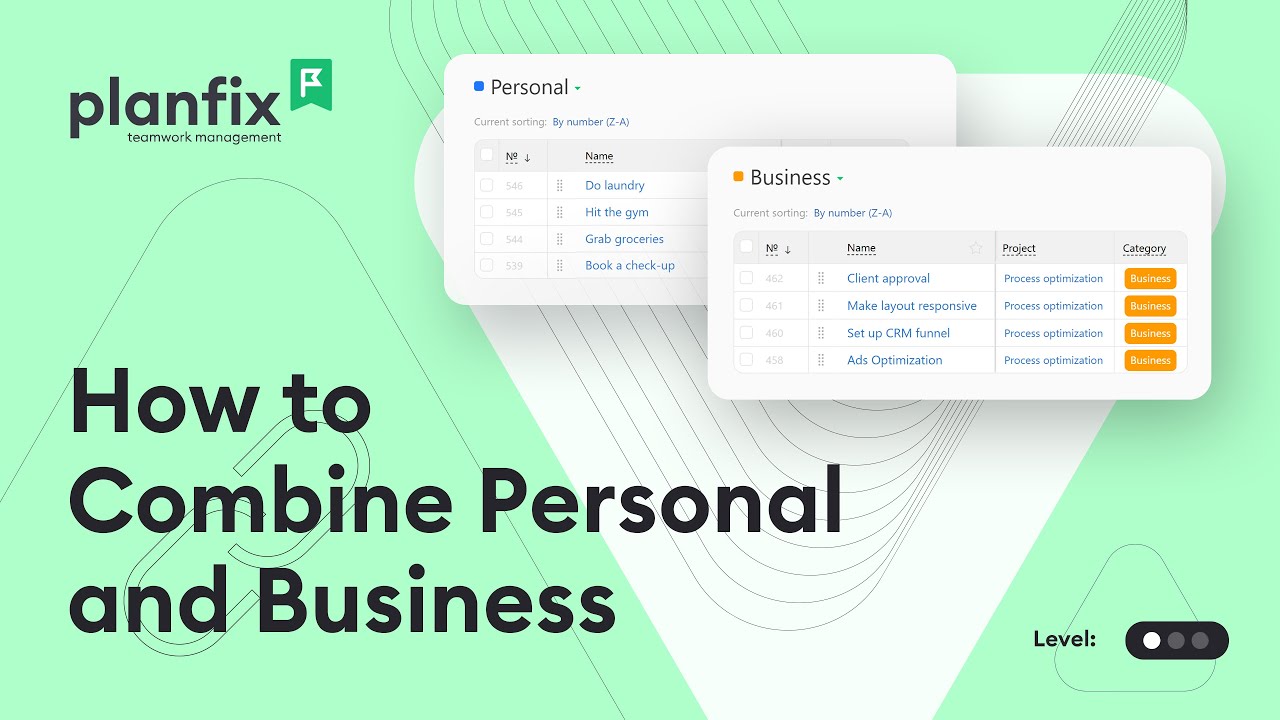
Separate work and personal tasks in one Planfix account with a Category field, project groups, saved filters and planner lists. Watch the 3-minute guide.

Learn how to add a task to Planner in Planfix in three steps and use it for sudden requests, today’s top task and prep work for a customer call.

Throughout June, the Planfix team was fine-tuning the system. We're excited to announce a host of fixes designed to increase efficiency and improve user experience. Stay…

Staying ahead of the competition has never been more important, or more difficult. And if you really want your company to be more productive, you should start by…

Team efficiency is one of those things that can quietly make or break a business. This has left many business leaders wondering how to measure the productivity in a way…
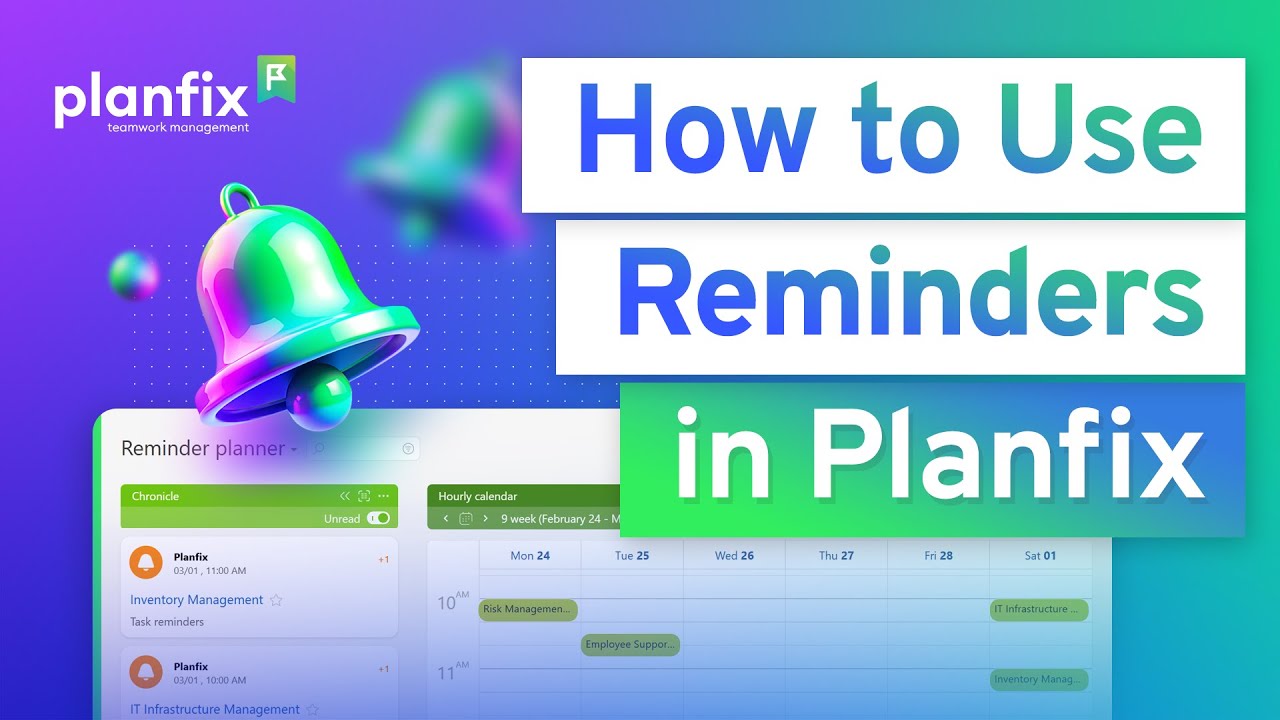
2-minute video and steps: set task reminders in Planfix, add recurring reminders and build a reminder planner from the Chronicle and a calendar.

1-minute video + steps: filter contacts by company fields in Planfix, add company data as filter columns and keep contact and company cards in sync.

Let’s not kid ourselves: juggling tasks is no fun, especially when you have multiple projects, deadlines, and probably a few surprise meetings to attend. Whether you’re…

2-minute video and steps: show task counts and totals in a Planfix planner list, sum a field for paid deals and cap how many cards a list accepts.

Throughout November, the Planfix team was fine-tuning the system. We're excited to announce a host of fixes designed to increase efficiency and improve user experience…
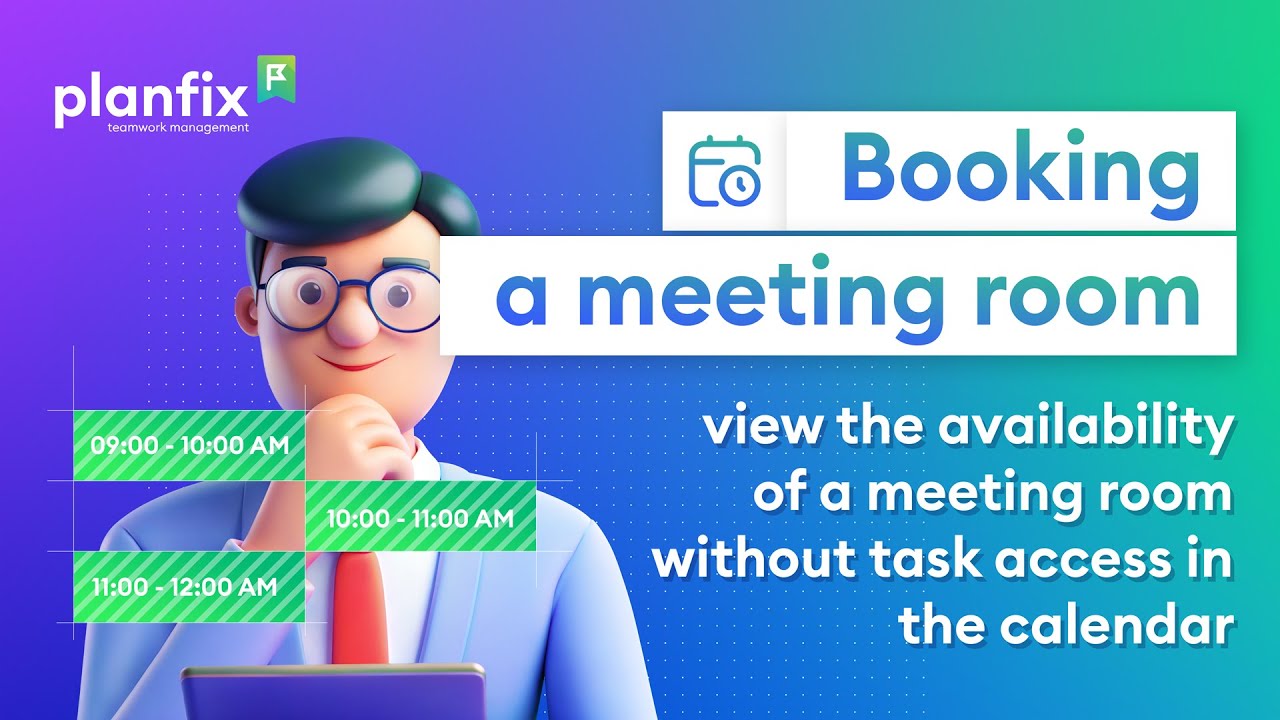
2-minute video and steps: book a meeting room in Planfix with a booking data tag and an hourly calendar, so everyone sees when the room is free.

Planfix Planner is like the Swiss Army knife of task management — it’s versatile, reliable, and easy to set up. With Planfix Planner, you can organize your workflows…

1.5-minute video + steps: export data from Planfix to Google Sheets — reports, task lists and contacts — and choose which columns reach the spreadsheet.

Learn how an internal knowledge base works in Planfix: find articles with quick filters, add sections, manage statuses and control access to articles.

2-minute video + steps: add an employee in Planfix, assign their first task and build an employee task list in the Planner, grouped by status and due date.
A Planner shows your tasks on one screen as lists, each selecting tasks or contacts by parameters such as assignee, status or project. Moving a task to another list changes it to match, and lists can be cards, tables, calendars or schedules. These articles also cover saved task filters and search.
