
Need two-way linked fields? In Planfix, linked fields pair task or contact fields: fill in one, and the other updates automatically. Watch the setup.

Alright, today we’re going to talk about something we all care about: profitability. After all, every business owner, manager, and worker wants to ensure their hard work…

We’ve already used the humble light bulb to show how everything connects in Planfix. Now it’s time to go a little deeper and look at how the setup actually works. This…

Excel calculates time by subtracting one time value from another and formatting the result as time – and date differences work the same way, using the serial day numbers…

Custom objects in CRM let you model leads, deals or requests. See how Planfix objects use custom fields, statuses, transition rules and permissions.

Standardize data entry in Planfix with directories: pick values from predefined lists, block duplicates, import records and set who can edit entries.

Visual task management in Planfix: color-coded statuses, status hints, a clear task card, Favorites and Kanban cards that show priorities at a glance.

April's Planfix update is here, and we're excited to show you new features that will make your life easier and increase productivity.Keep reading for more - there's…
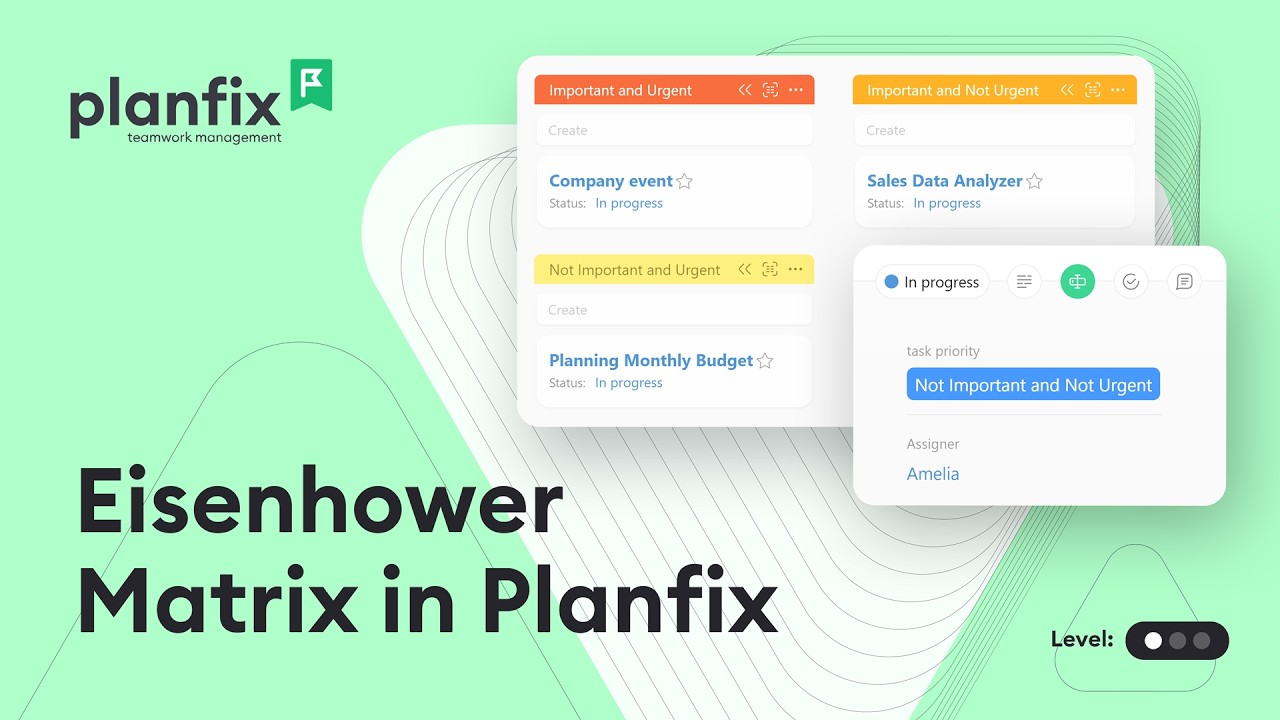
Build an Eisenhower Matrix board in a Planfix planner: add a priority field, create quadrant lists and drag tasks to rank them by urgency and importance.

Keep track of important tasks in Planfix: add them to Favorites, mark them urgent, set reminders, save a priority filter and tag them. Video guide.

Separate work and personal tasks in one Planfix account with a Category field, project groups, saved filters and planner lists. Watch the 3-minute guide.

While some folks still worry that AI will take their jobs, the team at Planfix has decided to flip that script and give AI a job instead. We’re not talking about the…

Think about how you usually assign tasks. It’s likely that at least some of them come out vague or unclear. It’s OK, it happens to all of us! However, this lack of…

Every client message has the potential to contain something critical. And when your inbox starts filling up with dozens (or even hundreds) of incoming requests, manually…

If you want to run a successful business, segmenting your customer base is one of the most powerful tools at your disposal. I mean, wouldn’t it be great if you could…

The February 2025 Planfix update is here, and we're excited to introduce new features that will make your life easier and boost productivity. Keep reading to learn more…

Throughout December 2024 - January 2025, the Planfix team was fine-tuning the system. We're excited to announce a host of fixes designed to increase efficiency and…

Throughout November, the Planfix team was fine-tuning the system. We're excited to announce a host of fixes designed to increase efficiency and improve user experience…

Throughout September and October, the Planfix team was fine-tuning the system. We're excited to announce a host of fixes designed to increase efficiency and improve user…

This case study is relevant to print shops, textile companies, and other production businesses. It explores modern technologies for optimizing processes, enhancing…

Throughout June, the Planfix team was fine-tuning the system. We're excited to announce a host of fixes designed to increase efficiency and improve user experience. Stay…

Recently, we promised to explain how to set up report mailing with a traffic light system. This system allows tracking of whether team members are completing their tasks…

We've completely revamped the project task creation form, and after a significant effort, we're excited to present our results to you. Please join us as we explore the…

Today we're going to talk about a powerful feature in Planfix for automating your business processes - dynamic blocks in task descriptions. This feature is available to…

Integrating Planfix with Google Maps opens up a new realm of possibilities for managing tasks, contacts, and projects, making these processes even more convenient. You…

This guide outlines the steps to develop a content plan and automate workflows in Planfix. At our company, Planfix integrates all of our business processes, including…
Custom fields add the data your process needs to Planfix tasks, projects, contacts and employee profiles, from text, numbers and dates to links to other records. Calculated, totals and linked fields fill themselves in. These articles show how data kept in fields, not comments, can be filtered, grouped, reported on and automated.