
Managing work without clear numbers is like steering a ship with the instruments painted over. To understand what is really happening, managers often have to piece the…

Recently, we promised to explain how to set up report mailing with a traffic light system. This system allows tracking of whether team members are completing their tasks…

Modern accounting practices require more than just technical expertise – they demand effective client relationship management, streamlined operations, and strategic…
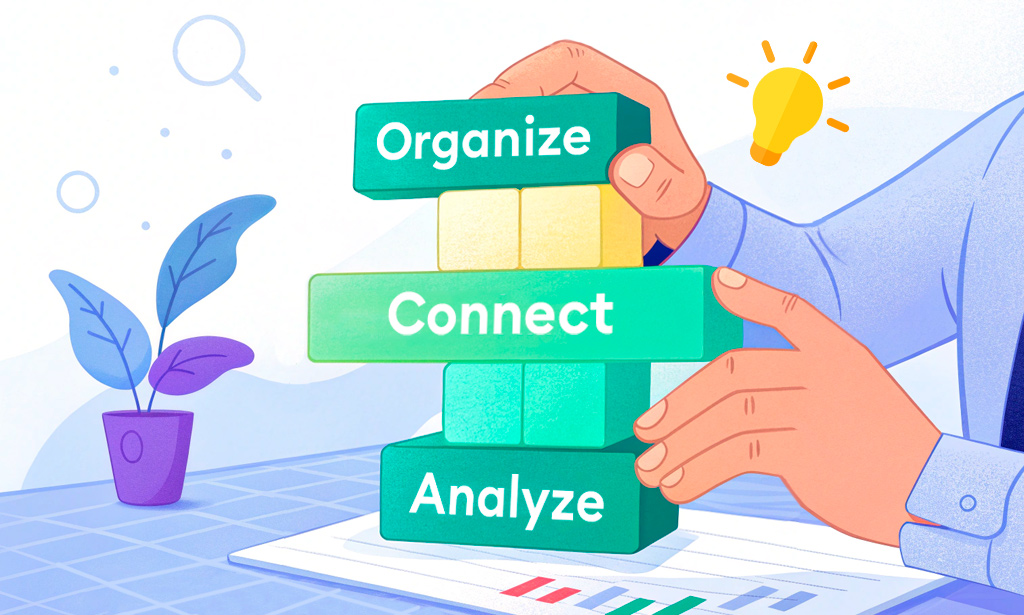
We’ve already used the humble light bulb to show how everything connects in Planfix. Now it’s time to go a little deeper and look at how the setup actually works. This…

If you're just getting started with Planfix, terms like "data tags," "objects," and "directories" might sound better suited to accountants, system administrators, or…
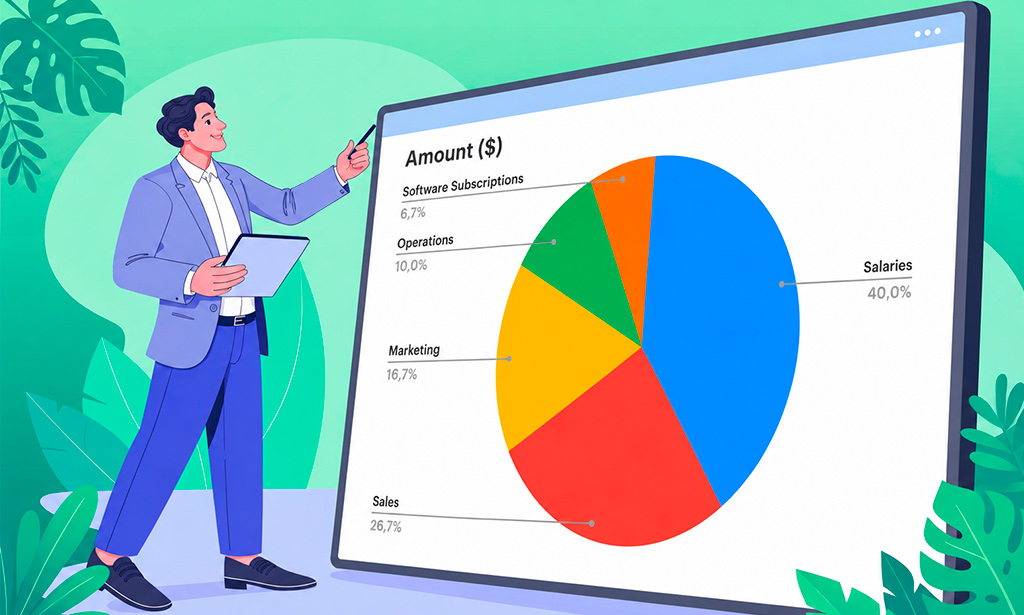
Excel makes it easy to store business data, but a spreadsheet full of numbers is not always easy to present. When you're preparing a report, you often need a way to show…

Project milestones are checkpoints that show whether or not a project is progressing on schedule. To prevent missed deadlines, teams should define milestones before work…

A CRM strategy defines exactly who owns each lead, how fast the team responds, when follow-ups happen, and how results are measured. It is not the software — it is the…

June may be over, but our efforts to improve Planfix are just getting into full swing. Check out our latest updates and improvements to optimize your workflow even more…

Track client payments in Planfix: log receipts in tasks with data tags and build a report that groups them by project and shows the outstanding balance.

Imagine a client contacts support, only to wait for 20 minutes with no reply. Before long, they start duplicating requests, trying other channels, and naturally getting…

March may be over, but our efforts to improve Planfix are just getting into full swing. Check out our latest updates and improvements to optimize your workflow even…

SLA tracking in task management means turning service promises into measurable targets and then monitoring every task against those targets. Instead of saying “as soon…

Picture the scene: Your sales department is buzzing like a coffee-fueled beehive. Managers are chatting with clients, phones are ringing off the hook, and deals are…
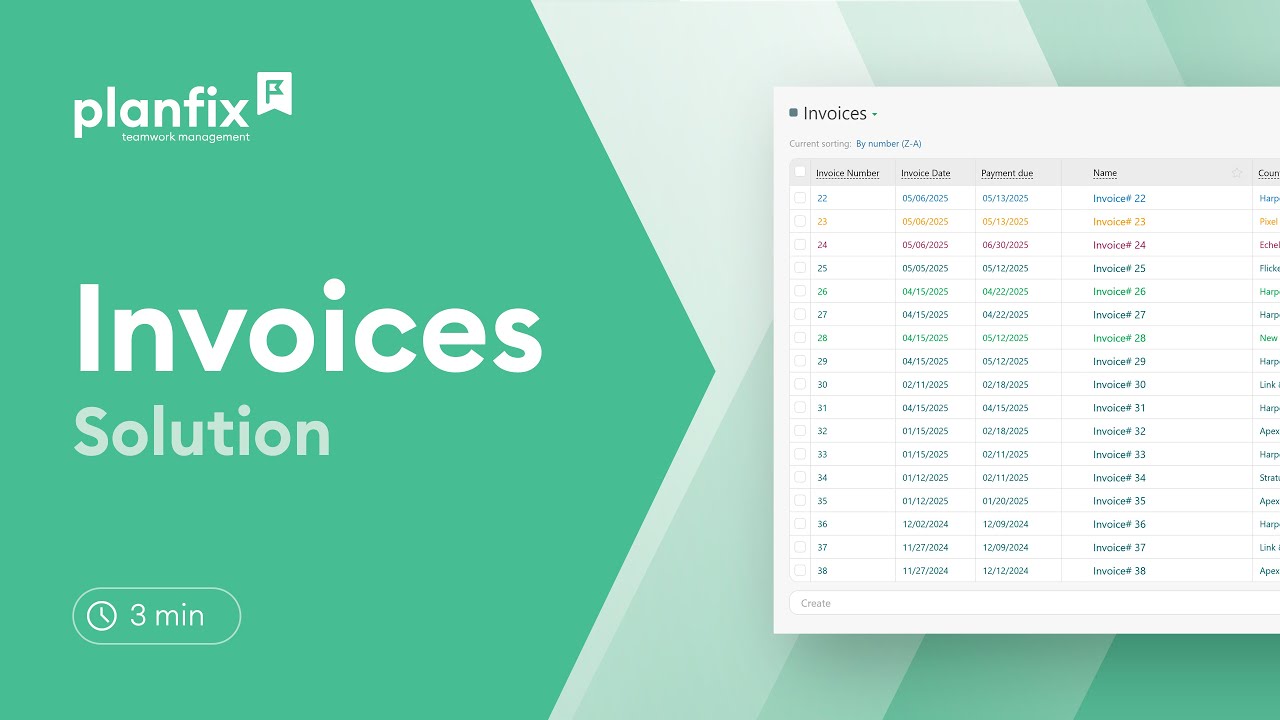
Track invoices from issue to payment in Planfix with a ready-made solution: invoice statuses, an invoice Kanban board, templates and billing reports.

Imagine for a minute that your team is running like clockwork. Tasks are not only completed on time, but no one has to chase after one another like they’re playing some…

Team efficiency is one of those things that can quietly make or break a business. This has left many business leaders wondering how to measure the productivity in a way…

Learn how to make a payment calendar in Planfix: a payments object with statuses and a report that sums payments by date, so you see what’s due each week.

Let's be real—workflow automation is like having a super-efficient robot teammate. In plain English, it’s about letting technology take over the boring, repetitive tasks…

Ever get the feeling that you’re wasting most of your working day on tedious, repetitive tasks – filling out the same forms or sending duplicate emails in a loop? You’re…

Manual data collection and processing are often time-consuming and require meticulous attention to detail. Planfix reports help automate these processes and provide easy…

A handy tag shows the number of files you've added, plus there's an option to delete them all in one go: There is now a smaller, more attractive notice window instead of…
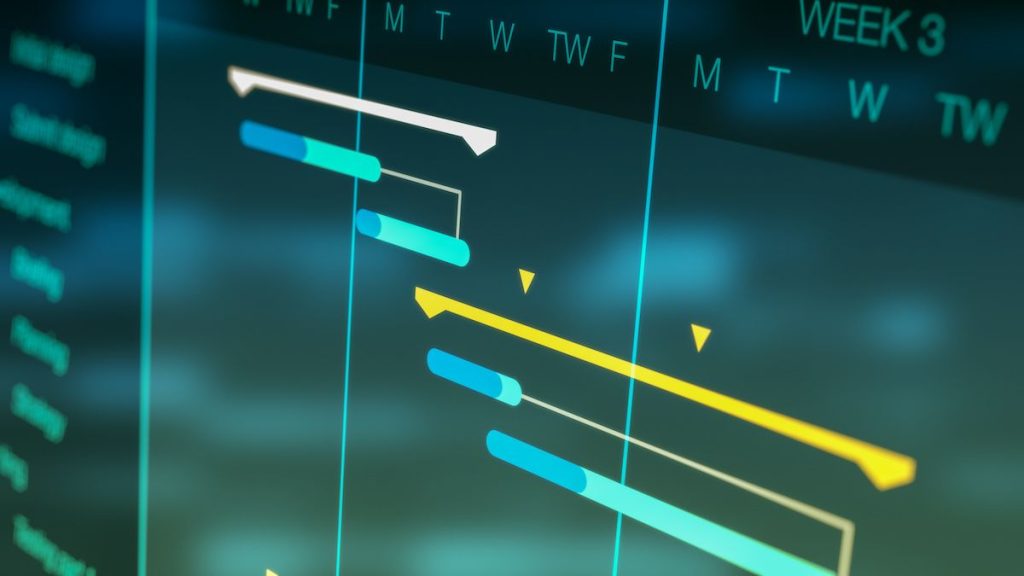
Gantt charts are useful within Planfix because they store all the system's links between tasks. This means that when tasks are moved or their deadlines are changed on a…

We've refreshed the editor icons and improved their display on various devices. We continue to actively work on the appearance of Planfix, with more changes on the way…

Today, we're pleased to introduce a long-awaited update: the automatic creation of custom reports on a schedule, which can be emailed to the desired recipients. If…
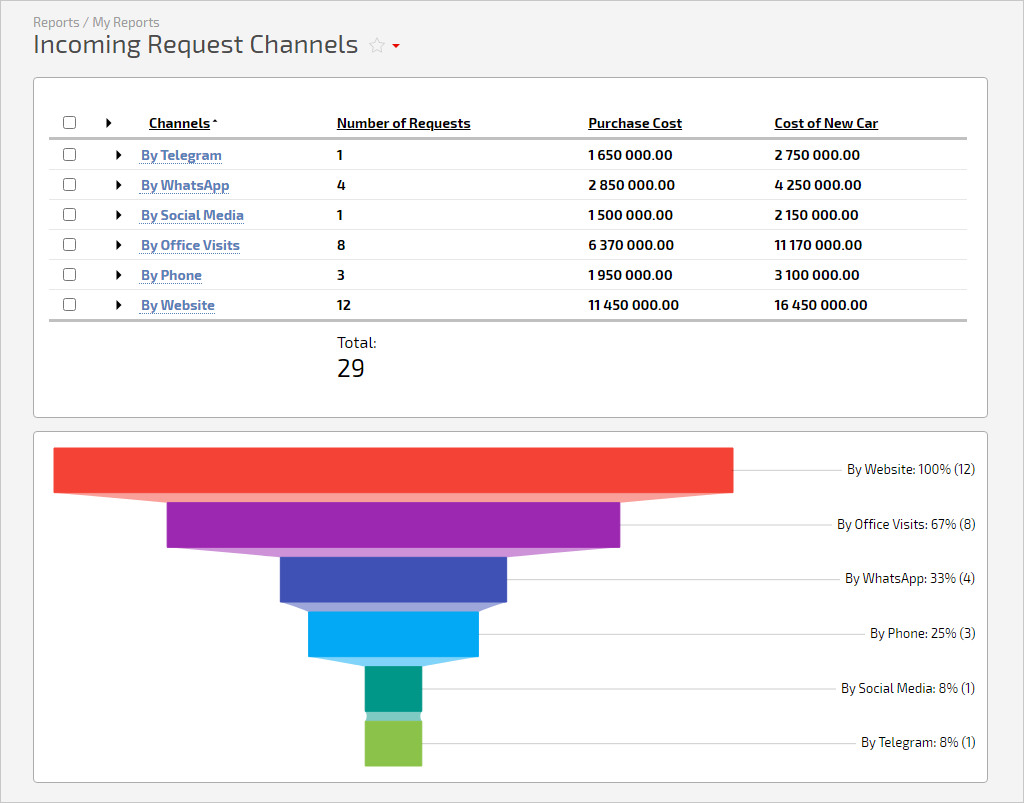
Charts make any Planfix report more transparent, so we've improved the "Funnel" chart. Now you can't only group values by a single column of the report but also sort…
Planfix reports turn task fields, data tags, comments, contacts, projects and directories into tables and charts. Standard reports are ready to use, and the report wizard builds anything else in five steps. These articles cover grouping, totals, formula columns, scheduled report emails and Planner widgets for the numbers you check every day.
