
How to Optimize Contact Management in Planfix
2-minute video + steps: optimize contact management in Planfix with access levels, message history in one task, call reports and virtual PBX integration.
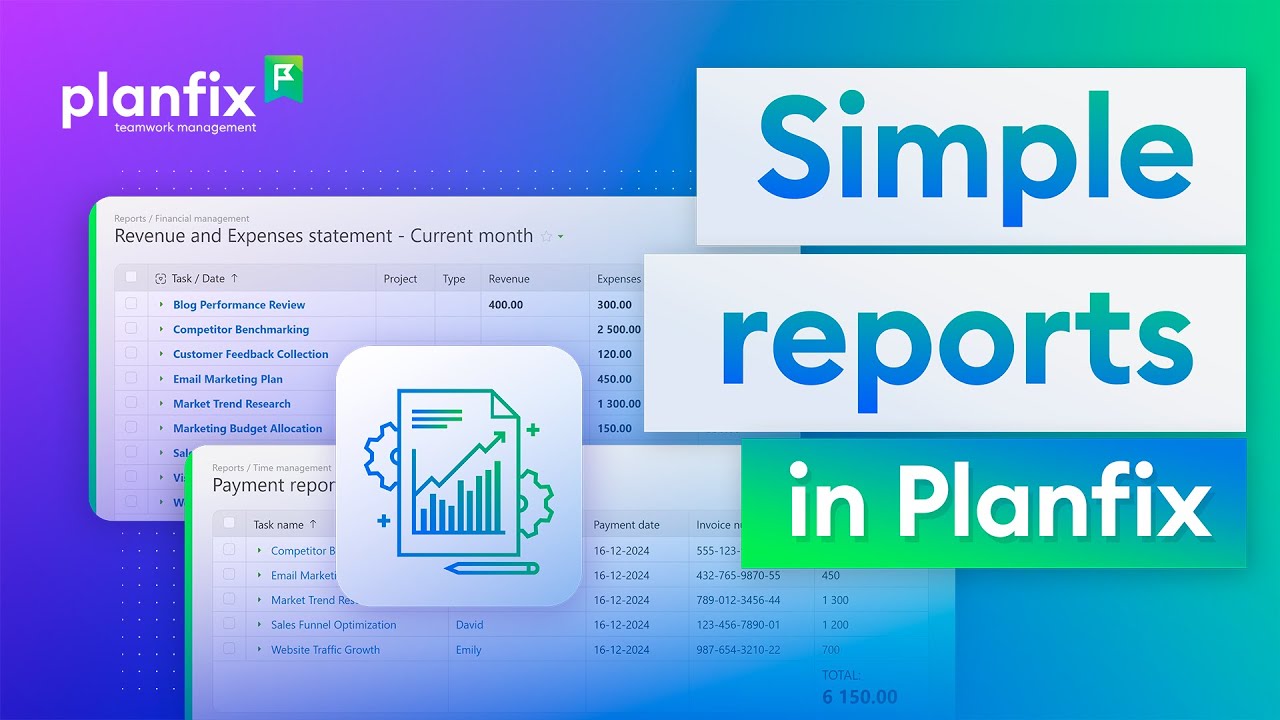
How to Set Up Income and Expense Accounting in Planfix
3-minute video + steps: set up income and expense accounting in Planfix — install the solution, fill the directories and read the payment report.

How to Calculate Project Work Hours in Planfix
2-minute video + steps: calculate project work hours in Planfix, set hourly rates in directories, log time with data tags and read labor cost in reports.

How to Export Data from Planfix to Google Sheets
1.5-minute video + steps: export data from Planfix to Google Sheets — reports, task lists and contacts — and choose which columns reach the spreadsheet.

How to Catch Deadline Slippage Before a Task Is Late
3.5-minute video and steps to catch deadline slippage in Planfix: a forecast date field, scripts that flag delays, and a weekly email report for managers.

How to Make Reports More Informative in Planfix
3-minute video + steps: make reports more informative in Planfix — pick the object, group the rows, calculate columns with formulas and export the result.

How to Organize Reports in Planfix and Find Them Faster
90-second video + steps: organize reports in Planfix — name them clearly, group them, run them inside a task or project and get them by email on a schedule.

How to Work Faster in the Planfix Task Card
90-second video + steps: work faster in the Planfix task card. Add subtasks, open task reports, check the log of changes and run the built-in timer.

Planfix Reports Modernization: New Interface and Variables
Manual data collection and processing are often time-consuming and require meticulous attention to detail. Planfix reports help automate these processes and provide easy…

What’s New in Planfix: December 2023 and January 2024
A handy tag shows the number of files you've added, plus there's an option to delete them all in one go: There is now a smaller, more attractive notice window instead of…

Gantt Charts from Planfix in Excel
Gantt charts are useful within Planfix because they store all the system's links between tasks. This means that when tasks are moved or their deadlines are changed on a…

What’s New in Planfix: October
We've refreshed the editor icons and improved their display on various devices. We continue to actively work on the appearance of Planfix, with more changes on the way…

Scheduled Reports: Efficiently Manage Task Completion
Today, we're pleased to introduce a long-awaited update: the automatic creation of custom reports on a schedule, which can be emailed to the desired recipients. If…

How to Add Charts to a Planfix Report and Group Data
3-minute video + steps: add charts to a Planfix report, pick the chart type and data, and change the grouping to see numbers by project or employee.
What’s New in Planfix: June
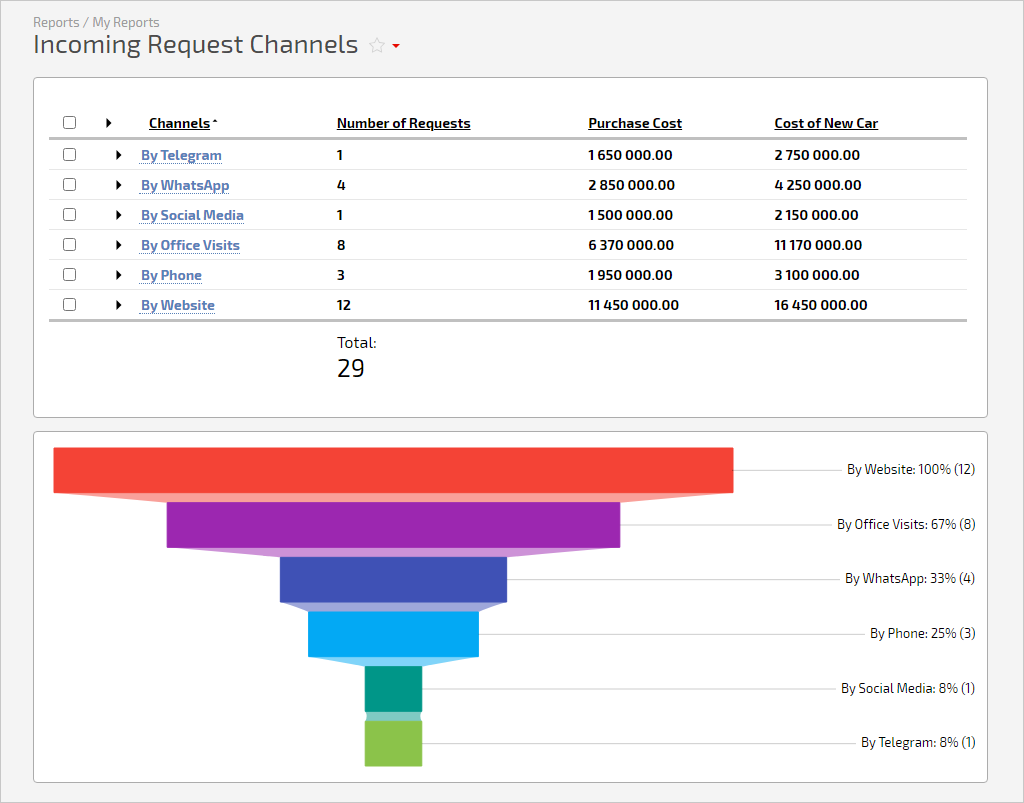
Charts make any Planfix report more transparent, so we've improved the "Funnel" chart. Now you can't only group values by a single column of the report but also sort…

What’s New in Planfix: December
We've taught Planfix to pull in the name of a task when a link to it is added. Now you won't have to go to the task to view its name, and what's more, the color the name…

Planfix Calendars: The Time-off Graphic
We get asked often how to set up a work calendar in Planfix that shows employees' vacation days, sick days, and other time off. Today's case will be useful both for…