Set up CRM workflow automation in Planfix: scripts email customers, update deal stages and alert managers; buttons replace manual chains. Watch the video.

Project templates are specific Planfix objects that simplify and accelerate the workflow within any company. The new feature will be a great advantage for anyone working…

Custom objects in CRM let you model leads, deals or requests. See how Planfix objects use custom fields, statuses, transition rules and permissions.
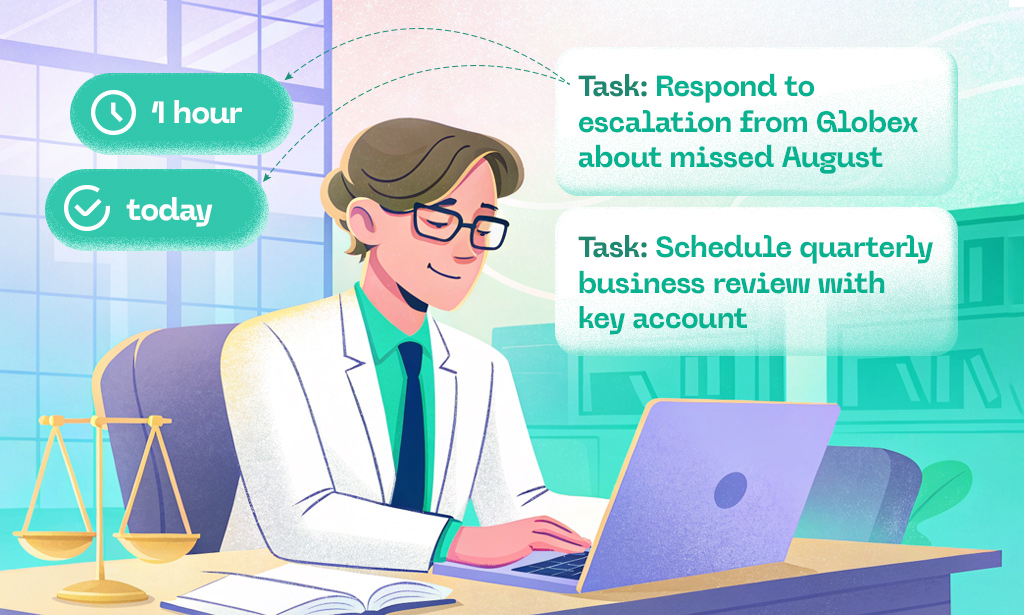
Imagine a client contacts support, only to wait for 20 minutes with no reply. Before long, they start duplicating requests, trying other channels, and naturally getting…

November’s Planfix update is here, and we're excited to show you new features that will make your life easier and increase productivity.Keep reading for more - there's…

We’ve been on a mission to make Planfix AI smarter, and trust me, this new feature might become your favorite coworker. Meet “AI: Classify request”. Now your leads…

Think about how you usually assign tasks. It’s likely that at least some of them come out vague or unclear. It’s OK, it happens to all of us! However, this lack of…

Throughout June, the Planfix team was fine-tuning the system. We're excited to announce a host of fixes designed to increase efficiency and improve user experience. Stay…

If you want to run a successful business, segmenting your customer base is one of the most powerful tools at your disposal. I mean, wouldn’t it be great if you could…

Ever get the feeling that you’re wasting most of your working day on tedious, repetitive tasks – filling out the same forms or sending duplicate emails in a loop? You’re…

Throughout September and October, the Planfix team was fine-tuning the system. We're excited to announce a host of fixes designed to increase efficiency and improve user…

Recently, we promised to explain how to set up report mailing with a traffic light system. This system allows tracking of whether team members are completing their tasks…

April may be over, but our efforts to improve Planfix are just getting into full swing. Check out our latest updates and improvements to optimize your workflow even…

Goodbye to the task case! And farewell to the task discussion, the task event, and the entire concept of a task-something. From now on, these will simply be known as…

One of the main goals of Planfix is to streamline routine tasks and operations. If something can be automated and simplified, it should be. This applies to planning…

A handy tag shows the number of files you've added, plus there's an option to delete them all in one go: There is now a smaller, more attractive notice window instead of…

The easiest way to show your customers or counterparties that you care is to send them a message notifying them of important updates. This can be as simple as…

How much time do you spend planning your meetings? 2 minutes? 10 minutes? And what if you have 10-15 meetings to plan? How much time would you spend on that? Often, this…

Some features of Planfix have been improved based on requests and feedback from our users to the Support Service. This was the case with enhancing the email tracking…
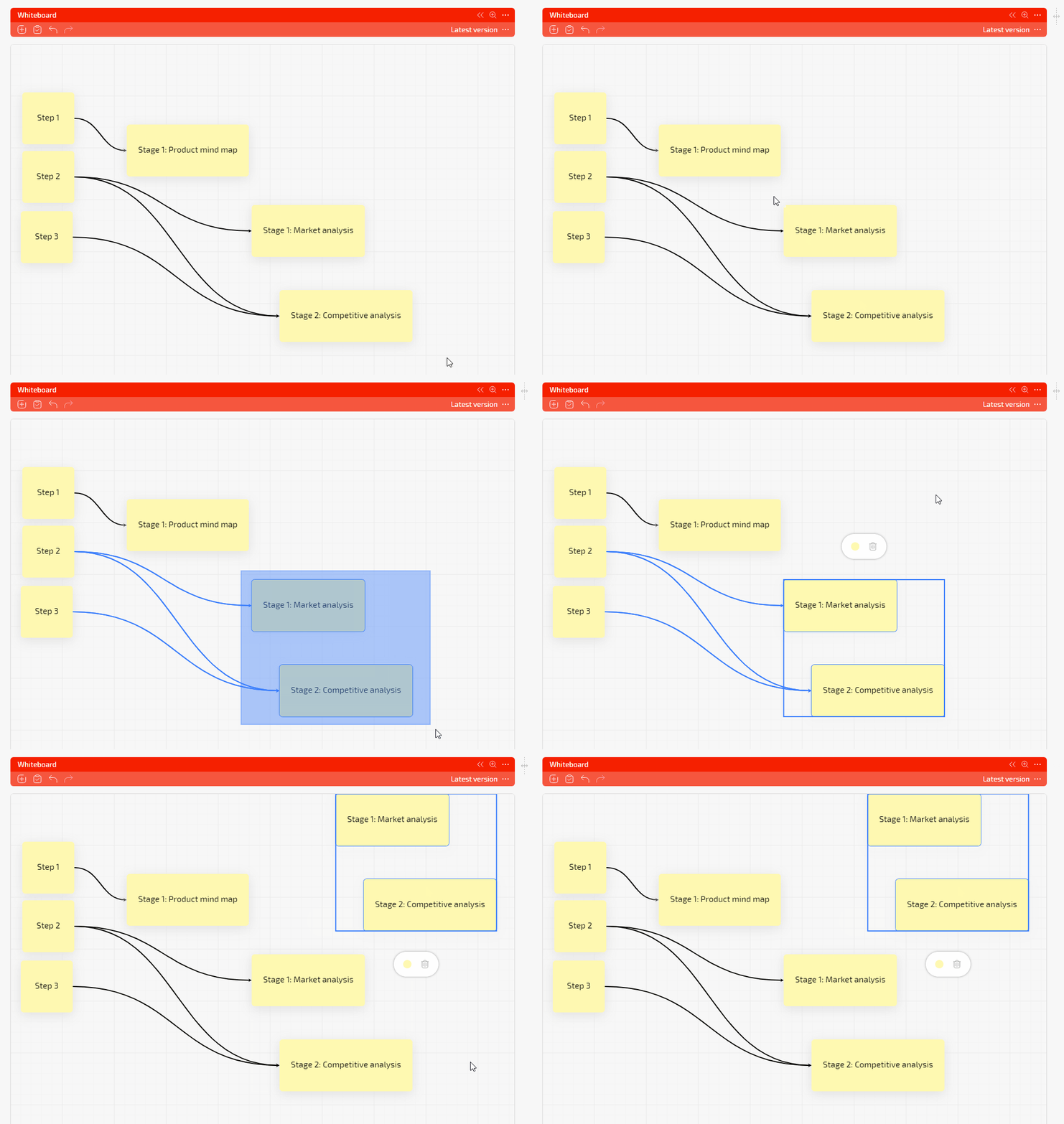
We continue to work on refining the link diagram. This time we have extended the list of commands: we have added key shortcuts for copying and pasting. CTRL + C = copy…

We have fantastic news for Planfix REST API users! We've enhanced your ability to work with employees by incorporating advanced filtering options. Now, you can obtain…

"Yes, of course. We do that!" This was our answer to a user's request. And that request was as follows: "Please make a note or video tutorial about dynamic customer…
A Planfix script runs on its own: you pick an event, add conditions and choose actions such as sending an email, changing field values or creating a project from a template. Buttons run the same kind of actions by hand. These articles show how scripts are set up and tested for tasks, objects and contacts.