You already understand the importance of refined communication channels in business. To make timely and informed decisions, you must stay up-to-date and connected with your colleagues and customers. Forwarding notifications from…

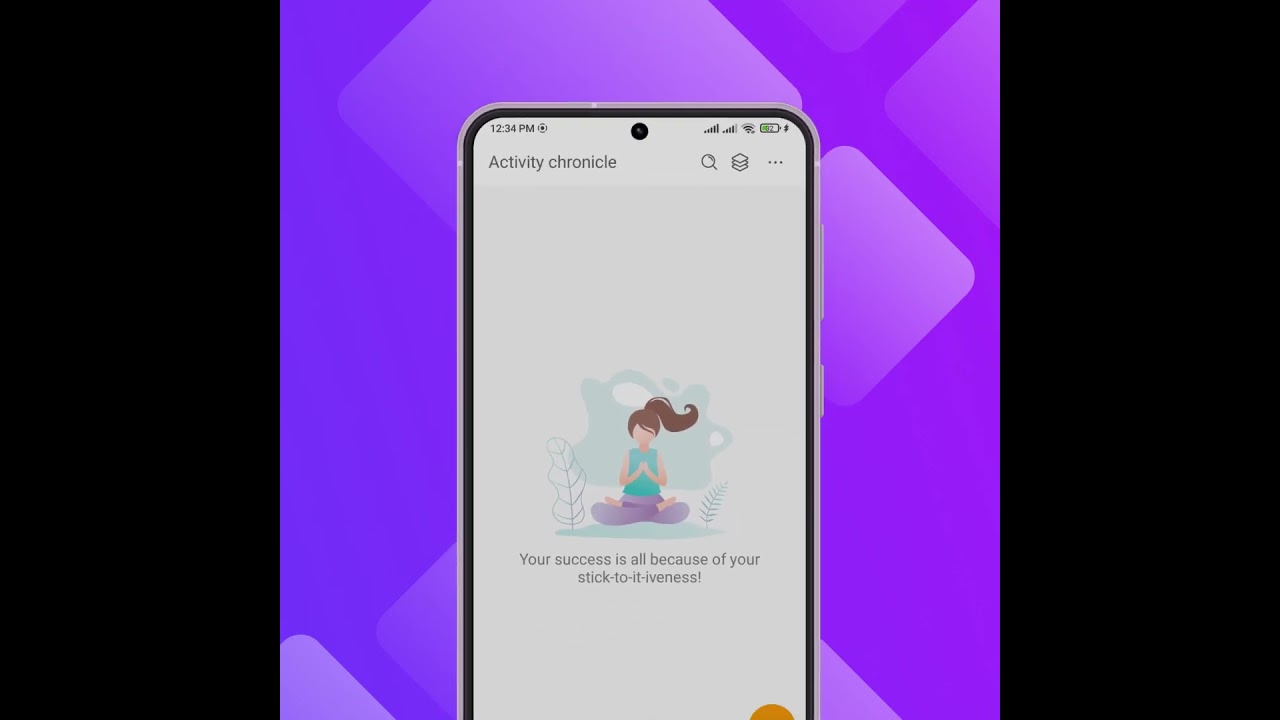
Work notification management with Chronicle in Planfix: one feed instead of notification overload. Read, postpone or answer each event and keep it at zero.

How to mention team members in task comments in Planfix: notify a whole department, leave personal notes, and hide comments to cut notification noise.

Task-based communication keeps decisions out of chat threads. See how Planfix lets you ask colleagues, add assignees and follow replies in the Chronicle.

Learn how to contact Planfix support from your account: send a request in the Help Center, get the reply in Chronicle and reach your integrator.

Keep track of important tasks in Planfix: add them to Favorites, mark them urgent, set reminders, save a priority filter and tag them. Video guide.

The Planfix mobile app update 0.69 adds a Kanban board to Tasks, search for favorite comments, form hints, status icons and new-task alerts in Chronicle.

SLA tracking in task management means turning service promises into measurable targets and then monitoring every task against those targets. Instead of saying “as soon…

Use the Planfix Chronicle as a task notification inbox: work through unread, new, completed, review and overdue task events until nothing is left.

Staying ahead of the competition has never been more important, or more difficult. And if you really want your company to be more productive, you should start by…

Planfix mobile app 0.64 adds custom notifications for tasks, task creation in the hourly calendar and redesigned forms for data tags and recurrence.

Throughout March, the Planfix team was fine-tuning the system. We're excited to announce a host of fixes designed to increase efficiency and improve user experience…

We are actively working on Planfix. There are occasions when it is more convenient to receive various notifications via email or, even better, immediately on Telegram…

We've taught Planfix to pull in the name of a task when a link to it is added. Now you won't have to go to the task to view its name, and what's more, the color the name…
Planfix sends task and project notifications to the Chronicle, email, Telegram, browser pop-ups and the mobile app, and each user picks the events and channels. In the Chronicle you read, reply to or postpone each event. These articles cover Telegram notifications, notification templates, Chronicle lists in the planner and ways to cut notification noise.