Link Gmail with Planfix Planfix CRM and Project Management System

Link Gmail with Planfix

Combine Planfix functionality with Gmail. Use one of the most popular email services to make employee and customer communication more efficient.

Start now No credit card needed • Unlimited time on Free plan
what the gmail integration can do work in a single window process automation virtual email addresses customer communication use ai with gmail

How Gmail Works with Planfix

How Gmail Works with Planfix — Link Gmail with Planfix

A customer sends you an email

How Gmail Works with Planfix — Link Gmail with Planfix

Planfix automatically creates a contact and a task with the conversation

How Gmail Works with Planfix — Link Gmail with Planfix

Your team continues the conversation and manages the request in Planfix

What the Gmail Integration Can Do — Link Gmail with Planfix

What the Gmail Integration Can Do

Connect Gmail with Planfix to receive emails, automatically create tasks from incoming messages, link correspondence to existing tasks, and reply from Planfix using configured email accounts or virtual email addresses. The following data is transferred:

Email subject;
Email body;
Attachments;
Sender and recipient information;
Date and time of the message.
Work in a Single Window — Link Gmail with Planfix

Work in a Single Window

Integrate your personal and business emails with Planfix. Utilize two powerful tools to conveniently manage, receive, and send emails in a single window.

Process Automation — Link Gmail with Planfix

Process Automation

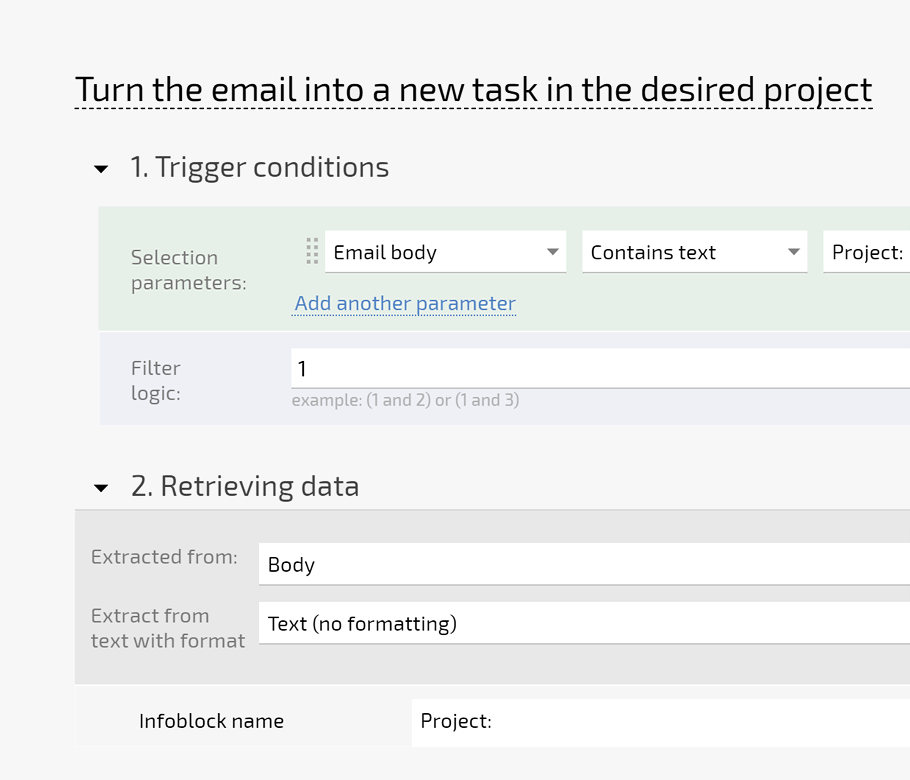
After integration, every new email becomes a task in Planfix. Configure email processing rules to automate the process in the CRM with Gmail integration.

Virtual Email Addresses — Link Gmail with Planfix

Virtual Email Addresses

Use virtual email addresses to send, receive, and manage emails in Planfix from different email addresses.

Customer Communication — Link Gmail with Planfix

Customer Communication

You can communicate with your customers directly in Planfix, and they will ensure you communicate with them via email. Every new email from a customer is added to an existing task for their management.

Use AI with Gmail — Link Gmail with Planfix

Use AI with Gmail

Combine the Gmail integration with AI to make email processing faster and more efficient. For example, AI can:

summarize long email conversations before you open a task;
generate draft replies for customer inquiries;
extract key details from incoming emails, such as names, dates, or requests;
identify action items that should become tasks or subtasks;
translate emails when communicating with international customers.
Other Google solutions for your teams

FAQ

Use all of Planfix's features for 14 days, completely free of charge

Start now