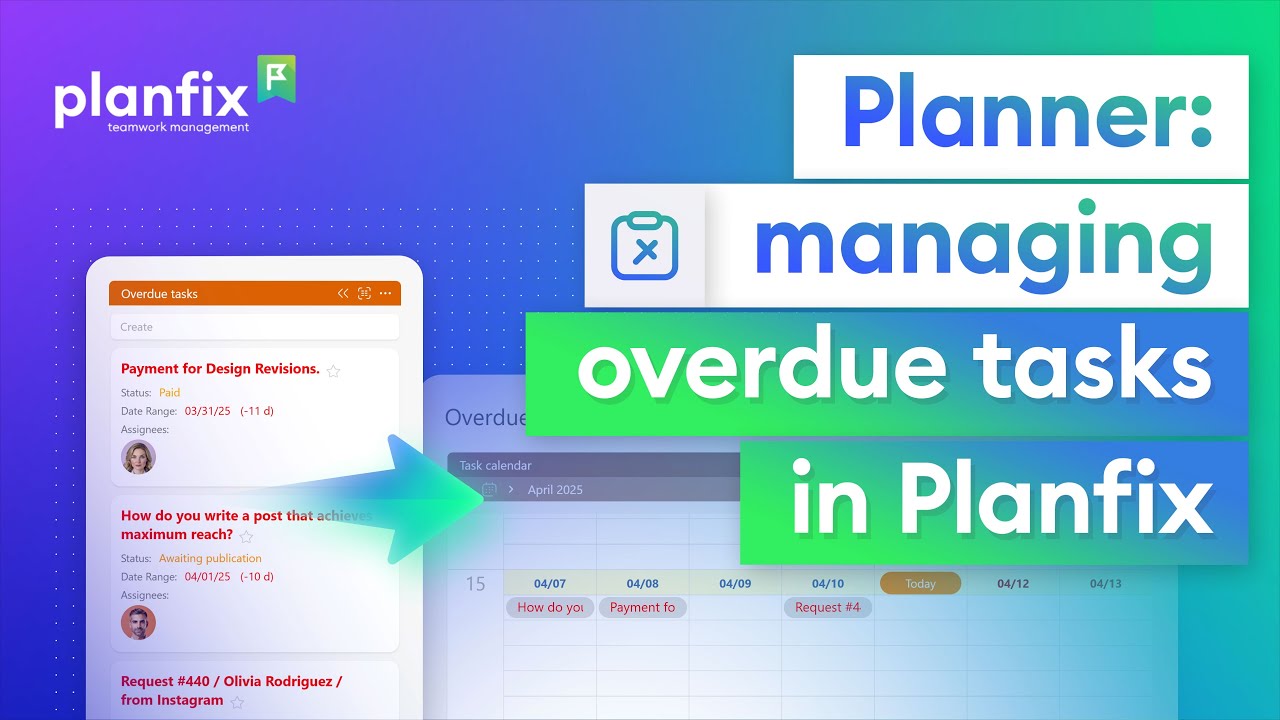
How to Track Overdue Tasks in a Planfix Planner
Learn how to track overdue tasks in a Planfix planner: collect them in one list automatically, ask assignees why and set new deadlines on a calendar.

Planfix Chronicle: Clear Your Task Notification Inbox
Use the Planfix Chronicle as a task notification inbox: work through unread, new, completed, review and overdue task events until nothing is left.

How to Make a Payment Calendar in Planfix, Step by Step
Learn how to make a payment calendar in Planfix: a payments object with statuses and a report that sums payments by date, so you see what’s due each week.

How to Collect Confirmations from Every Employee in Planfix
1.5-minute video + steps: collect confirmations from employees in Planfix with a checklist item for each assignee, without chasing anyone by email.
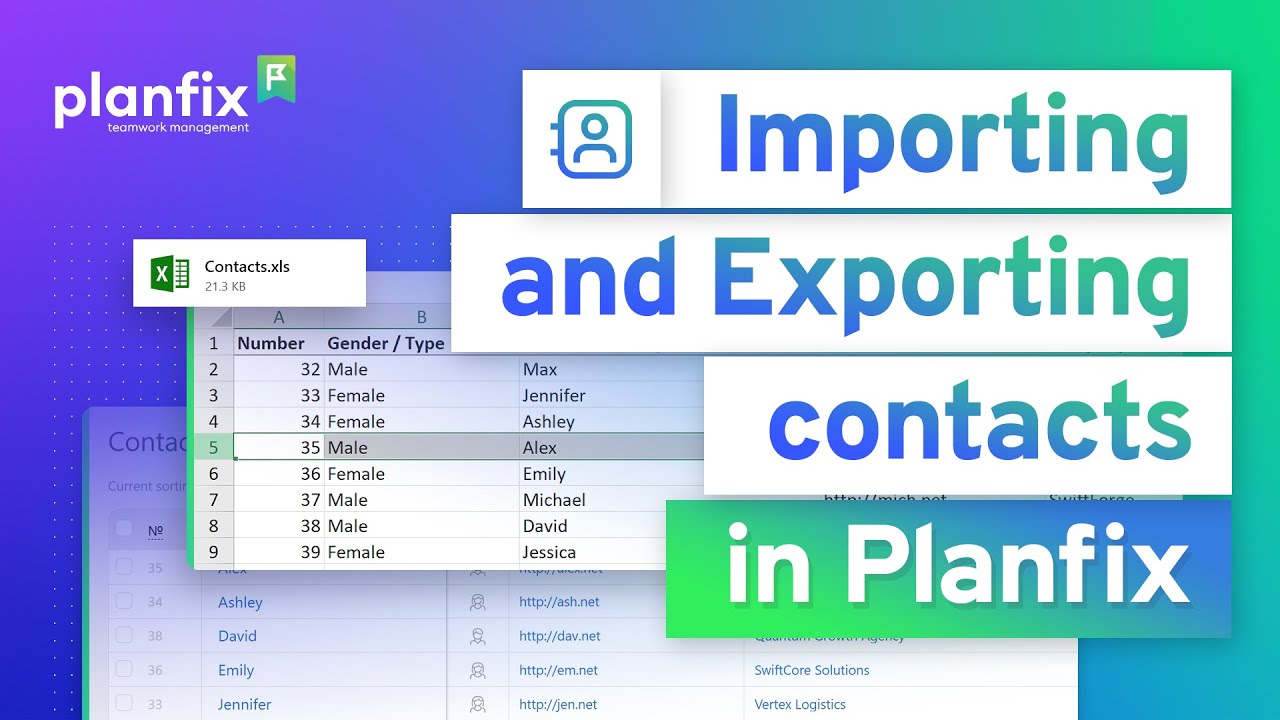
How to Import and Export Contacts in Planfix
Short video + steps: import and export contacts in Planfix, map CSV columns to contact fields, handle duplicates and export your client base to Excel.

Recycle Bin in Planfix: How to Restore Deleted Tasks
1-minute video and steps: open the recycle bin in Planfix, restore a deleted task with all its comments, and see what only an admin can delete.

Planfix Mobile App 0.64: Notifications and Hourly Calendar
Planfix mobile app 0.64 adds custom notifications for tasks, task creation in the hourly calendar and redesigned forms for data tags and recurrence.
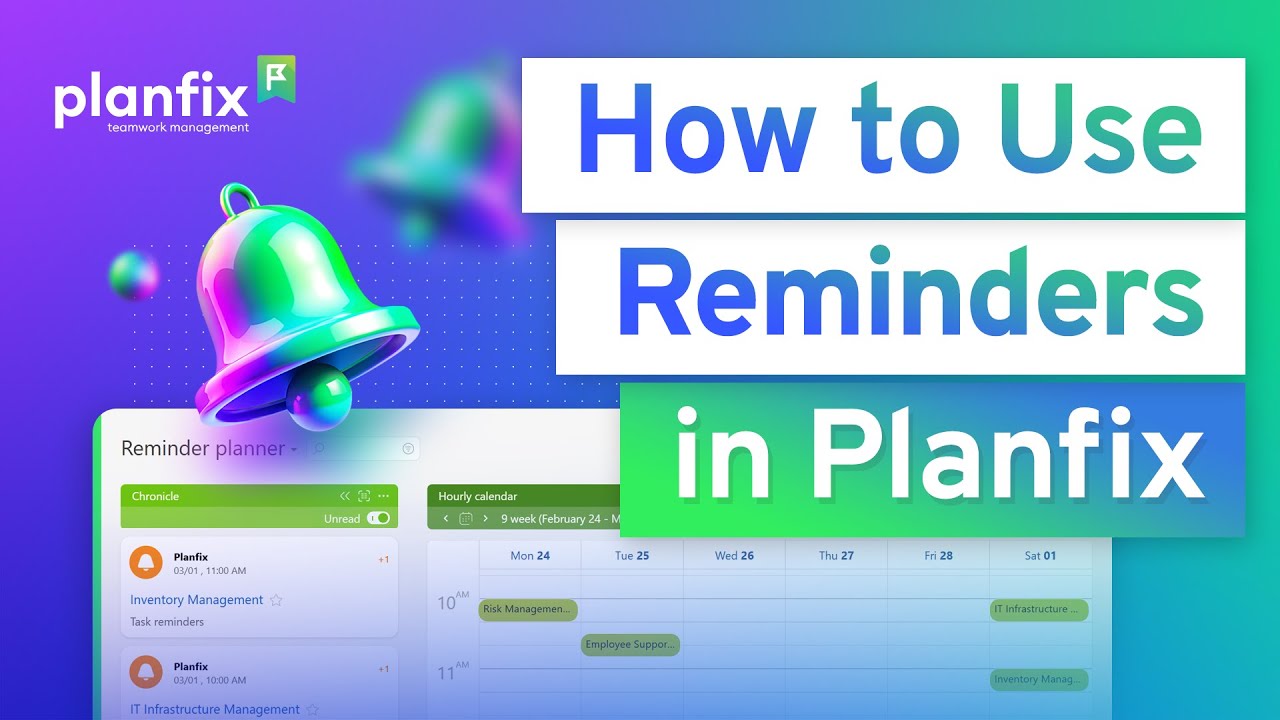
How to Set Up Task Reminders in Planfix
2-minute video and steps: set task reminders in Planfix, add recurring reminders and build a reminder planner from the Chronicle and a calendar.

How to Filter Contacts by Company Fields in Planfix
1-minute video + steps: filter contacts by company fields in Planfix, add company data as filter columns and keep contact and company cards in sync.

How to Stop Forgetting Tasks at Work with Reminders
Stop forgetting tasks at work: a 1-minute video plus steps to turn chat requests into tasks in Planfix and set reminders that reach the right people.

How to Show Task Counts and Totals in a Planfix Planner
2-minute video and steps: show task counts and totals in a Planfix planner list, sum a field for paid deals and cap how many cards a list accepts.

Linked Fields: Two-Way Links Between Task and Contact Fields
Need two-way linked fields? In Planfix, linked fields pair task or contact fields: fill in one, and the other updates automatically. Watch the setup.