
Expanded Planner List View: Bulk-Edit Tasks in a Table
Open a planner list as a table with the expanded planner list view in Planfix: choose columns, use quick filters and bulk-edit tasks in one go.

How to Separate Work and Personal Tasks in One Place
Separate work and personal tasks in one Planfix account with a Category field, project groups, saved filters and planner lists. Watch the 3-minute guide.

Collect Documents from Clients: Email and Client Dashboard
How to collect documents from clients in Planfix: a recurring task emails the request, and files from email or the client dashboard land in one task.

Recruitment Pipeline: Track Candidates on One Board
Build a recruitment pipeline in Planfix: gather candidates on one Planner board, track hiring statuses, store resumes and turn applicants into employees.

Task Card in Planfix: Status, Dates, Checklist, Comments
A short tour of the task card in Planfix: change the status and due date, edit fields, tick off the checklist and search comments by word or phrase.

How to Store Team Passwords in Planfix with Access Control
Store team passwords in Planfix directories and choose who can view, edit or delete each entry. A two-minute video on access settings and new directories.

How to Add a Task to Planner in Planfix: 3 Steps
Learn how to add a task to Planner in Planfix in three steps and use it for sudden requests, today’s top task and prep work for a customer call.

Planfix App 0.68: Voice-to-Text and Subtasks on Mobile
53-second video + steps: turn on voice-to-text in the Planfix mobile app 0.68, open the Subtasks section in a task card and accept tasks on the go.

Help Desk Workflow in Planfix: From Email Intake to Kanban
Set up a help desk workflow in Planfix: turn support emails into tasks, assign them automatically, move them across a Kanban board and track time spent.
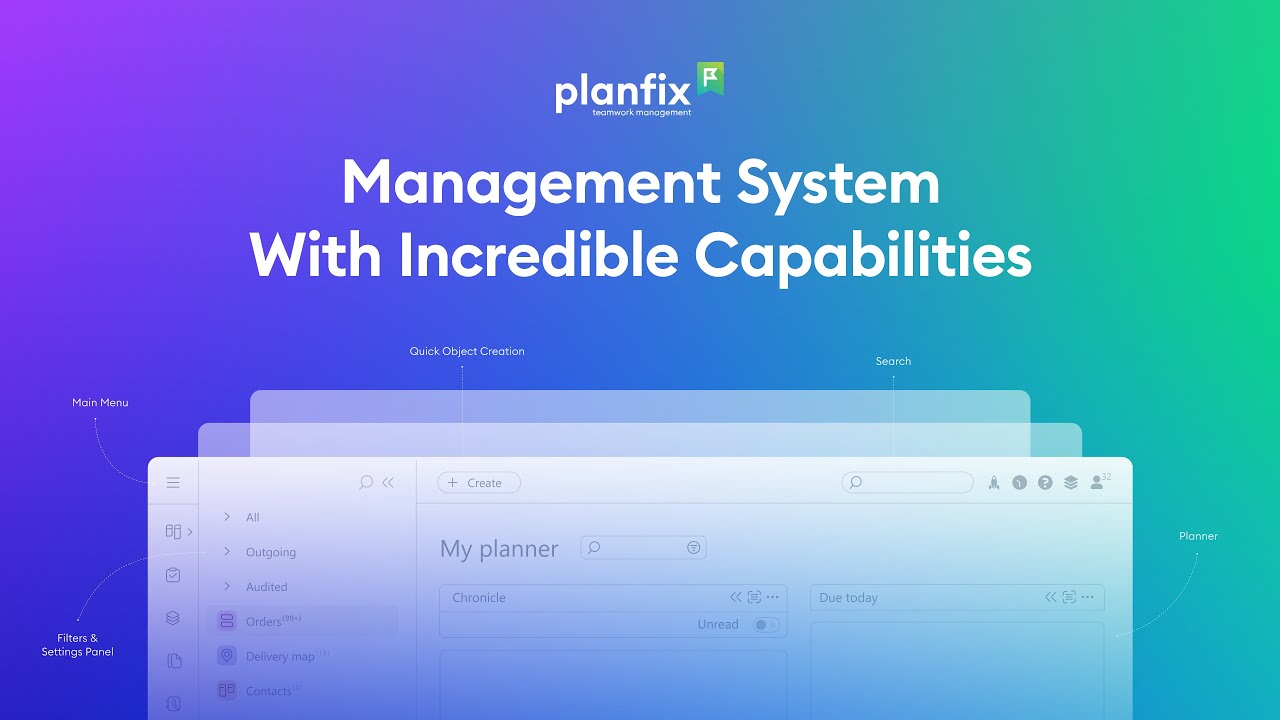
Work Management System Overview: What Planfix Can Do
Watch a 3-minute Planfix overview: how a work management system brings tasks, projects, deals, client chats, documents and dashboards together.
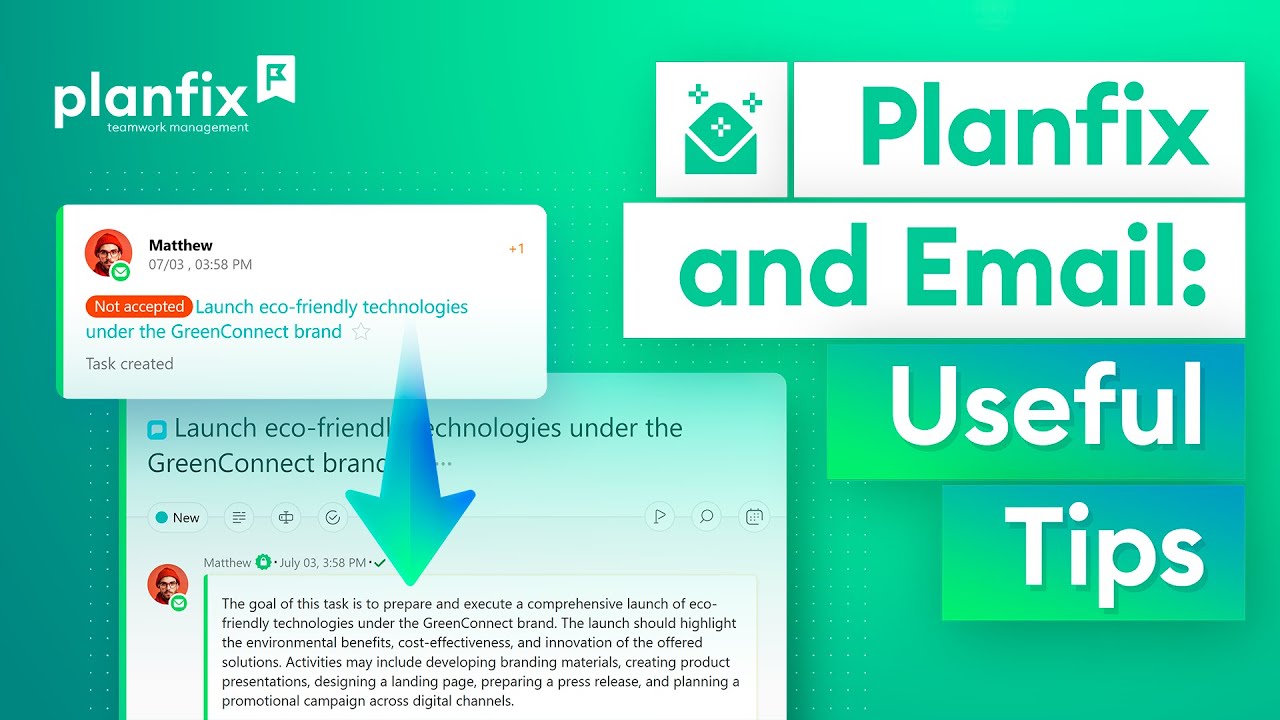
Email Task Management: Send and Receive Emails in Planfix
Email task management in Planfix: emails to project and employee addresses become tasks, virtual addresses collect client mail, external ones send replies.
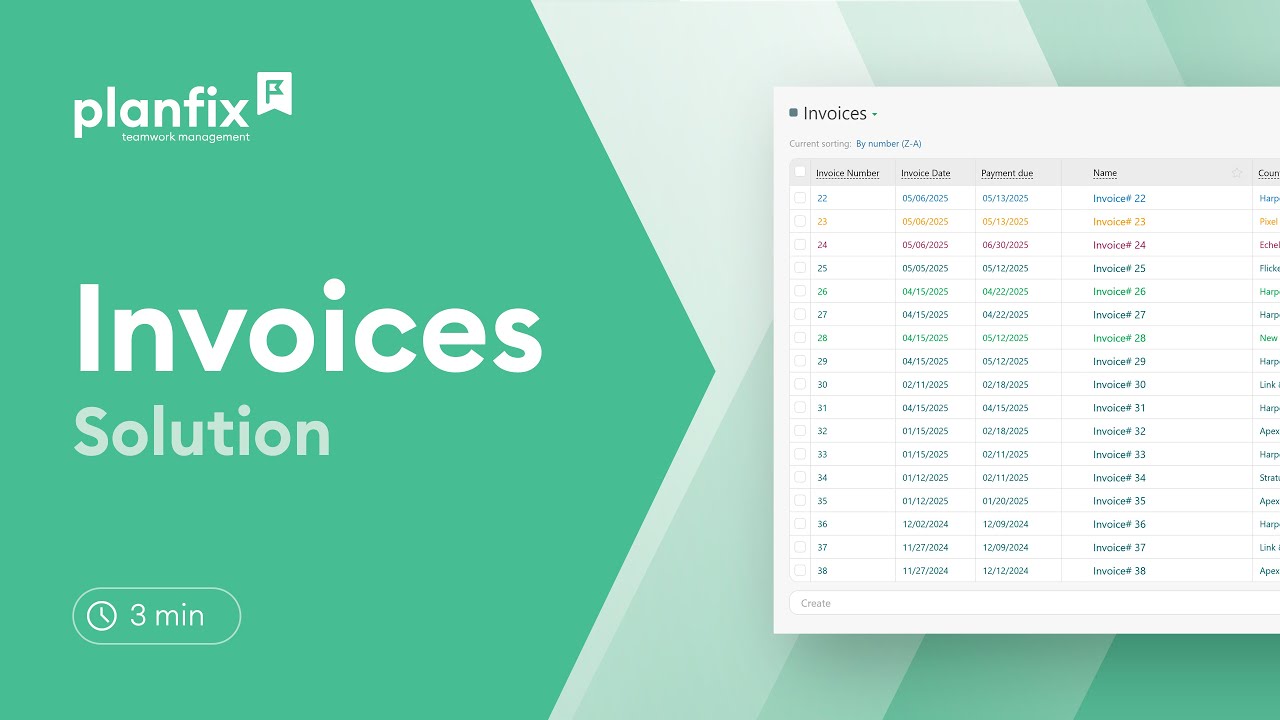
How to Track Invoices from Issue to Payment in Planfix
Track invoices from issue to payment in Planfix with a ready-made solution: invoice statuses, an invoice Kanban board, templates and billing reports.