
Team Task Management: How a Task Works in Planfix
Team task management in Planfix: assign roles, split work into checklists and subtasks, keep files and chat in the task, and notify only the right people.

How to Assign Tasks to Employees: Beginner’s Video Guide
Learn how to assign tasks to employees in Planfix: add a colleague, choose one or several assignees and control who sees each task. Watch the short video.

Task Tags and Labels in Planfix: Filter Tasks Faster
Task tags and labels in Planfix: a 1.5-minute video and the steps to mark tasks with Favorites, add a label field and filter by it in the Planner.

Track Client Payments by Project in One Report
Track client payments in Planfix: log receipts in tasks with data tags and build a report that groups them by project and shows the outstanding balance.

Visual Task Management: Make Tasks Clear at a Glance
Visual task management in Planfix: color-coded statuses, status hints, a clear task card, Favorites and Kanban cards that show priorities at a glance.

How to Contact Planfix Support and Your Integrator
Learn how to contact Planfix support from your account: send a request in the Help Center, get the reply in Chronicle and reach your integrator.
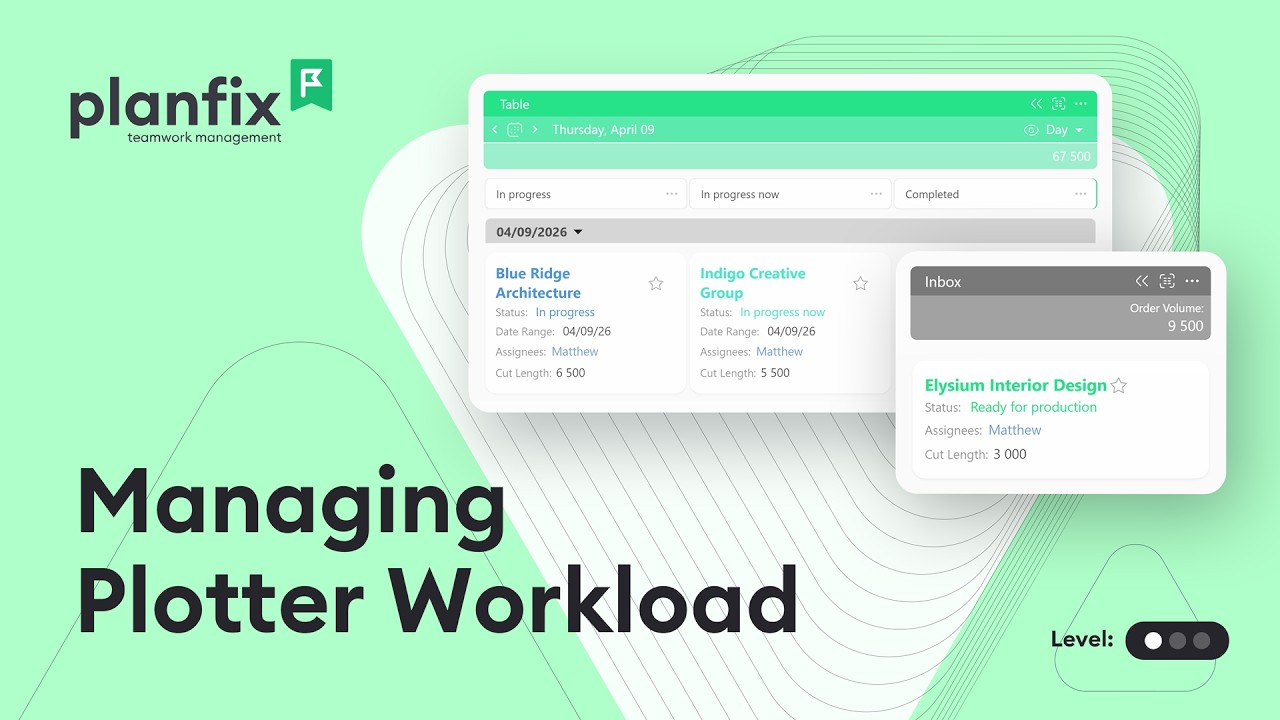
Print Shop Order Management: Track Plotter Workload
Print shop order management in Planfix: queue plotter orders, track their statuses and see the day’s plotter workload before it becomes a bottleneck.
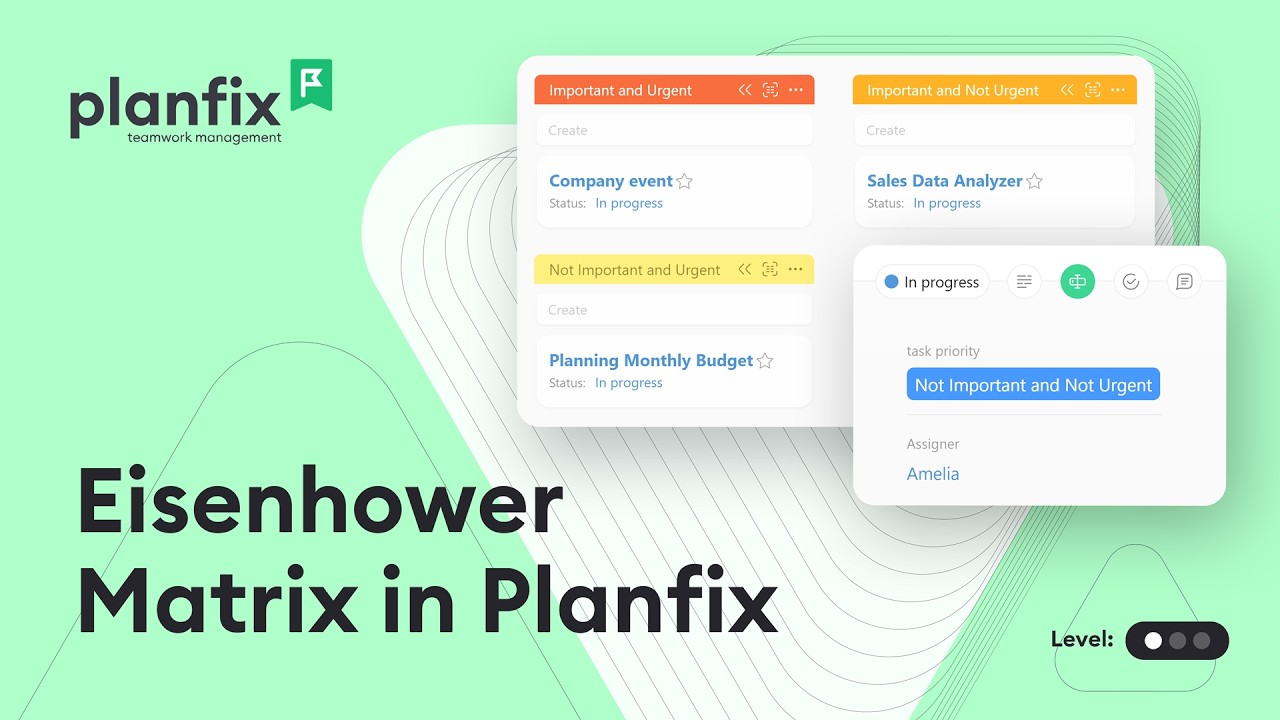
Eisenhower Matrix Board: Prioritize Tasks in a Planner
Build an Eisenhower Matrix board in a Planfix planner: add a priority field, create quadrant lists and drag tasks to rank them by urgency and importance.

Planfix Mobile App Update: Kanban Board on iOS and Android
The Planfix mobile app update 0.69 adds a Kanban board to Tasks, search for favorite comments, form hints, status icons and new-task alerts in Chronicle.

Facebook Lead Ads CRM Integration: Send Leads to Planfix
Set up a Facebook Lead Ads CRM integration in Planfix without Zapier: connect your page, map form fields and get every lead as a task. Video guide.

How to Keep Track of Important Tasks: 5 Ways in Planfix
Keep track of important tasks in Planfix: add them to Favorites, mark them urgent, set reminders, save a priority filter and tag them. Video guide.

Turn Emails into Tasks with a Company Email Address
Turn emails into tasks in Planfix: connect a company external email address, forward your inbox and reply to clients from the same shared address.