
Scripts for tasks
From Planfix
Scripts for tasks are a sequence of actions applied to tasks that run automatically when specific events occur, and conditions are met in the task
Creating a new script
Initially, the list of process scripts is empty, and all you can do is add new scripts. A window opens for adding a new script when you click the New script button
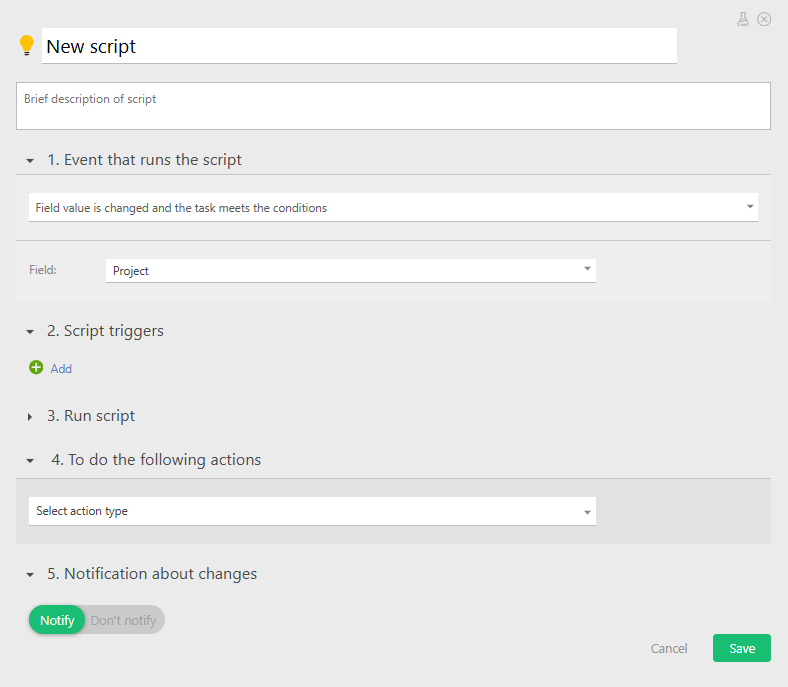
Configuring a script
- Setting a name and selecting the event that will trigger the script:
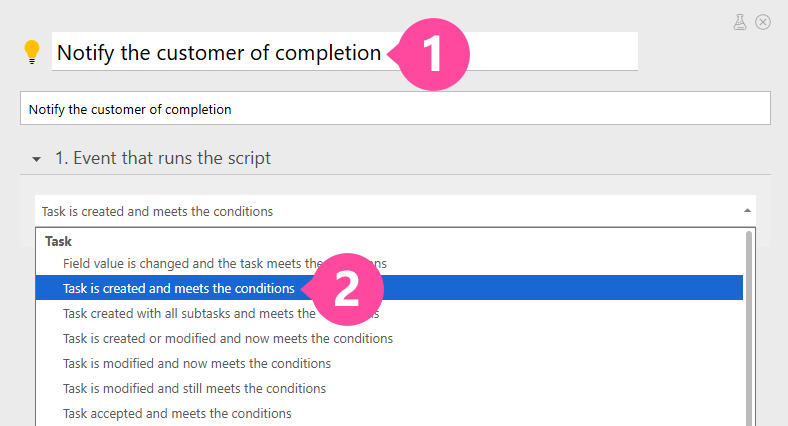
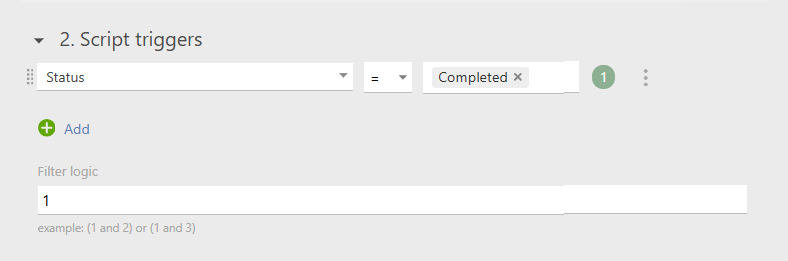
- Selecting the condition under which the script will be triggered:
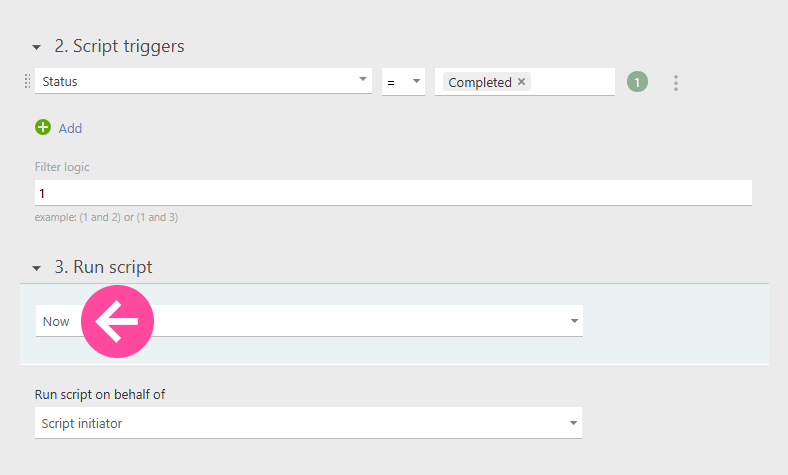
- Selecting the time when the script will trigger:
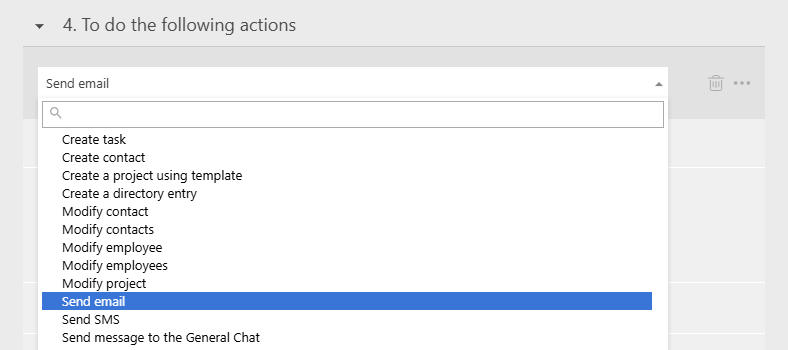
- Selecting the action for when the described event takes place:
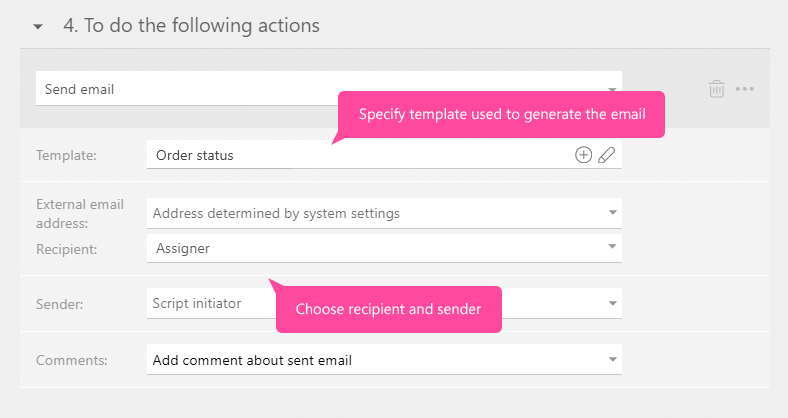
- and its settings
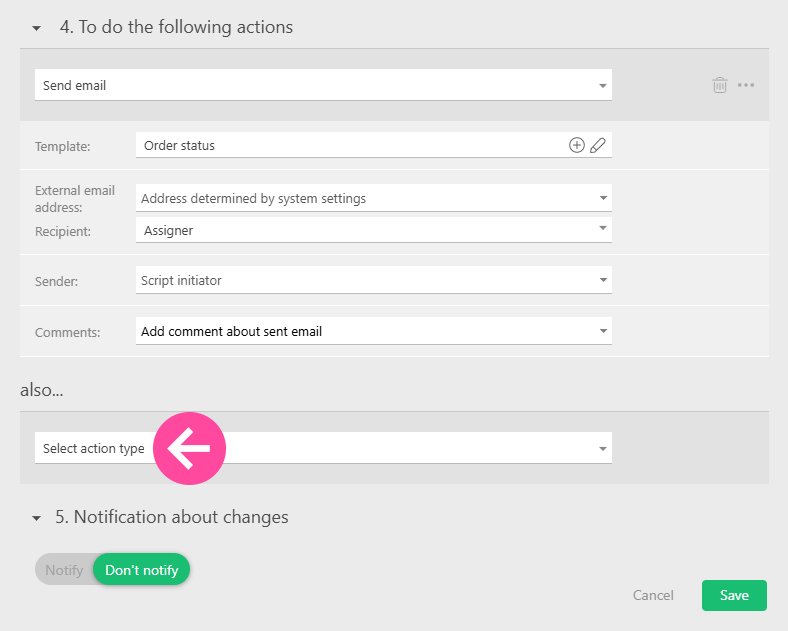
- Adding additional actions and saving the script:
Information for new users
To set up business processes in your account, we recommend using Object scripts. The information below is included in this help article only to maintain backward compatibility for processes previously configured in older Planfix accounts.
Please note
- You can use testing mode to debug scripts.
- Scripts are available for all pricing plans. The number of scripts that can be added as part of one process depends on your account's plan. In the free version of Planfix, you can only add one script.
- If a script contains a bulk task action (for example, Modify other tasks – Tasks in the same project as current task, with template:), that action will be applied to a maximum of 150 tasks that match the trigger conditions.