Vazifalarni avtomatik qabul qilish
In the holatlar orasida almashtirish sozlamalari, there is a way to enable or disable auto-accepting of tasks. If you don't want to have to click the Qabul qilish button after creating tasks you assign to yourself, enable automatic acceptance of tasks.
- Go to Account management — Objects — the necessary Objects — Statuslar to'plami
- Then go to the Additional parameters tab.
- Activate the "Automatically accept tasks when assigning them to yourself" feature. Activating this feature makes it so that a task is automatically accepted if its creator is also its assignee. This feature does not work in the following situations:
- A task with this set of statuses that raqobatli tayinlash.
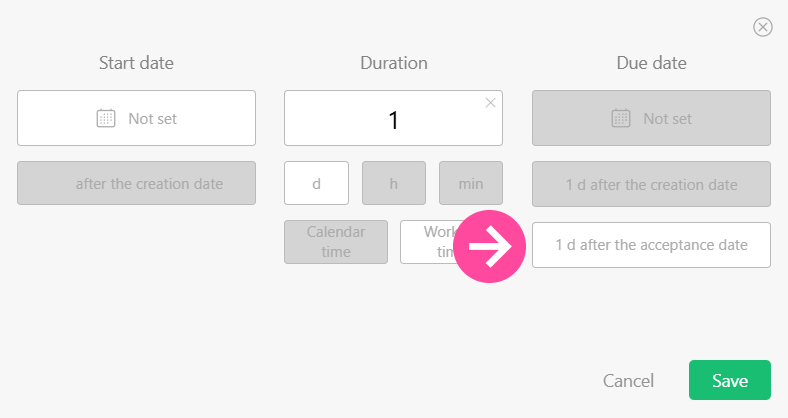
- In the vazifa shabloni the due date is set using the acceptance date: