How to quickly find the task you need?
There are various methods you can use, depending on the situation.
For example:
- Classic — find the project that the task belongs to in the "Projects" section and go to it. You will see a full list of tasks in this project, where it will be much easier to find the task you need.
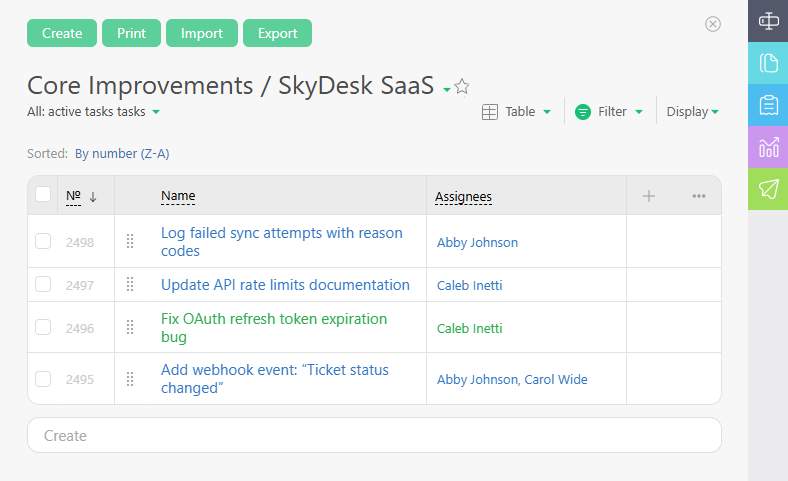
- Using quick search:
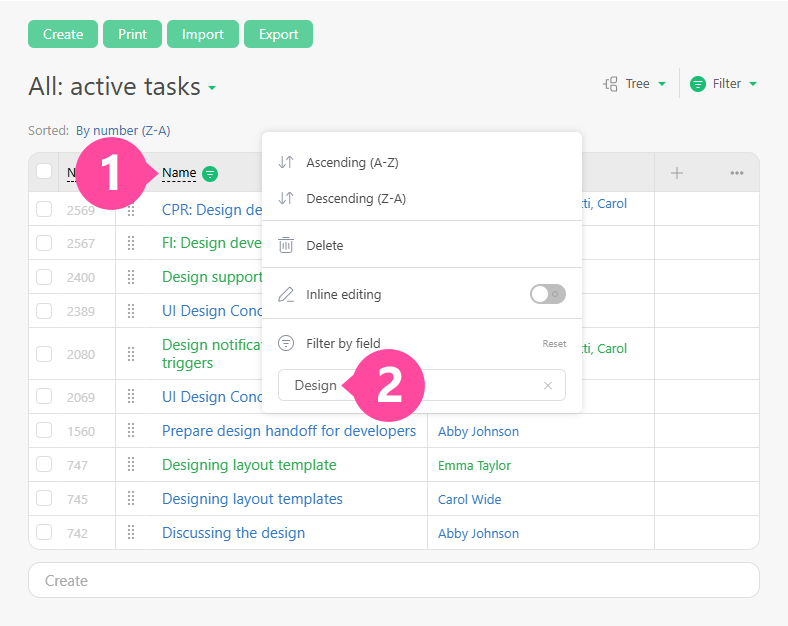
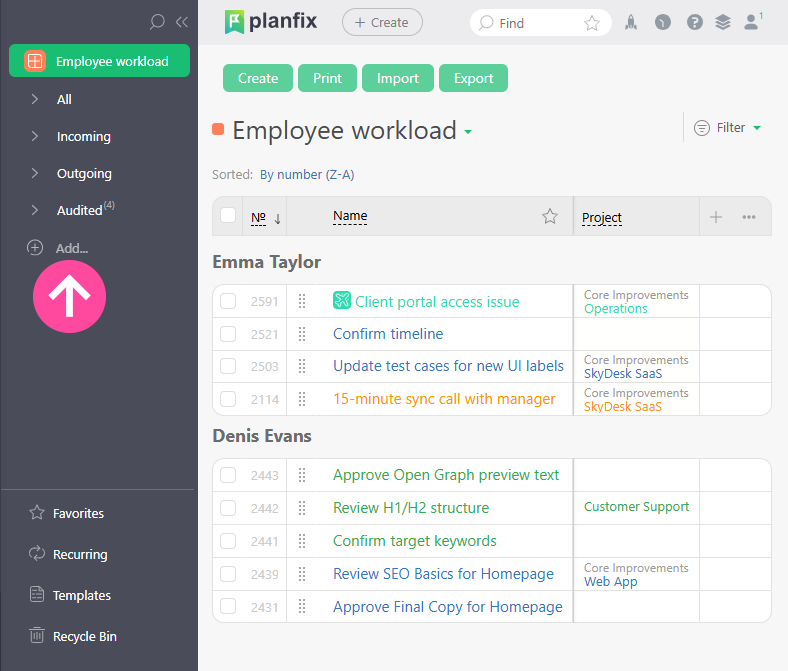
- Using a filter — go to the "Task" section, find the desired task in the Incoming or Outgoing section, or set your own search criteria.
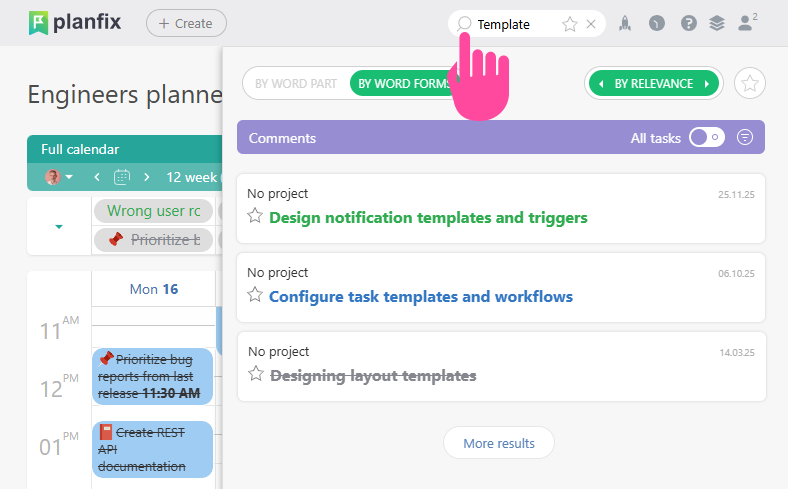
- Search — enter one or more words from the task name or body into the search bar. This is the best method to use if you want to find a task from an old project because the search function searches across all projects ever. You can enter an approximation of the task name or description if you can't remember it precisely. Planfix's search mechanism works on word parts, so you will still get results. You can also search for exact phrases by using quotes, and you can use minus signs to exclude words. You can read more about search in our help article on the Search bar.
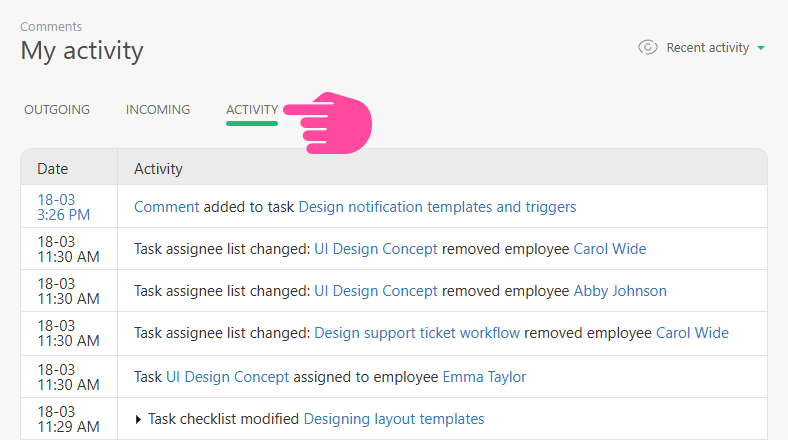
- My activity — go to the "Comments" section and switch to the "My activity" tab. You will see all tasks you worked on today:
- Recently viewed objects — this section displays the view history of the last 50 tasks and contacts. If you need to quickly return to one of the tasks, this is the optimal option.