How to change a task's due date?
A task's due date can be changed in the following way:
- Click the calendar icon in the upper right corner if the task has no due date, or click the current due date if one is set:
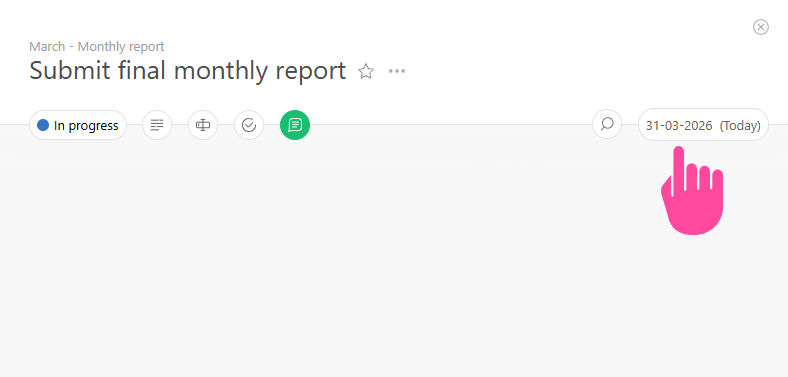
- The calendar will open.
- Select a new due date.
- To notify the participants about the change of the due date, add a comment and mention the required participants.
Important
- If the Assignee tries to change the task dates, a request to reschedule is created and automatically sent to the task Assigner. This behavior can be changed by making the task without mandatory result verification, so the Assignee can change dates themselves.
Additional information
- The calendar can display a quick date selection block — quick options like "Today", "Tomorrow", "In a week", and others are available. You can enable it in Account management — System settings — Advanced features — Quick date selection block.