Your project is behind schedule, team members are waiting on each other, and you're not sure what's blocking progress. Sound familiar? You're watching deadlines slip by while tasks pile up in a confusing mess of "who's waiting…


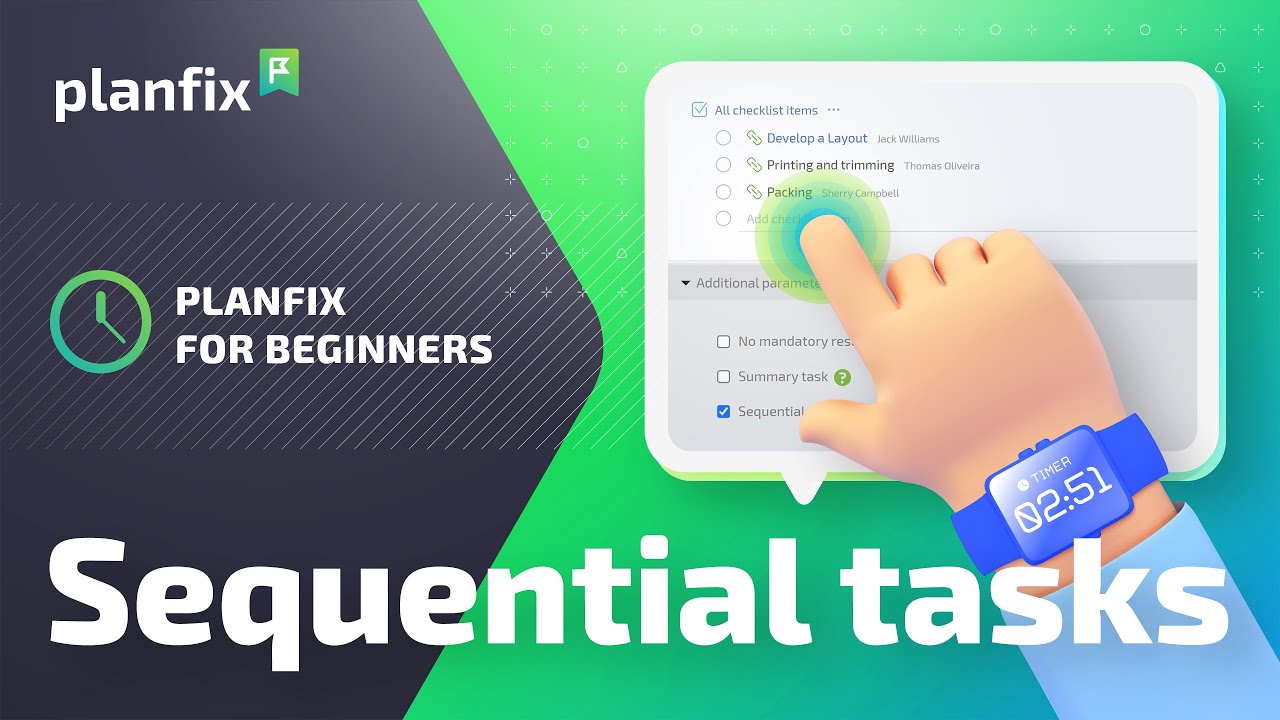
Learn how to set up sequential tasks in Planfix: chain subtasks, keep future stages in drafts and pass each step to the next assignee automatically.

We've integrated Planfix with Microsoft Project. Microsoft Project information optimizes workflow efficiency, ensuring a smoother transition between systems while…

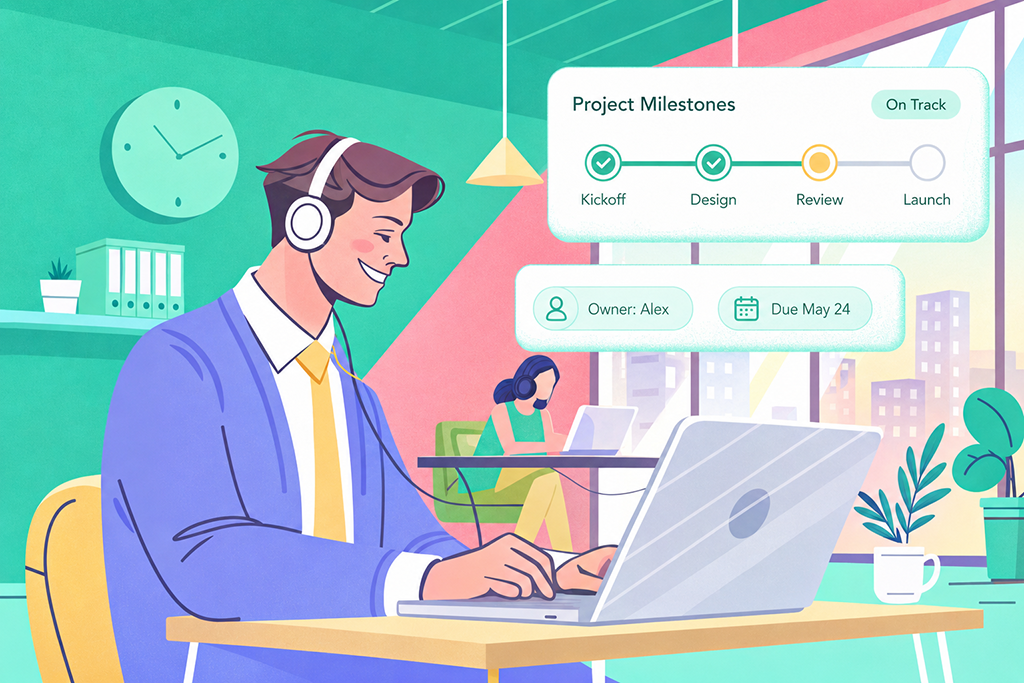
Project milestones are checkpoints that show whether or not a project is progressing on schedule. To prevent missed deadlines, teams should define milestones before work…

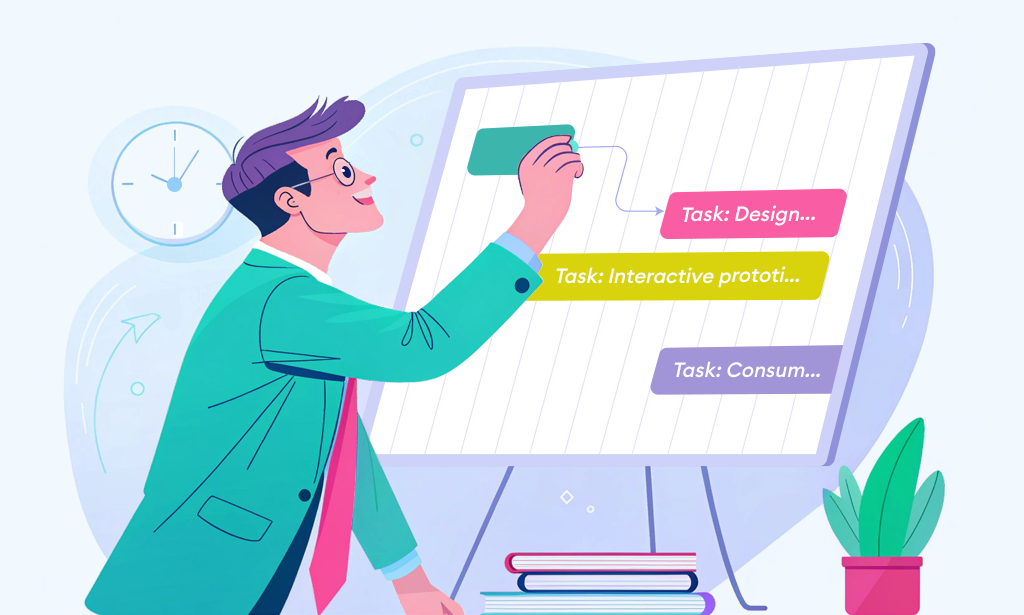
A 90-second video and steps: use a mind map for task and project management in Planfix, connect blocks, turn them into tasks and export the diagram.

2-minute video + steps: build a sequential task template in Planfix so each task in the chain activates automatically when the previous one is done.
Planfix puts tasks in order in two ways. Links between tasks move a successor’s planned dates when its predecessor’s dates change, and sequential tasks open each subtask for its assignee when the previous one is completed. These articles explain the four dependency types, show how to set up sequential tasks and cover importing linked tasks from Microsoft Project.