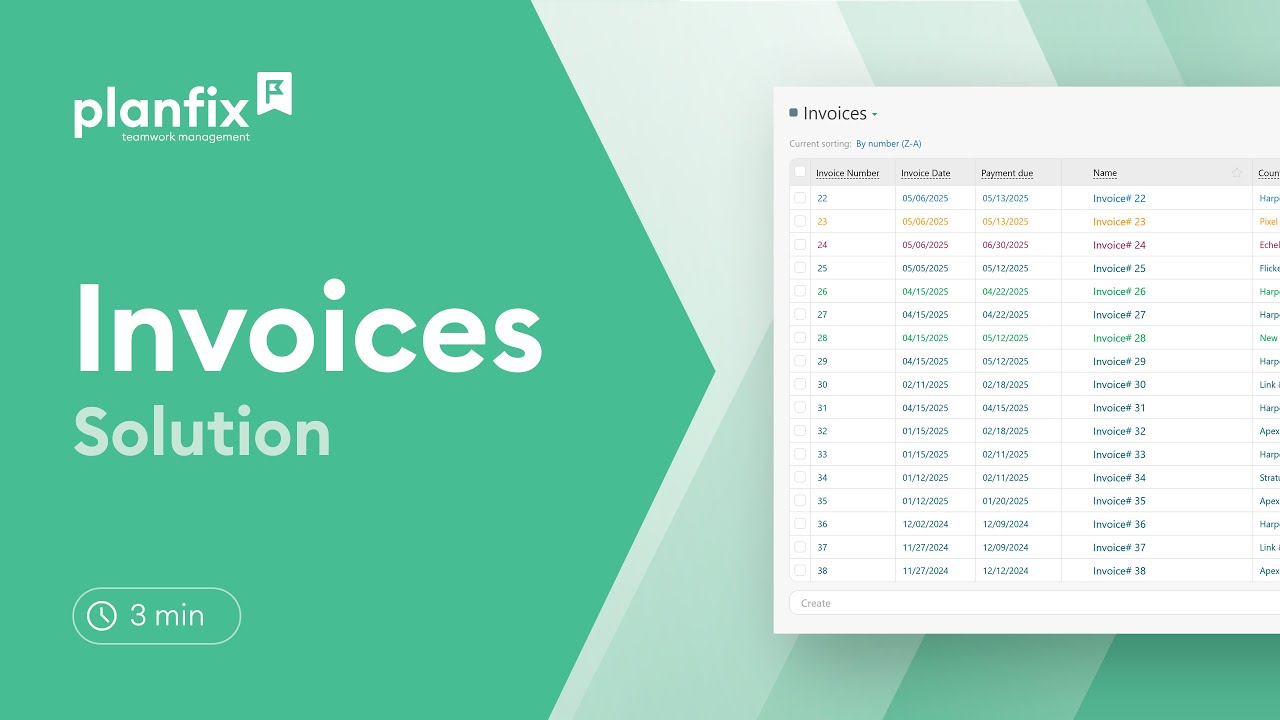
Track invoices from issue to payment in Planfix with a ready-made solution: invoice statuses, an invoice Kanban board, templates and billing reports.

Learn how to make a payment calendar in Planfix: a payments object with statuses and a report that sums payments by date, so you see what’s due each week.

Set up automated project reports in Planfix: total expenses from data tags, group them by project, add charts and email managers a link on a schedule.

Track client payments in Planfix: log receipts in tasks with data tags and build a report that groups them by project and shows the outstanding balance.

When courier teams grow beyond a few drivers, “order processing” turns into repetitive manual work: copying addresses, confirming time windows, assigning couriers…

Integrating online payments into a CRM for residential cleaning services simplifies invoicing, reduces payment delays, and enhances client convenience. This setup allows…

A modern farm typically runs on three distinct engines: The problem is that these three engines often speak different languages. The field manager logs a harvest in a…

May’s Planfix update is here, and we're excited to show you new features that will make your life easier and increase productivity. Keep reading for more - there's…
Alright, today we’re going to talk about something we all care about: profitability. After all, every business owner, manager, and worker wants to ensure their hard work…
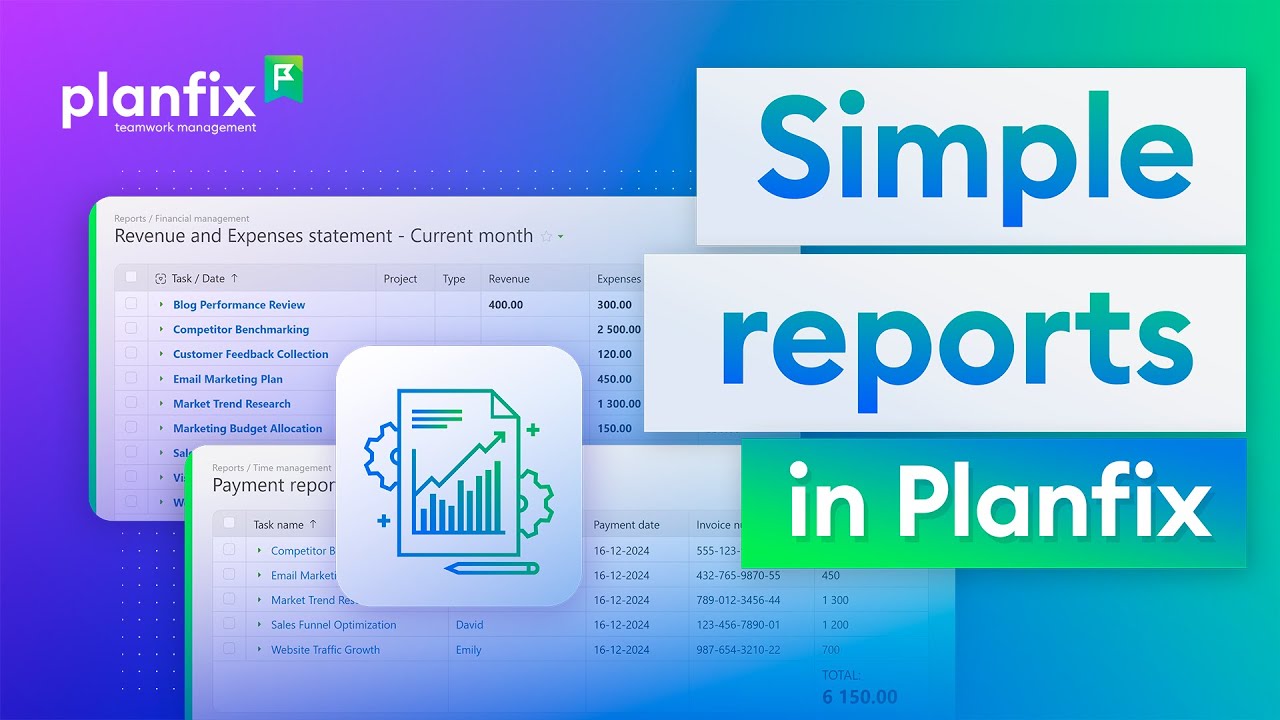
3-minute video + steps: set up income and expense accounting in Planfix — install the solution, fill the directories and read the payment report.

3-minute video + steps: add charts to a Planfix report, pick the chart type and data, and change the grouping to see numbers by project or employee.

A 3-minute video + steps: create a data tag in Planfix, log expenses in a task comment and turn the entries into reports with tables and charts.

Automated invoice issuing can be useful in companies that work with subscription-based clients, where standard invoices are issued monthly. After all, no one really…
Planfix records expenses, income and working hours as data tags inside tasks, and reports built on these entries show revenue and expenses by project or task. The ready-made Income and Expenses Accounting and Invoices solutions speed up setup. These articles cover invoices, a payment calendar, client payments by project and connecting a CRM to accounting software.
