
How to Set Up an Employee Task List in Planfix
2-minute video + steps: add an employee in Planfix, assign their first task and build an employee task list in the Planner, grouped by status and due date.

How to Make Reports More Informative in Planfix
3-minute video + steps: make reports more informative in Planfix — pick the object, group the rows, calculate columns with formulas and export the result.

Object Scripts in Planfix: Automate Notifications
A 3-minute video + steps: set up object scripts in Planfix to send an automatic customer email when a task is completed and an SMS from a task field.

How to Link Directories in Planfix and Filter Entries
2-minute video + steps: link directories in Planfix with a Directory entry field, filter entries, set up quick replies and share entries in comments.

Hidden Planfix Planner Features: Edit Tasks Faster
84-second video + steps: use hidden Planfix planner features to edit tasks from a card, change status by dragging and see reminders in a calendar.
How to Organize Reports in Planfix and Find Them Faster
90-second video + steps: organize reports in Planfix — name them clearly, group them, run them inside a task or project and get them by email on a schedule.

How to Set Task Priority in Planfix with a Custom Field
2-minute video + steps: set task priority in Planfix with a custom List field, show it on planner cards and group your tasks by priority level.

What Is a Task in Planfix and Why Everything Starts Here
95-second video + steps: what is a task in Planfix, how to keep work details, files and chat in one place, and how to turn board ideas into tasks.

How to Work Faster in the Planfix Task Card
90-second video + steps: work faster in the Planfix task card. Add subtasks, open task reports, check the log of changes and run the built-in timer.

Auto-Assign Customer Requests by Stage in Planfix
1-minute video and steps: build a request pipeline in Planfix and auto-assign customer requests by stage, so every handoff happens on its own.
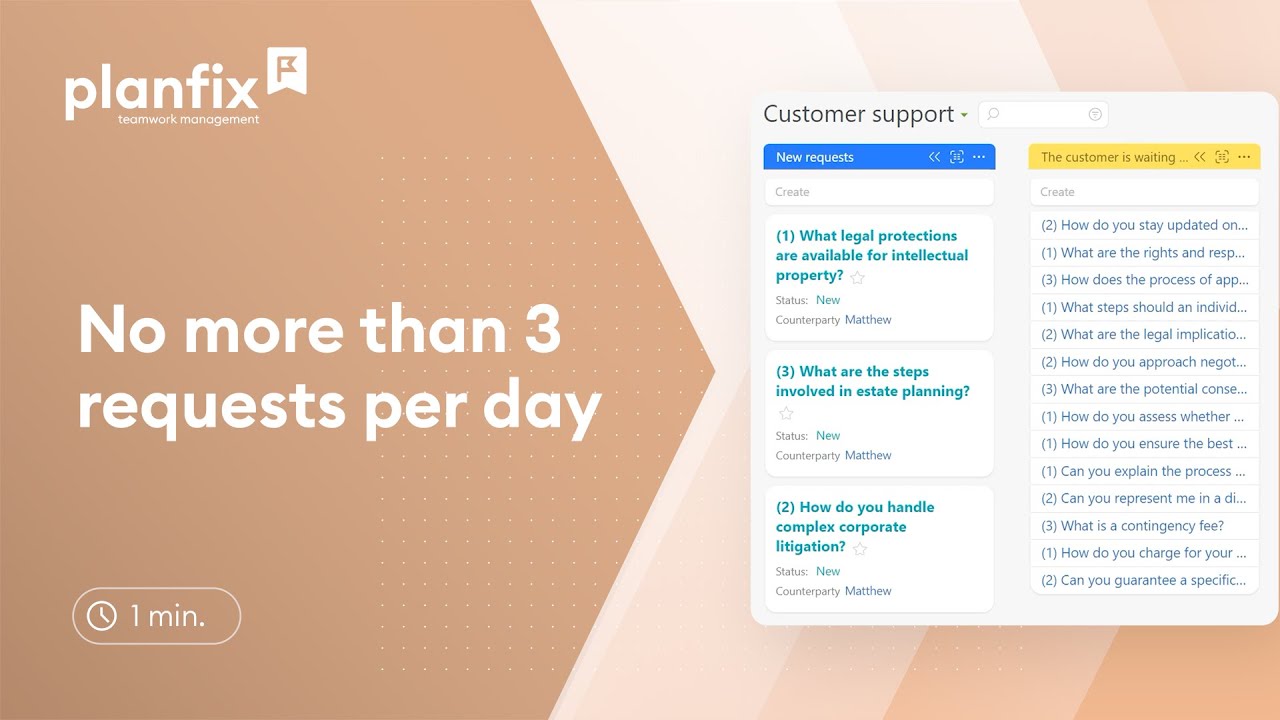
How to Limit Customer Requests per Day in Planfix
1.5-minute video + steps: limit customer requests per day in Planfix, auto-reject extra requests, notify the customer and return them to the queue later.
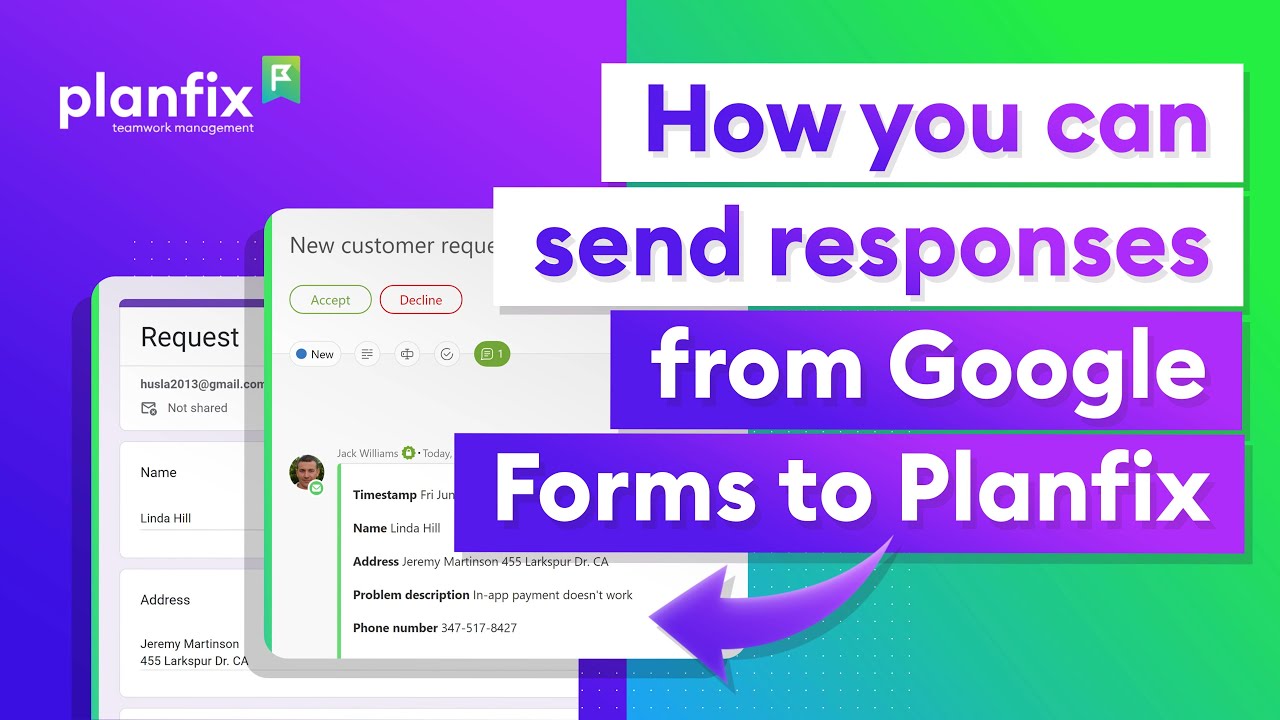
How to Send Google Forms Responses to Planfix
95-second video + steps: send Google Forms responses to Planfix with an Apps Script trigger, a virtual email address and an email rule that builds the task.