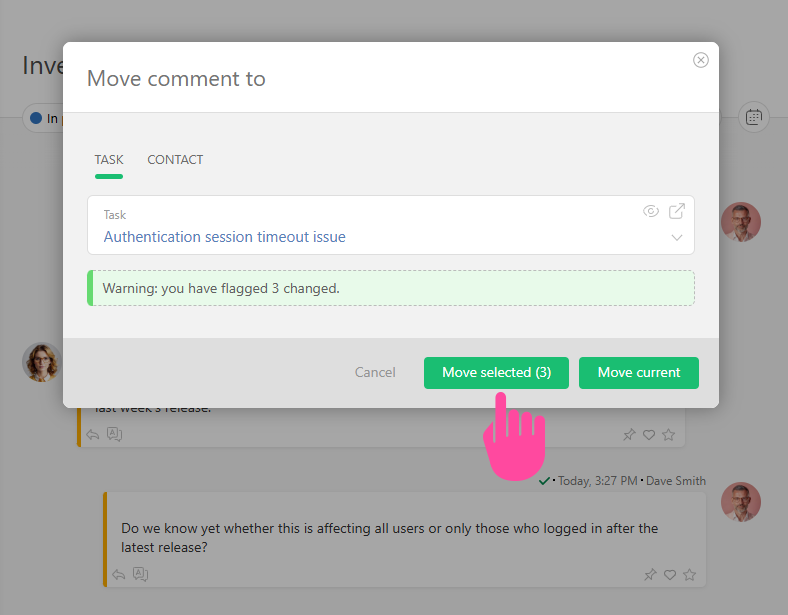
Moving comments to different tasks
From Planfix
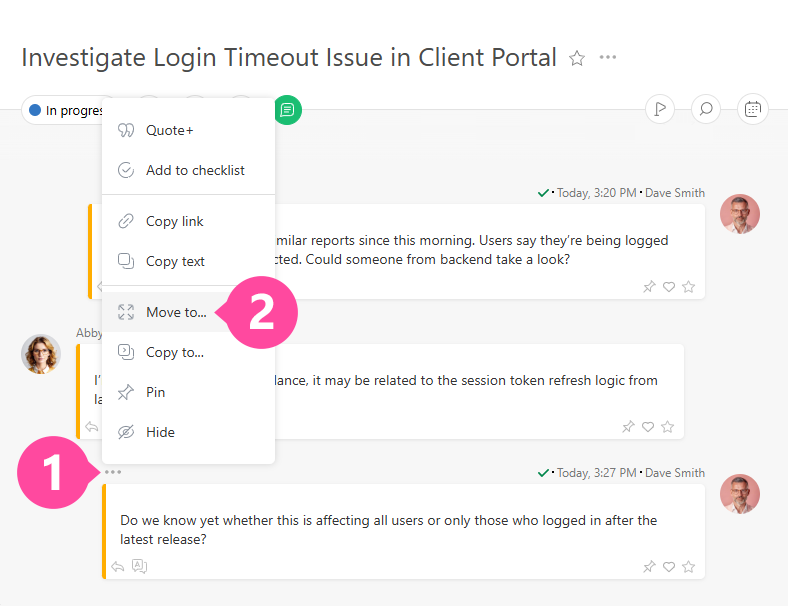
Comments added to a task can be moved or copied to other tasks. To do this, open the comment's shortcut menu and select the desired item:
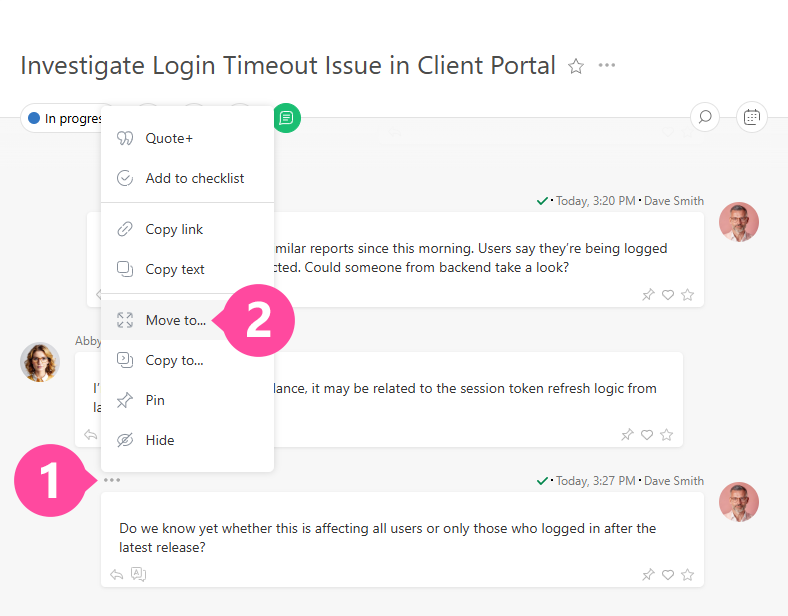
Note: The appearance of the image may vary depending on the selected comment display mode.
- Move to — the comment will be deleted from the current task and added to another. The comment author, the administrator, and the primary account admin can move comments.
- Copy to — the comment will be copied to another task without being deleted from the current one. Anyone who has access to the comment can copy it.
Bulk Actions on Comments
You can move or copy multiple comments at once:
- Select multiple comments.
- Choose the desired action:
- Move all selected comments: