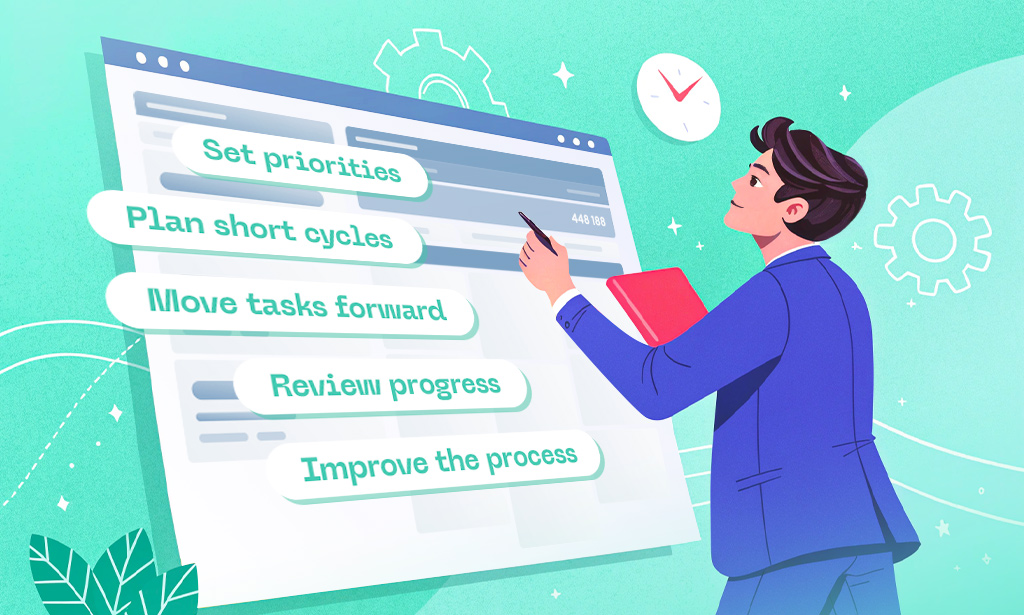
Agile isn’t just a buzzword anymore – it’s how modern teams ship faster, adapt quicker, and keep stakeholders happy. But without the right agile tools, sprints turn chaotic, backlogs get bloated, and velocity becomes guesswork.
This guide cuts through the noise and presents the strongest agile project management tools available right now. Planfix takes the top spot because it gives teams genuine flexibility to run Scrum, Kanban, or hybrid workflows inside one connected space. The rest of the list includes platforms that real Agile teams rely on daily for sprint planning, backlog grooming, burndown tracking, and retrospectives.
Top 10 Agile Project Management Tools
| Rank | Tool | Best For | Key Agile Feature | Pricing Snapshot | G2 Rating |
| 1 | Planfix | Flexible Scrum & Kanban teams | Custom sprints + live velocity boards | Free tier + scalable plans | 4.6/5 |
| 2 | Jira Software | Software development & large teams | Advanced Scrum boards + roadmaps | Paid (free for small teams) | 4.3/5 |
| 3 | ClickUp | All-in-one Agile workflows | Built-in sprints + AI retrospectives | Free tier + paid | 4.7/5 |
| 4 | Monday.com | Visual & marketing Agile | Custom dashboards + timeline views | Free tier + paid | 4.7/5 |
| 5 | Asana | Hybrid & cross-functional teams | Goals + sprint timelines | Free + paid | 4.4/5 |
| 6 | Wrike | Enterprise Agile with reporting | Dynamic burndown + workload views | Free tier + paid | 4.2/5 |
| 7 | Azure DevOps | Microsoft-based dev teams | Full DevOps pipeline + Scrum | Free for small teams + paid | 4.6/5 |
| 8 | Linear | Fast-moving product teams | Lightweight cycles + issue tracking | Paid with generous free tier | 4.5/5 |
| 9 | Shortcut | Software teams that value speed | Simplified Scrum + release planning | Paid | 4.4/5 |
| 10 | Trello | Simple Kanban & startup Agile | Visual boards + Power-Ups | Free + premium | 4.4/5 |
What Are Agile Project Management Tools?
Agile tools (also called agile project management software or agile software) are platforms built to support the core principles of Agile methodology – iterative delivery, continuous improvement, and close collaboration.
They help teams manage product backlogs, run sprints, visualize work with Kanban or Scrum boards, track velocity and burndown charts, and hold effective retrospectives. The best agile project management tools turn abstract methodology into practical daily workflows instead of forcing teams to adapt to rigid processes.
Criteria for Selecting Tools & Methodology
We focused on features that actually matter for Agile success:
- Native support for Scrum and Kanban
- Clear sprint planning and backlog management
- Built-in Agile metrics (velocity, burndown, cycle time)
- Collaboration and real-time updates
- Integration with development and CI/CD tools
- Ease of use for both technical and non-technical team members
- Balance between free capabilities and paid value
Only tools that deliver measurable help during real Agile ceremonies made the final ranking.
Detailed Overview of Each Agile Tool
1. Planfix
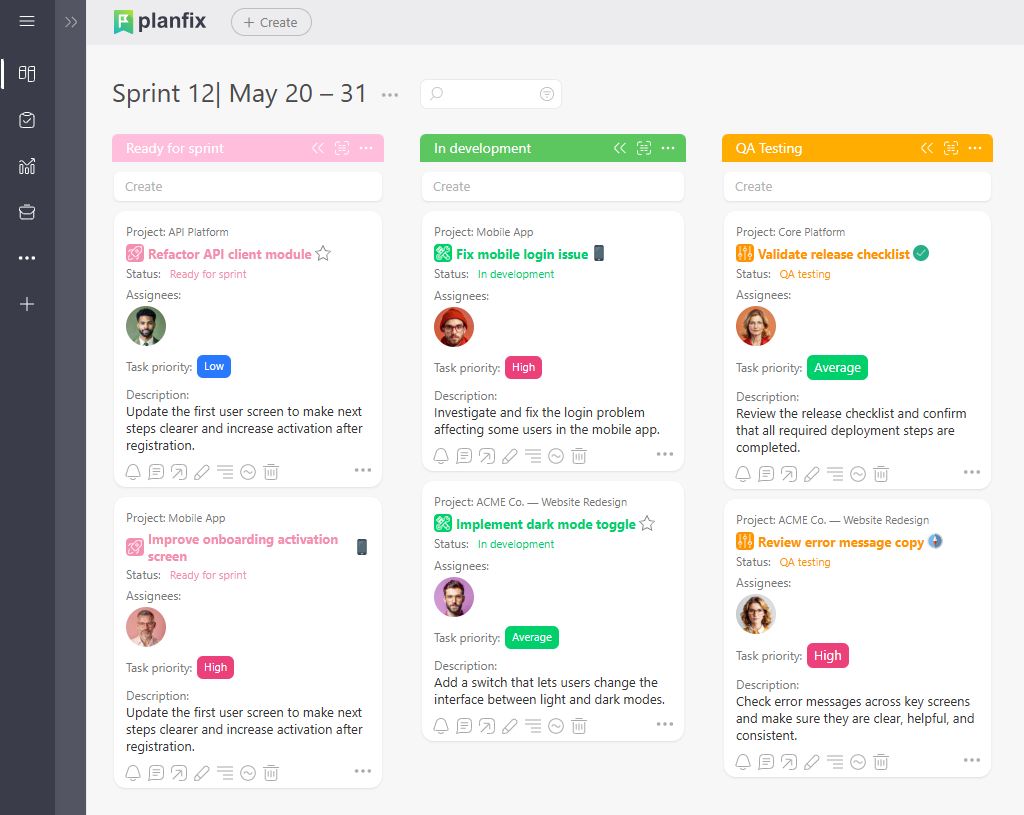
Planfix offers one of the most adaptable environments for modern Agile teams.
Source: https://planfix.com/
Core Agile Capabilities: Custom sprint planning, flexible Kanban and Scrum boards, live velocity tracking, automated burndown charts, and direct connection between tasks and discussions.
Pricing Overview: Free tier works well for small teams; paid plans unlock advanced reporting and automations.
Reviews: 4.6/5 on G2.
Pros
- Extremely flexible for hybrid Scrum/Kanban setups
- Tasks and conversations stay in one place
- Strong visual planning tools
Cons
- Takes a bit of time to configure advanced Agile setups
- Less known than some legacy enterprise tools
Agile teams particularly like how easily they can adjust board columns or sprint lengths without rebuilding everything.
2. Jira Software
Jira remains the standard for many software development teams practicing Agile at scale.
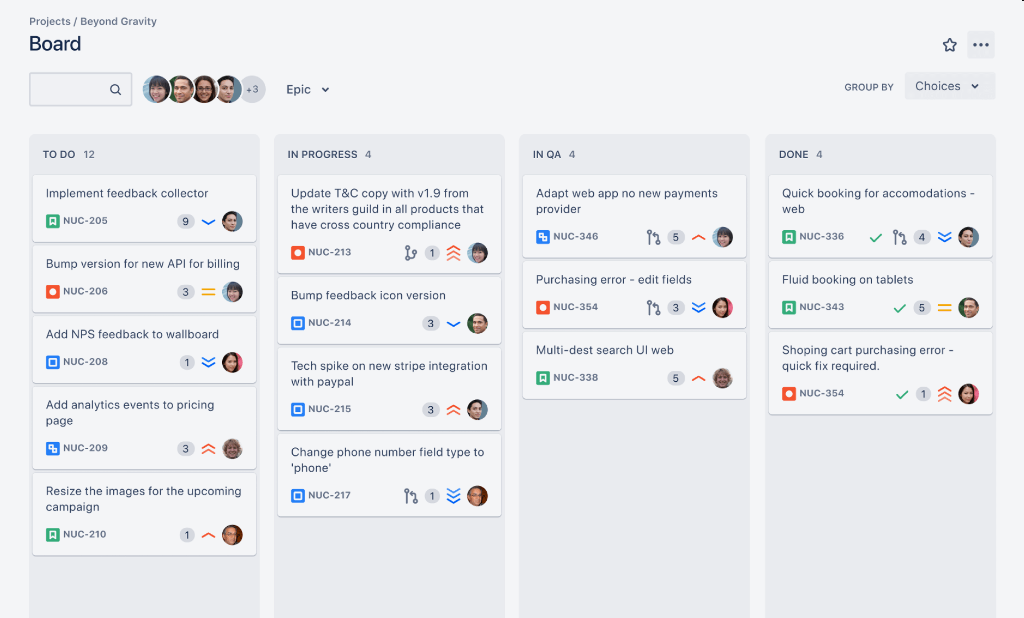
Source: https://www.atlassian.com/software/jira
Core Agile Capabilities: Robust Scrum and Kanban boards, advanced roadmaps, epic and story management, burndown reports, and strong integration with Bitbucket and GitHub.
Pricing Overview: Free for up to 10 users; paid plans for larger teams.
Reviews: 4.3/5 on G2.
Pros
- Deep customization for complex Agile processes
- Excellent reporting for velocity and predictability
- Mature ecosystem of plugins
Cons
- Can feel heavy for smaller or non-technical teams
- Setup requires dedicated configuration time
3. ClickUp
ClickUp brings together Agile planning and execution in a single workspace.
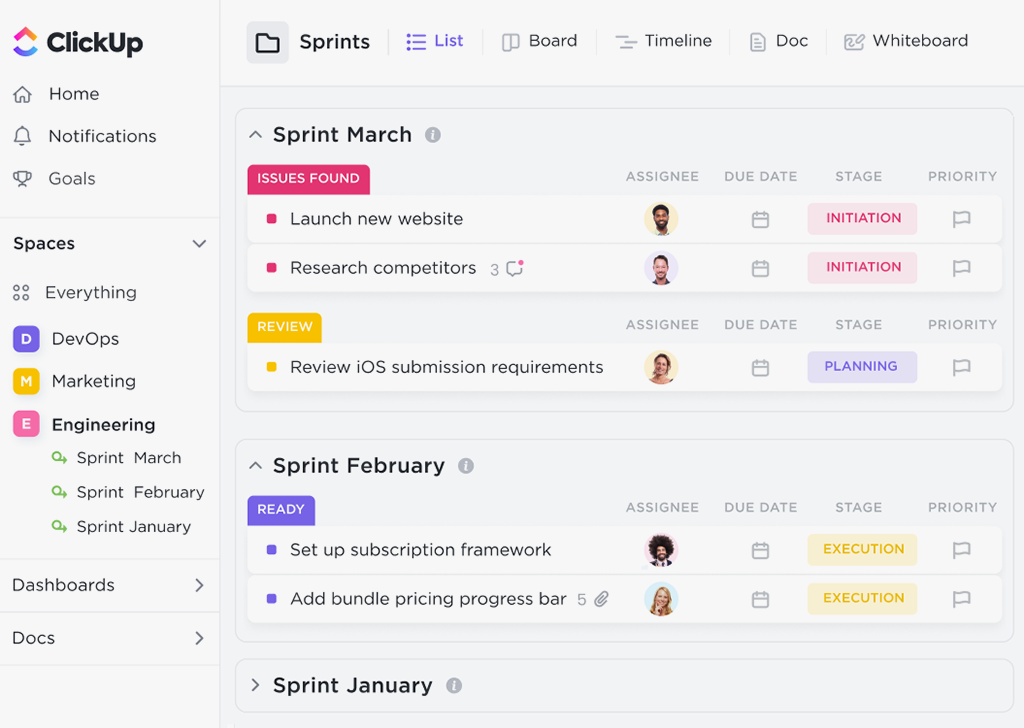
Source: https://clickup.com/
Core Agile Capabilities: Sprint folders, AI-assisted retrospectives, custom dashboards, time tracking, and goal alignment.
Pricing Overview: Generous free tier; paid plans for unlimited features.
Reviews: 4.7/5 on G2.
Pros
- Very visual and modern interface
- Strong automation for repetitive Agile rituals
- Good balance of power and simplicity
Cons
- Feature overload possible in the beginning
- Mobile experience still catching up
4. Monday.com
Monday.com shines when Agile teams need beautiful, easy-to-read visuals.
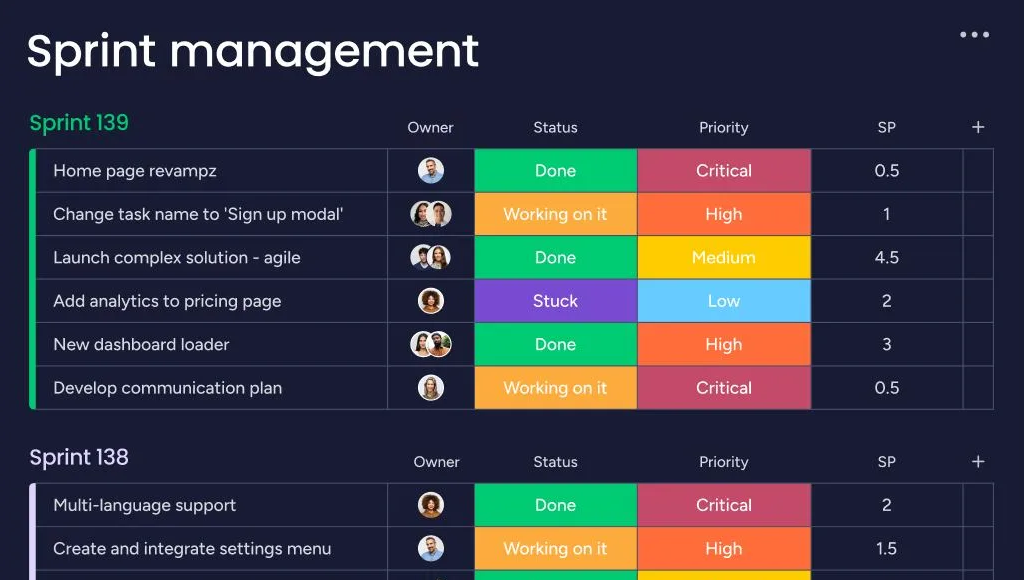
Source: https://monday.com/
Core Agile Capabilities: Custom sprint dashboards, timeline views, workload balancing, and automated status updates.
Pricing Overview: Free tier available; paid plans scale with team size.
Reviews: 4.7/5 on G2.
Pros
- Highly intuitive drag-and-drop experience
- Great for stakeholder updates
- Strong automation library
Cons
- Advanced Agile metrics require some manual configuration
- Cost grows quickly with larger teams
5. Asana
Asana works especially well for teams blending Agile with traditional project elements.
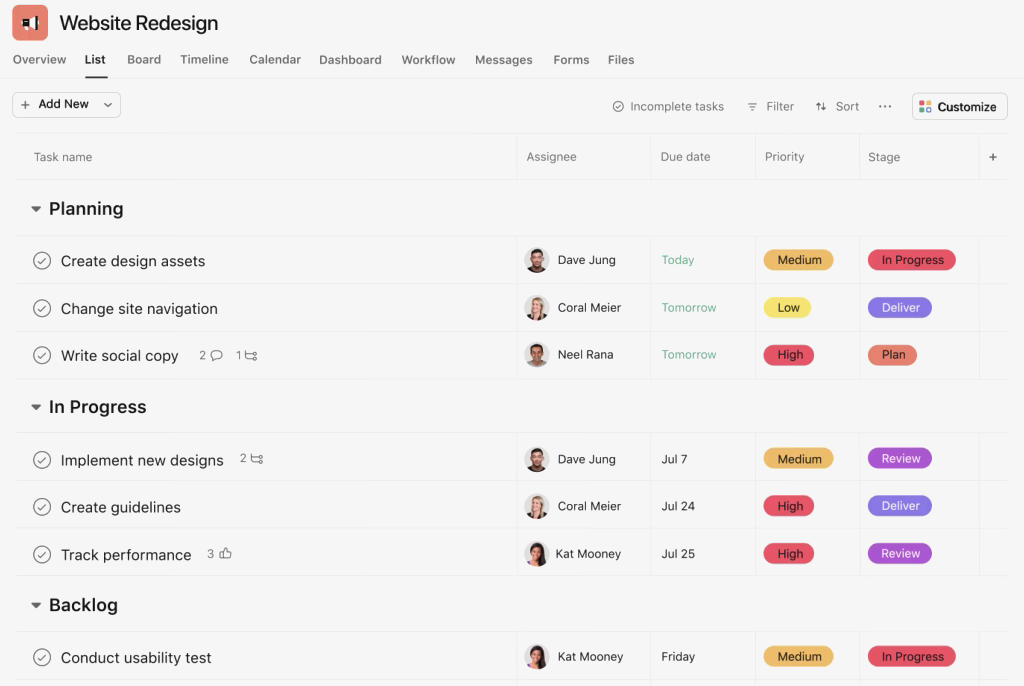
Source: https://asana.com/
Core Agile Capabilities: Sprint timelines, goal tracking, workload views, and custom rules for backlog refinement.
Pricing Overview: Free plan + paid upgrades.
Reviews: 4.4/5 on G2.
Pros
- Clean task hierarchy and clear ownership
- Easy to onboard non-technical stakeholders
- Solid mobile app
Cons
- Less specialized reporting than pure Agile tools
- Kanban boards feel secondary to list views
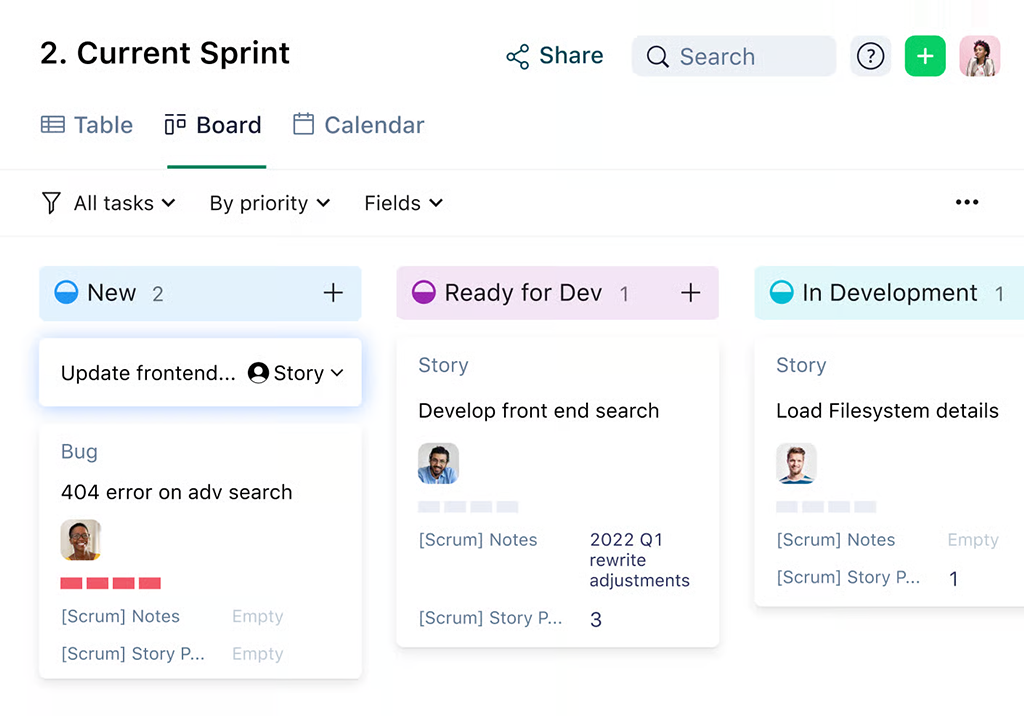
6. Wrike
Wrike delivers strong Agile capabilities with enterprise-grade reporting.
Source: https://www.wrike.com/
Core Agile Capabilities: Dynamic request forms, burndown charts, workload views, and cross-project visibility.
Pricing Overview: Free tier + paid plans.
Reviews: 4.2/5 on G2.
Pros
- Powerful analytics for sprint retrospectives
- Good for teams handling multiple projects
- Strong permission controls
Cons
- Interface feels more traditional
- Learning curve for full feature set
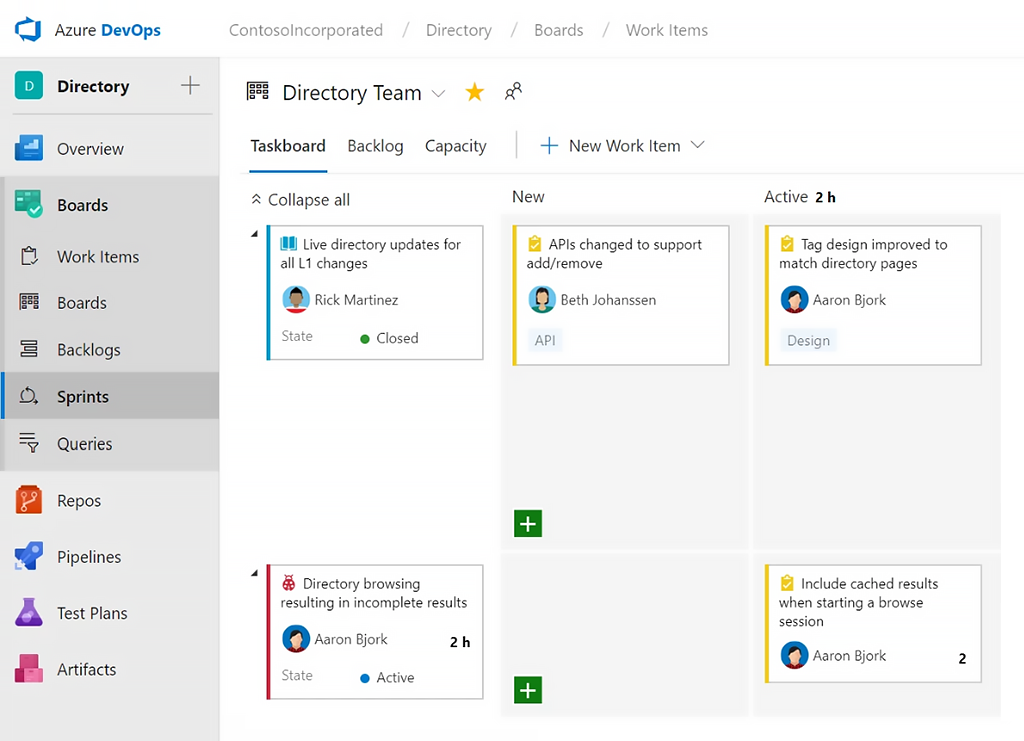
7. Azure DevOps
Azure DevOps is the go-to choice for teams already working in the Microsoft ecosystem.
Source: https://azure.microsoft.com/en-us/products/devops
Core Agile Capabilities: Full Scrum support, integrated repositories, CI/CD pipelines, and test management.
Pricing Overview: Free for small teams; paid for larger usage.
Reviews: 4.6/5 on G2.
Pros
- Seamless DevOps integration
- Excellent for technical Agile teams
- Strong traceability from code to backlog
Cons
- Less visual than modern competitors
- Best suited for software development only
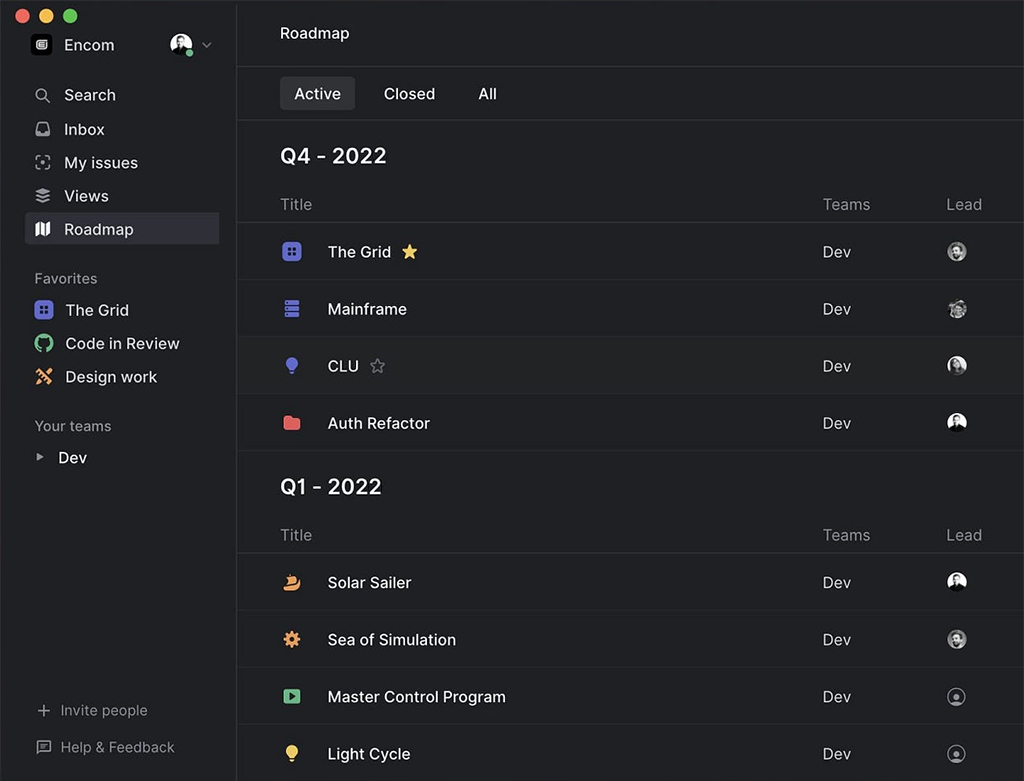
8. Linear
Linear focuses on speed and simplicity for product and engineering teams.
Source: https://linear.app/
Core Agile Capabilities: Lightweight cycles, issue triaging, roadmaps, and fast keyboard-driven workflows.
Pricing Overview: Generous free tier for small teams.
Reviews: 4.5/5 on G2.
Pros
- Extremely fast and clean interface
- Great for high-velocity teams
- Minimal ceremony
Cons
- Limited enterprise features
- Smaller template library
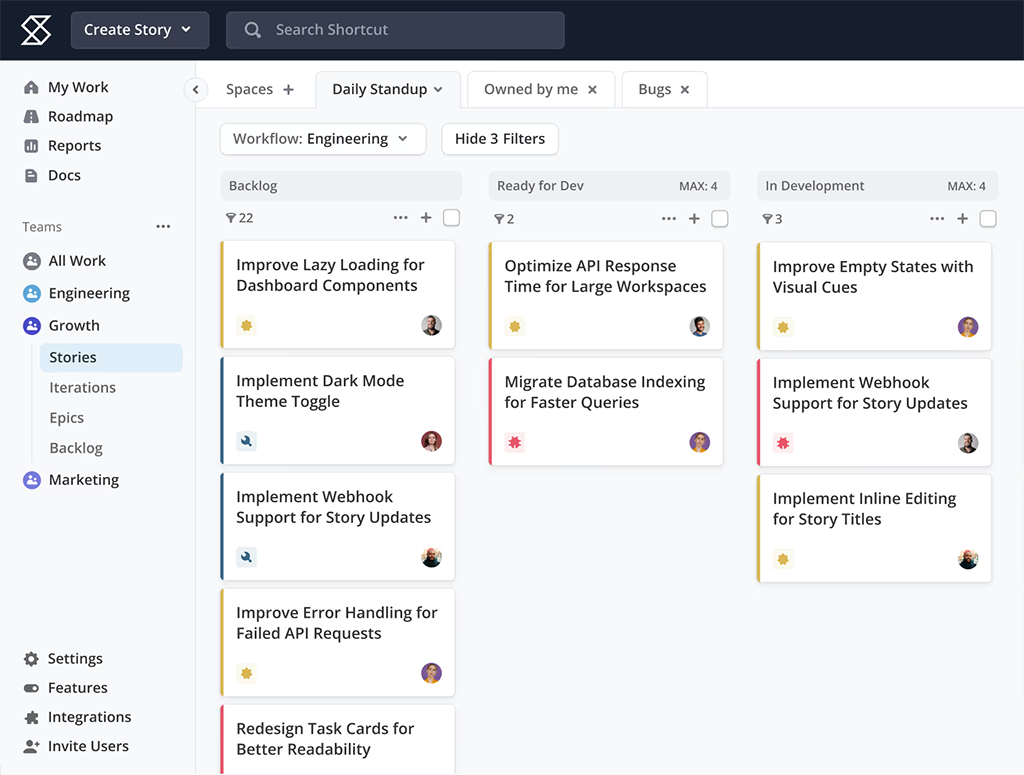
9. Shortcut
Shortcut (formerly Clubhouse) is built specifically for software teams that want Agile without complexity.
Source: https://www.shortcut.com/
Core Agile Capabilities: Simplified sprints, story points, release planning, and progress tracking.
Pricing Overview: Paid plans with trial.
Reviews: 4.4/5 on G2.
Pros
- Focused on developer experience
- Clean sprint and backlog views
- Fast performance
Cons
- Smaller community than Jira
- Fewer integrations outside dev tools
10. Trello
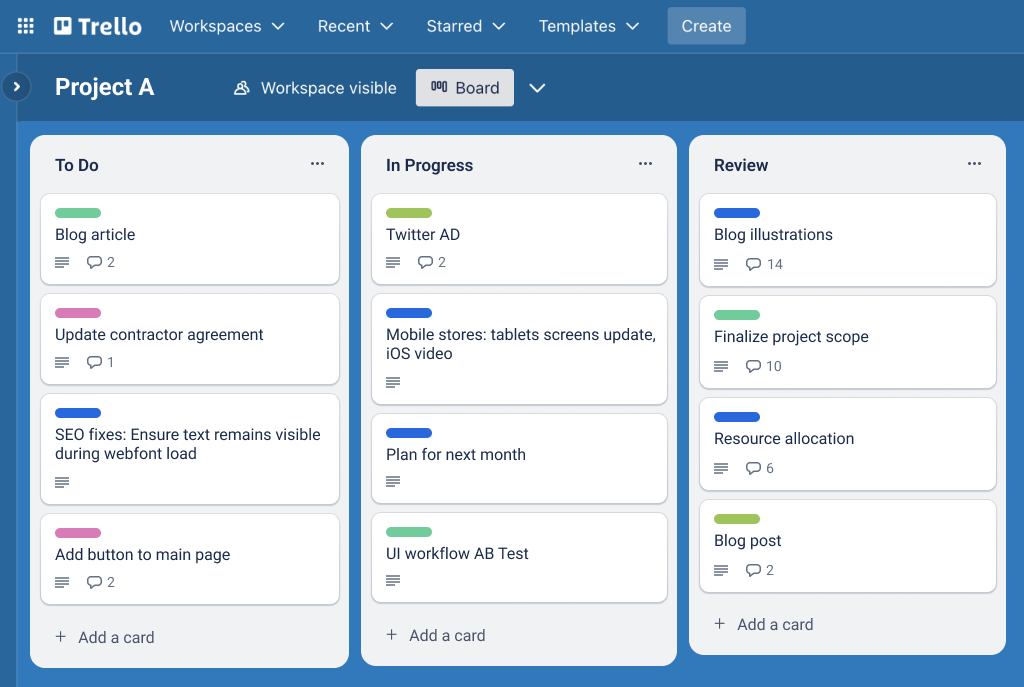
Trello keeps Agile simple and visual for teams that prefer lightweight Kanban.
Source: https://trello.com/
Core Agile Capabilities: Drag-and-drop boards, labels, checklists, and Power-Ups for sprint dates and reporting.
Pricing Overview: Free + premium Power-Ups.
Reviews: 4.4/5 on G2.
Pros
- Extremely easy to start using immediately
- Great for small teams and startups
- Very visual workflow
Cons
- Limited built-in Agile metrics
- Requires add-ons for advanced reporting
Categorization of Agile Tools
- Best for Scrum teams: Jira Software, Planfix, ClickUp, Shortcut
- Best for Kanban-focused teams: Trello, Monday.com, Planfix
- Best all-in-one Agile platforms: Planfix, ClickUp, Asana
- Best for enterprise & scaled Agile: Jira, Azure DevOps, Wrike
- Best for fast-moving product teams: Linear, Shortcut
- Best free or low-cost entry: Planfix free tier, Trello, ClickUp free
How to Choose the Right Agile Tool?
Choosing the best agile project management tool comes down to a few practical questions:
- Does your team follow pure Scrum, Kanban, or a custom hybrid?
- How important are detailed Agile metrics like velocity and burndown charts?
- Are you a small startup or a large enterprise with compliance needs?
- Do you need strong development tool integrations (GitHub, GitLab, CI/CD)?
- How much time can your team spend on setup and training?
Match your workflow and team size to the descriptions above. For most teams looking for flexibility without complexity, Planfix provides an excellent balance. Teams already in Microsoft environments often choose Azure DevOps or Jira, while visual-first teams lean toward Monday.com or Trello.
FAQ
What are agile project management tools?
Agile project management tools are software platforms that help teams apply Agile principles in daily work—managing backlogs, planning sprints, visualizing workflow (Scrum/Kanban), tracking progress, and improving through retrospectives.
What are the best agile tools for project management in 2026?
The top agile project management tools depend on team size and workflow. Planfix leads for flexible Scrum and Kanban teams thanks to its connected boards and live metrics. Jira is the go-to for large development teams, while ClickUp and Monday.com suit teams that want visual dashboards and strong automation.
What is the best free agile software?
Several strong free options exist. Planfix offers a generous free tier for small teams with full sprint and Kanban capabilities. ClickUp and Trello also provide usable free plans. The best free agile tool depends on whether you need advanced metrics or prefer simple visual boards.
Why do Agile teams need dedicated tools?
Without the right tools, sprint planning becomes messy, backlogs grow uncontrollably, and progress tracking (like velocity or burndown) turns into guesswork. Agile tools create structure, visibility, and repeatable workflows.


Thank you for this concise breakdown.