
Planfix is a universal team-management tool. Along with other business processes, our support team works in Planfix. In this case, we're going to discuss how we use the…

Keeping track of time is a key part of making project management work smoothly. It helps teams handle resources better, streamline tasks, and make sure everything stays…

Choosing the right online accounting software is crucial for business success in 2025. With the shift from manual bookkeeping to cloud-based financial management…
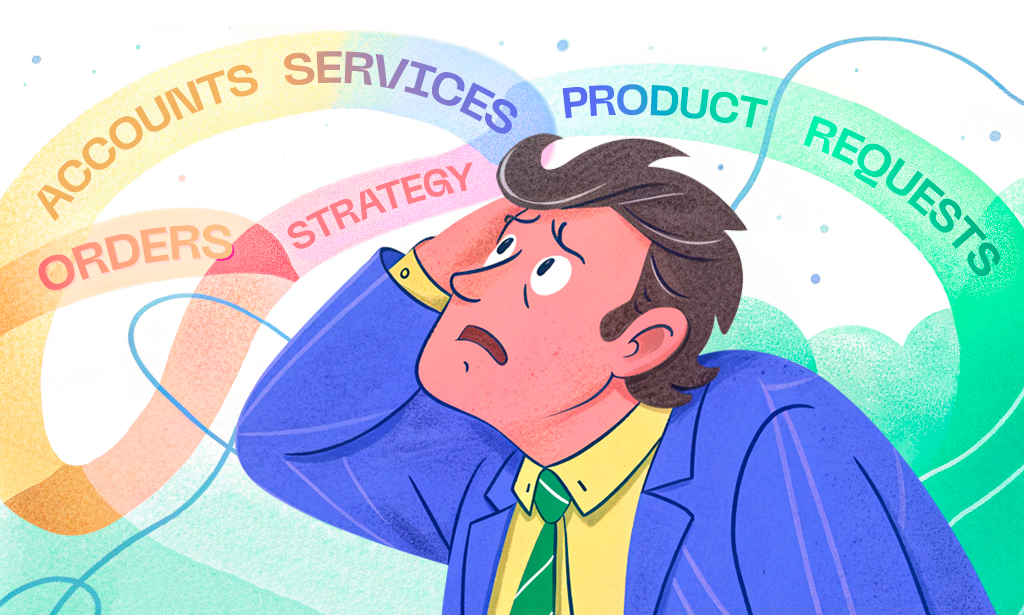
Picture this: It's Monday morning, and you're staring at your computer screen with a growing sense of dread. Project A needs a status update for the executive team…

Set up a help desk workflow in Planfix: turn support emails into tasks, assign them automatically, move them across a Kanban board and track time spent.

Team efficiency is one of those things that can quietly make or break a business. This has left many business leaders wondering how to measure the productivity in a way…

2-minute video + steps: calculate project work hours in Planfix, set hourly rates in directories, log time with data tags and read labor cost in reports.

90-second video + steps: work faster in the Planfix task card. Add subtasks, open task reports, check the log of changes and run the built-in timer.
Planfix records working time with the Actual working time data tag, added to a task comment or filled in when the built-in timer stops, including in the mobile app. Time-tracking reports help analyze workload, estimate labor costs and calculate pay. These posts show time and expense tracking with data tags and how support teams log time on tickets.
