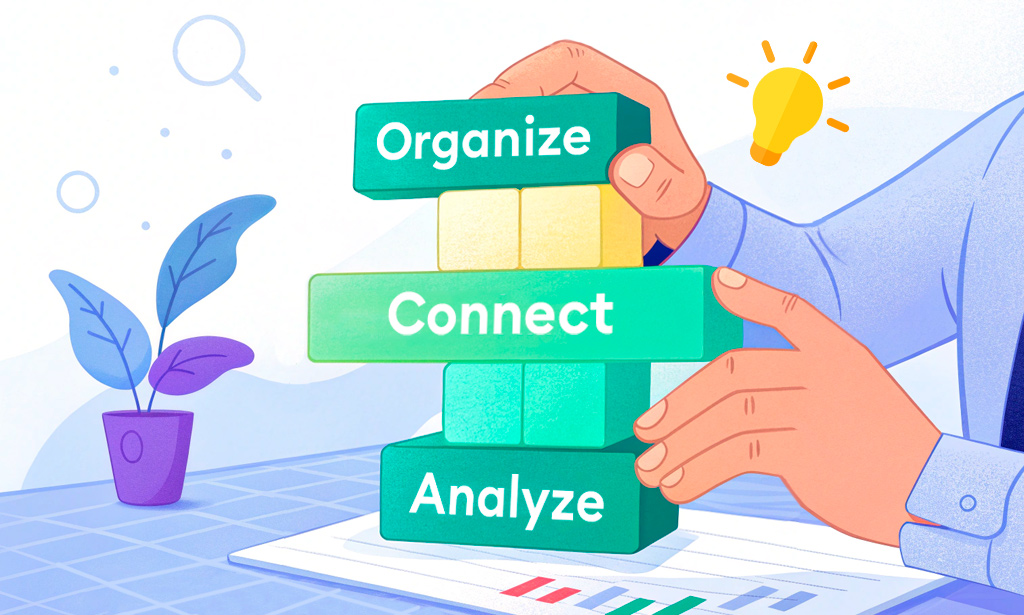
We’ve already used the humble light bulb to show how everything connects in Planfix. Now it’s time to go a little deeper and look at how the setup actually works. This…

This case study is relevant to print shops, textile companies, and other production businesses. It explores modern technologies for optimizing processes, enhancing…

If you're just getting started with Planfix, terms like "data tags," "objects," and "directories" might sound better suited to accountants, system administrators, or…
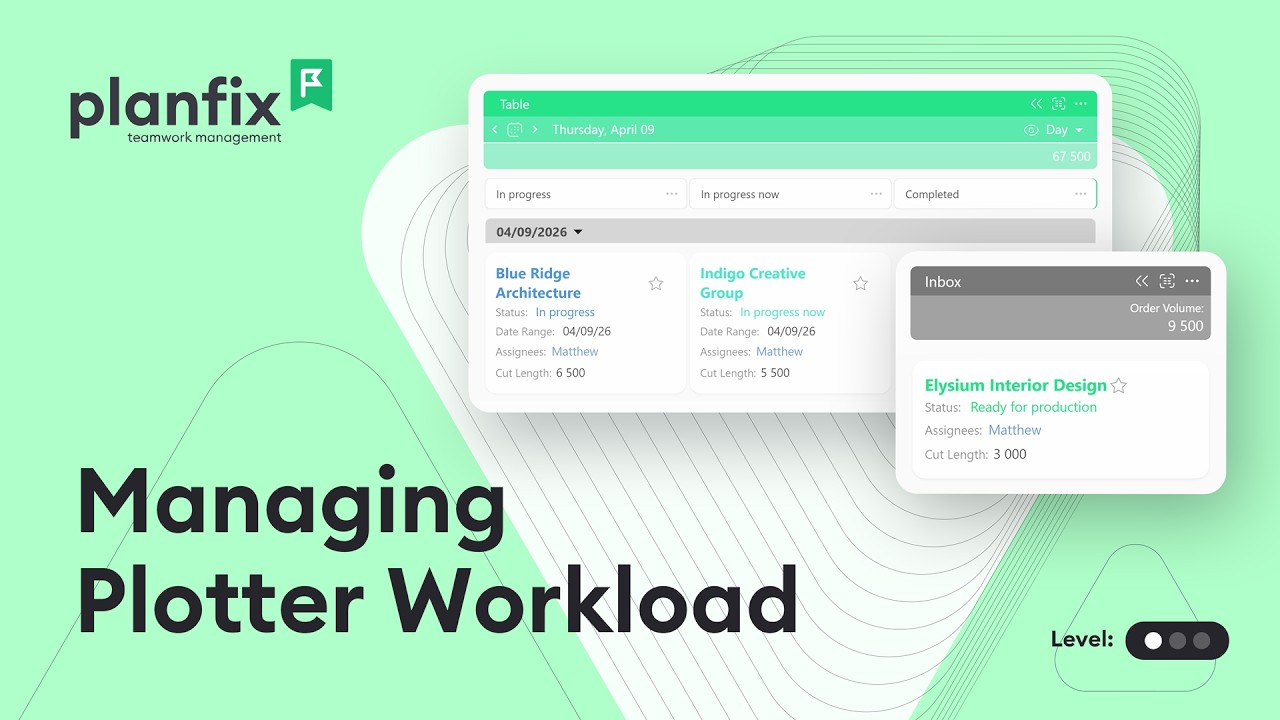
Print shop order management in Planfix: queue plotter orders, track their statuses and see the day’s plotter workload before it becomes a bottleneck.

Build a recruitment pipeline in Planfix: gather candidates on one Planner board, track hiring statuses, store resumes and turn applicants into employees.

April may be over, but our efforts to improve Planfix are just getting into full swing. Check out our latest updates and improvements to optimize your workflow even…

Learn how to make a payment calendar in Planfix: a payments object with statuses and a report that sums payments by date, so you see what’s due each week.
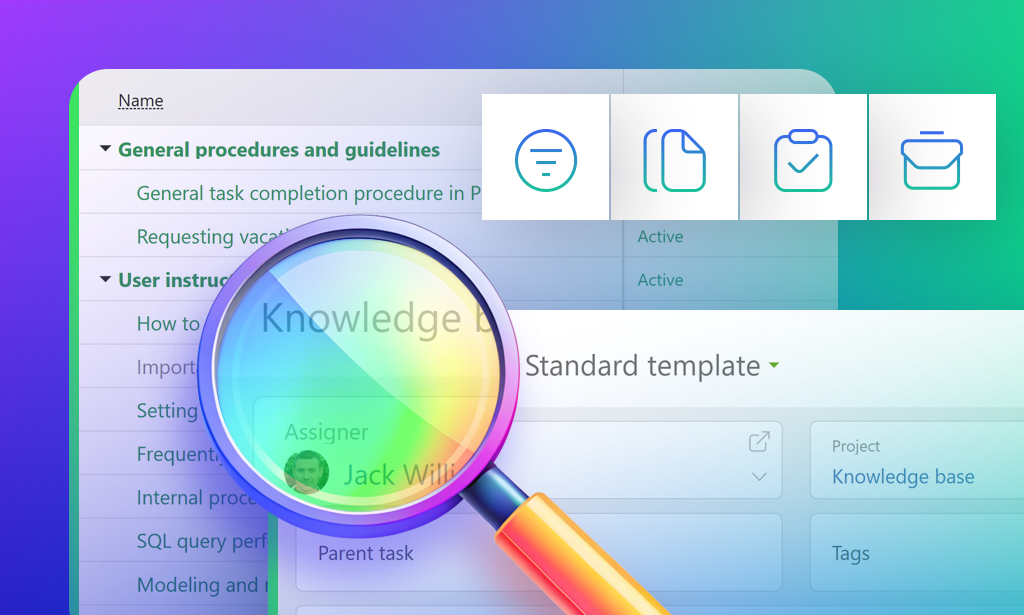
Have you ever found yourself desperately needing information, only to find it buried in a million Slack messages, outdated Google Docs, or — worst of all— in the brain…

The February 2025 Planfix update is here, and we're excited to introduce new features that will make your life easier and boost productivity. Keep reading to learn more…

At first glance, setting up a custom sales funnel in Planfix might feel like putting together IKEA furniture without instructions. But don’t worry, we’ve got you…

Set up a simple knowledge base in Planfix: an object for articles, statuses to archive old ones and a project with read and edit roles. Watch the video.

Learn how an internal knowledge base works in Planfix: find articles with quick filters, add sections, manage statuses and control access to articles.

Does your team ever miss out on important emails or scramble to reply to customer requests? When this happens to often, you might wake up one morning to find out all of…

A 3-minute video + steps: set up object scripts in Planfix to send an automatic customer email when a task is completed and an SMS from a task field.

1-minute video and steps: build a request pipeline in Planfix and auto-assign customer requests by stage, so every handoff happens on its own.

Open spaces have replaced traditional offices, but the need for private conversations remains. Today, meeting rooms have become the focal point of offices. We first…

3-minute video + steps: link tasks across projects in Planfix with a Task set field and one button that creates a task for another department.

Goodbye to the task case! And farewell to the task discussion, the task event, and the entire concept of a task-something. From now on, these will simply be known as…

Video walkthrough plus steps: use variables and formulas in Planfix to calculate a discount automatically in the deal description, without manual math.

1-minute video and steps: use variables in task names in Planfix so every deal is created with its number already in the title, with no manual typing.

A short video and steps: configure an object in Planfix end to end, from fields and statuses to a kanban board, an object script and a button.

1.5-minute video + steps: add events to a calendar in Planfix, set up a compact event form in an hourly Planner list and sync it with Google Calendar.
An object is a record type you define in Planfix, such as a deal, a contract or a knowledge base article, with its own fields, statuses and scripts. Objects take over the job of task templates and task processes. These articles show real setups, from a lead object for language courses to plotter orders in a print shop.
