Listen in Terminplanern einklappen
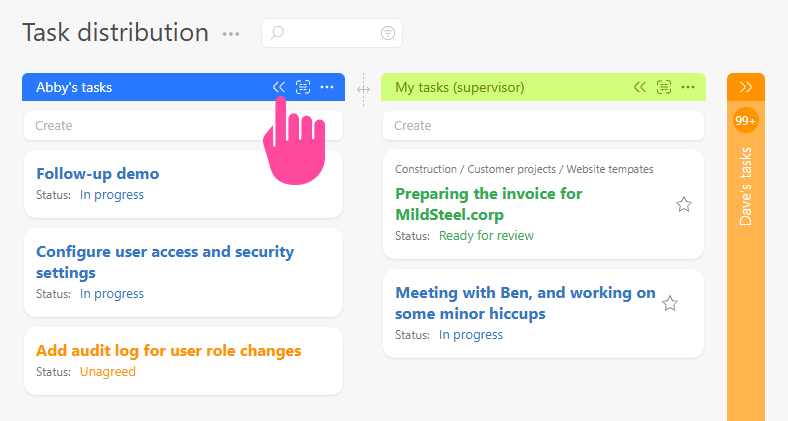
You can collapse Listen in a Terminplaner to make it easier to work with them. To do this, simply click the Doppelpfeil-Symbol to the right of the list title, or click anywhere on the Titelleiste:
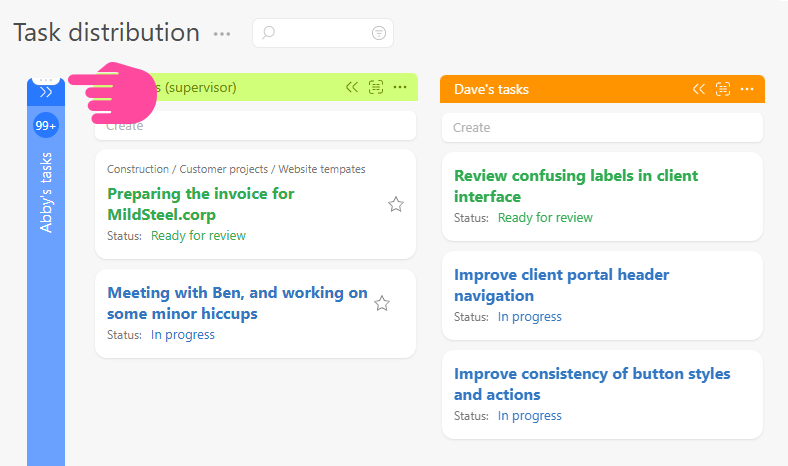
You can work with a zusammengeklappte Liste in the same way you work with a normale Liste. For example, you can change ihre Position or drag and drop tasks to it:
Sie können einzelne Listen, die übereinander angeordnet sind, ein- und ausklappen. So passen mehr Informationen gleichzeitig auf Ihren Bildschirm.