


January and February may be over, but our efforts to improve Planfix are just getting into full swing. Check out our latest updates and improvements to optimize your workflow even more.
Planfix AI Update
We’ve dropped the price! If you’re already using this tool daily, you’ve probably noticed the difference.
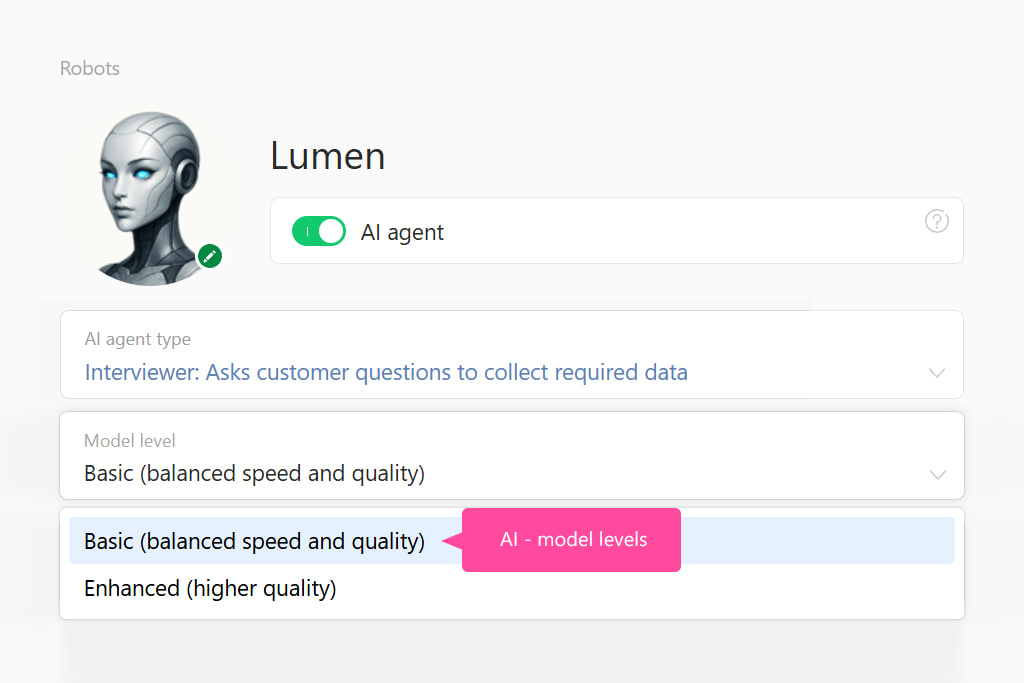
Plus, you can now pick your model’s performance level:
- Basic — the sweet spot between speed and quality.
- Enhanced — for those who want the absolute best results.
This applies to the AI agents “Interviewer” and “Dataminer,” as well as the script action “Send request to Planfix AI.”
Check out the new pricing here.
We’ve Taught the AI Dataminer Agent to Work with Directory Entries!
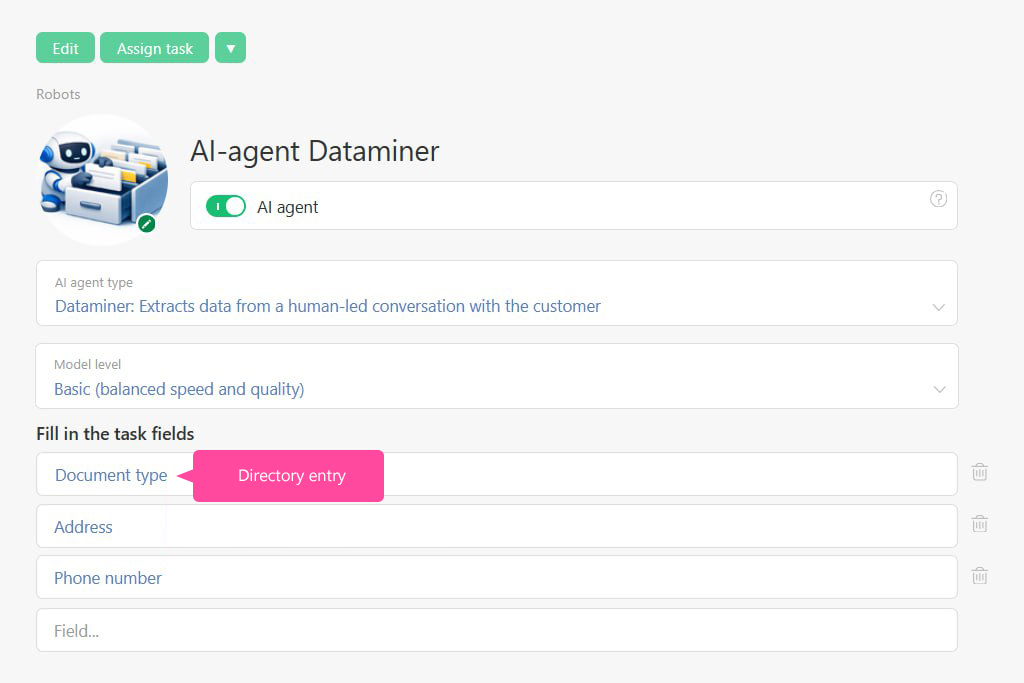
Here’s the deal: say you’ve got a directory called “Document type” – contract, invoice, act, and so on. In your task, there’s also a “Document type” field that links to an entry in that directory.
When someone writes, “We need to approve the addendum to the contract,” DataMiner analyzes the text and automatically sets the task’s “Document type” field to “Addendum.” From there, you can set up automated actions that kick in based on the document type.
Note: the directory shouldn’t have more than 1,000 entries.
Planfix AI Just Got Smarter at Analyzing files!
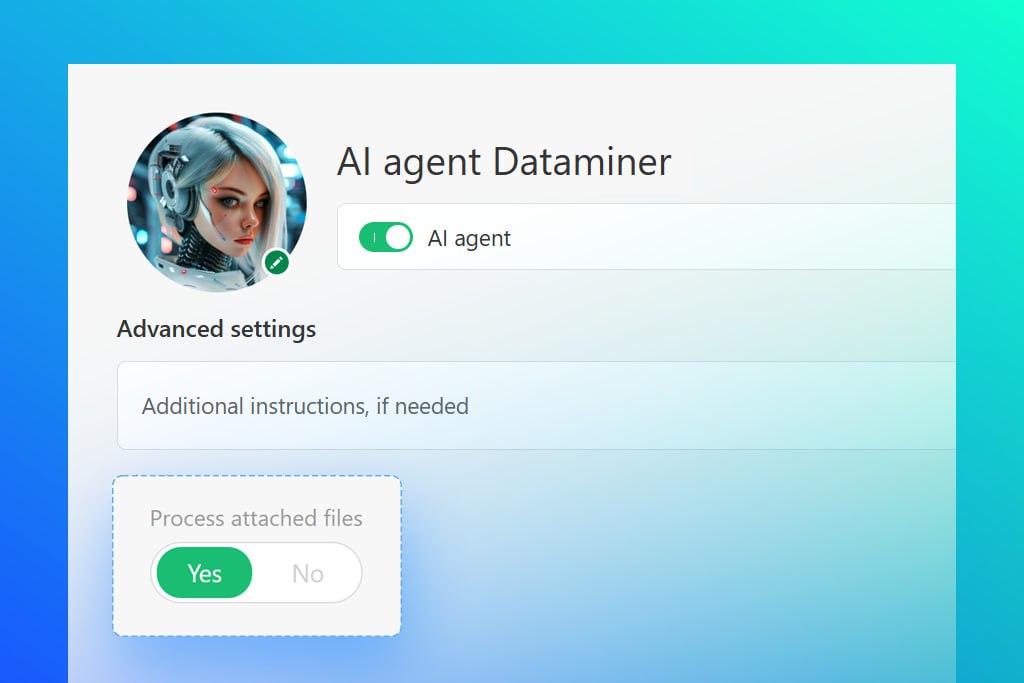
Did a client send a photo of a document? Planfix AI will break down the content for you — no sweat.
Here’s how it works:
➖ The “Send Request to Planfix AI” action gives you a quick summary of what’s inside the document.
➖ Our AI agent, Dataminer, pulls out the key info and auto-fills the task fields for you.
Works with PDFs and images alike.
New Video:
Expanded Planner List View
We explain how to simplify and speed up task management in the Planner using Expanded Lists in Planfix.
Setting Up a Company External Email Address in Planfix
We’ll show you how to set up automatic email forwarding straight from your inbox to Planfix — so you can handle client communication without ever leaving your business processes.
What to Do When a Task is Really Important
What should you do when a task is really important and you absolutely can’t let it get buried or forgotten among all your other stuff? In this video, we’ll show you several simple ways to highlight a critical task and keep it firmly under control in Planfix.
Planfix App Just Hit Version 0.69 on iOS and Android
How to Get Leads from Facebook into Planfix
In this video, we show how to set up a Facebook lead form and automatically send incoming leads to Planfix. We connect the integration, sync fields, and configure the creation of tasks and contacts so that no potential customer slips through the cracks. Automate lead handling and get ad leads delivered straight into your workflow.
