
Adding reminders to task templates
From Planfix
You can add a reminder to a task template:
- Create a new task template or edit an existing one.
- Click the "Add reminder" icon:
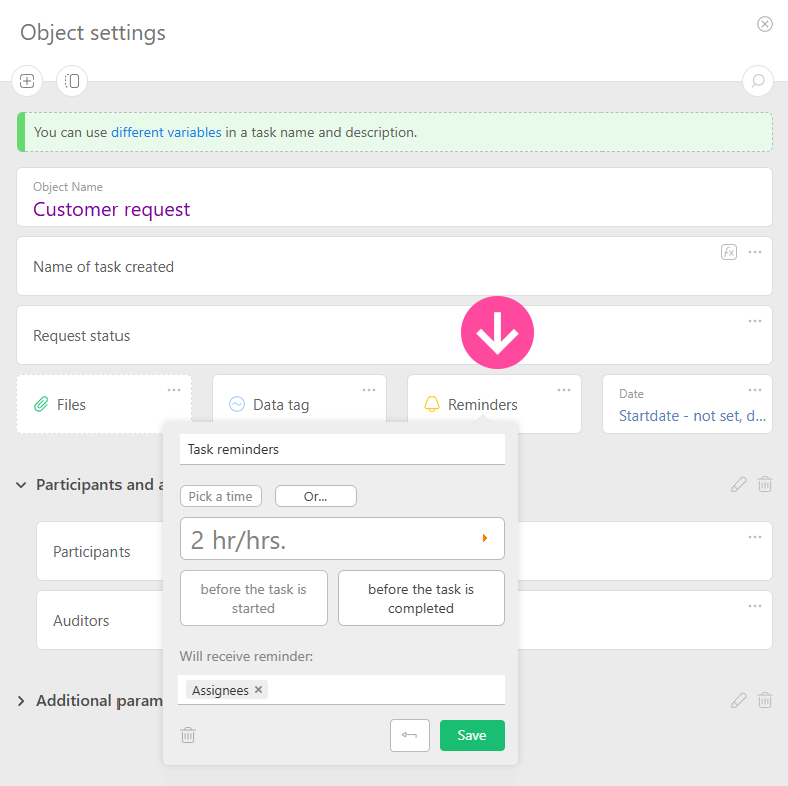
- This takes you to the standard interface for adding reminders.
- Save the task template.
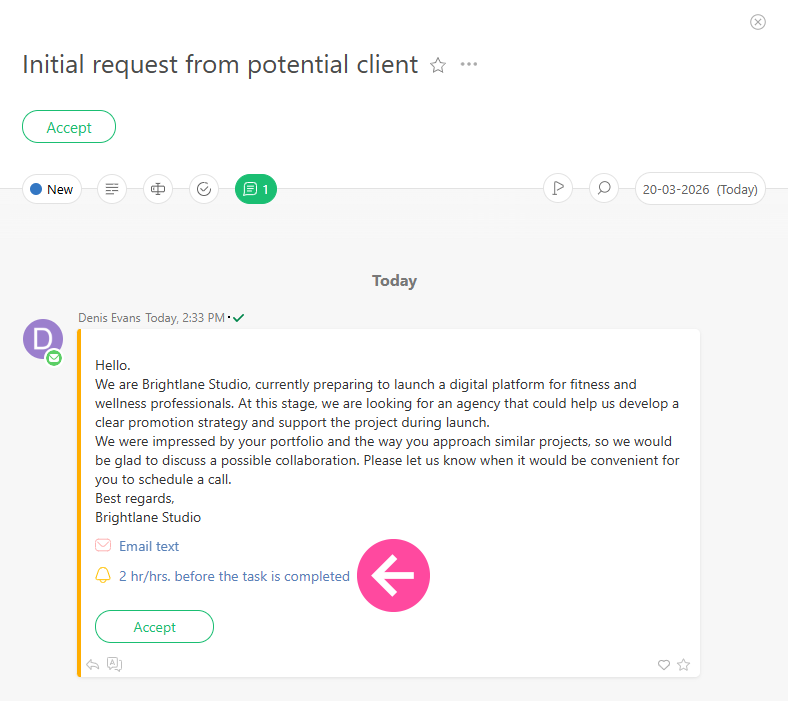
Now, the reminder will be added to all new tasks created using this template:
Important
- In addition to selecting specific people as recipients, you can also specify roles: the auditor, assigner, assignees, or task participants.
- Reminders attached to an existing template will not appear in tasks previously created using the template.