Default task templates in a project
You can set a default task template within a Project that will be used to create tasks in that project.
Default task templates in projects are used:
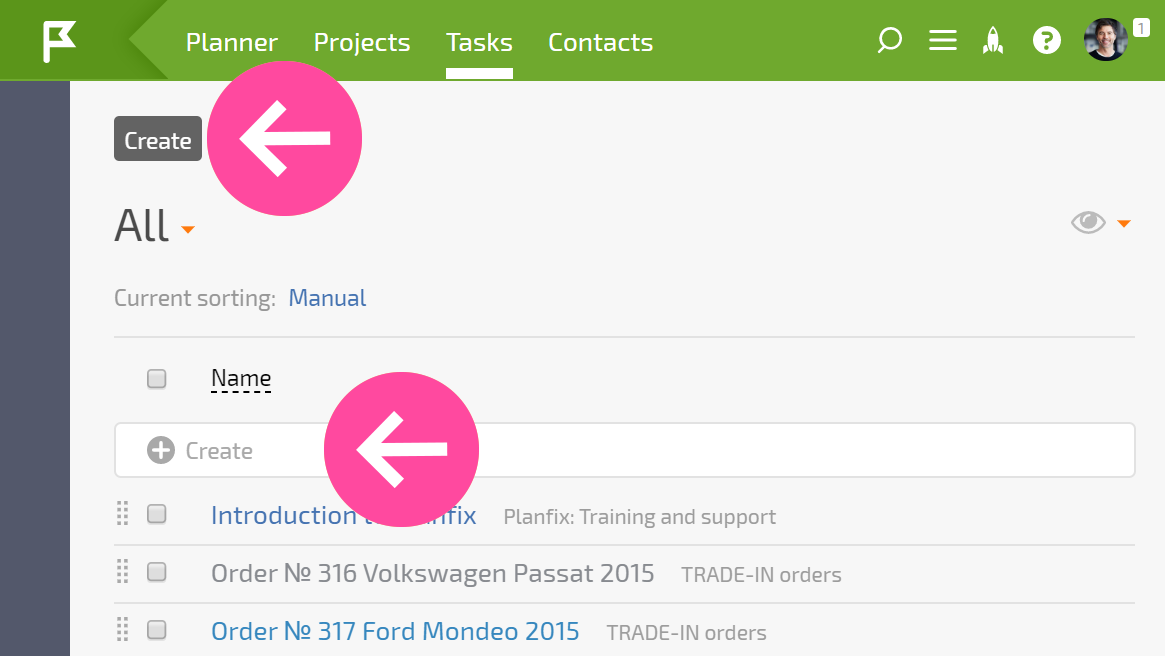
- When creating a task in a project using the Create button or in the quick-creation interface:
- When sending an email to a project email address.
- When creating a task from a Telegram chat using a Planfix bot.
How to set a default task template in an existing Project
- In Project details by specifying the desired task template in the expanded side panel.
- Via the Edit button in the Project details. Clicking the button opens the project template; then go to the Details section and specify the default task template there.
How to set a default task template when creating a Project
- When creating a new Project you can immediately set the default task template in the "Details" section.
Important
- If you specify a Project when creating a Task template, that Template does not become the default template in the specified Project.
- If the current Task template specifies a Project, and that Project has a default task template set, then when creating tasks from the current Template, the project's default task template will be used.