
Open in new tab setting
From Planfix
For Cards and Table types of Planner lists, the Open in a new tab setting determines what Planfix does when you click on an object in a list:
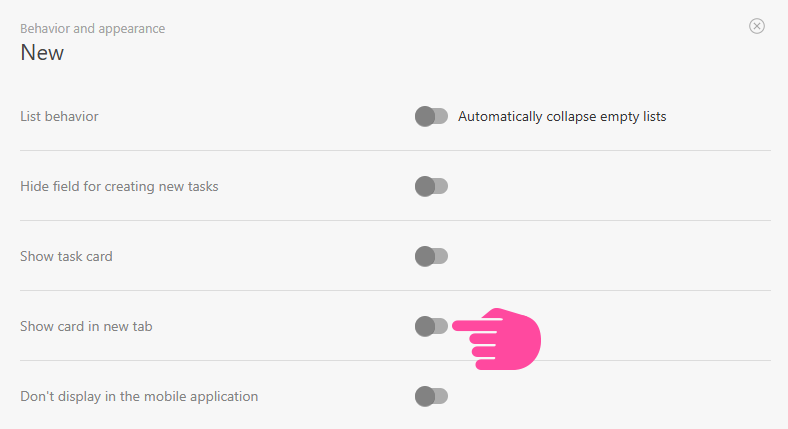
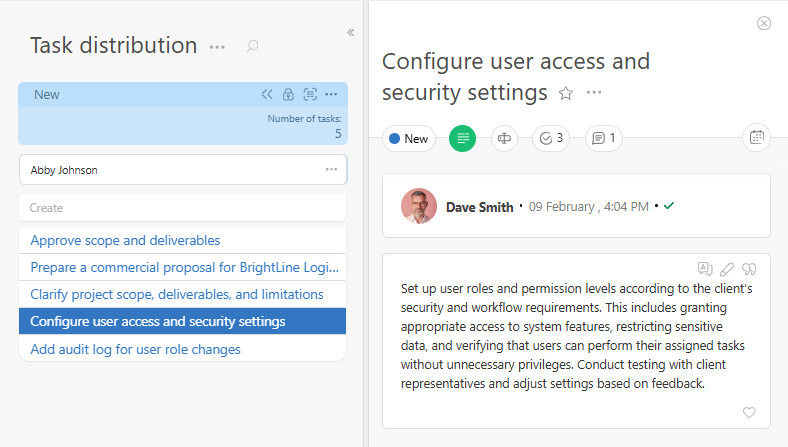
- If this setting is not used, a new panel will appear on the right-hand side of the screen when you click an object, with a full view of the object:
- If this setting is used, a new browser tab will open when you click an object.