«Time Type» ma'lumotnomasini to'ldirish — Vaqtni kuzatish
When working with Vaqtni kuzatish yechimi, the account administrator can fill in the Vaqt turi ma'lumotnomasi, which helps record and evaluate employees' work during working and non-working hours:
- To do this, go to the Ma'lumotnomalar section in the main menu.
- Open the Vaqt turi ma'lumotnomasi.
- Add your own variants of working time with a new entry in the Vaqt turi ma'lumotnomasi, e.g., work on holidays and other cases.
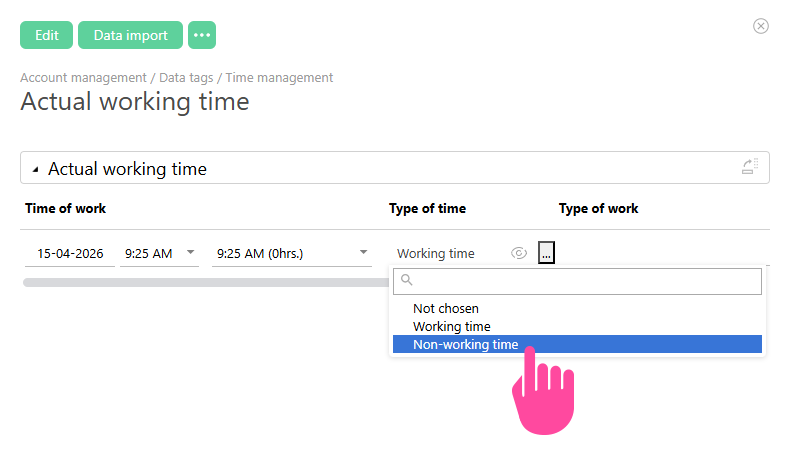
The Vaqt turi ma'lumotnomasi is used in the Amaldagi ish vaqti ma'lumot yorliqlarida:
Muhim
- By default, the field is filled with the Working time type entry. If an employee works outside working hours, edit the entry in the ma'lumot yorlig'i and select Vaqt turi — Ish vaqti bo‘lmagan.