POST-request: Difference between revisions
From Planfix
No edit summary |
No edit summary |
||
| Line 7: | Line 7: | ||
== Use case examples == | == Use case examples == | ||
*[[#Slack|Slack]] | *[[#Slack|Slack]] | ||
*[[#MailerSend|MailerSend]] | |||
== Slack == | == Slack == | ||
This setup is helpful when you want to send a notification in Slack that a task's due date is approaching. | This setup is helpful when you want to send a notification in Slack that a task's due date is approaching. | ||
Revision as of 09:27, 8 August 2025
Use case examples
Slack
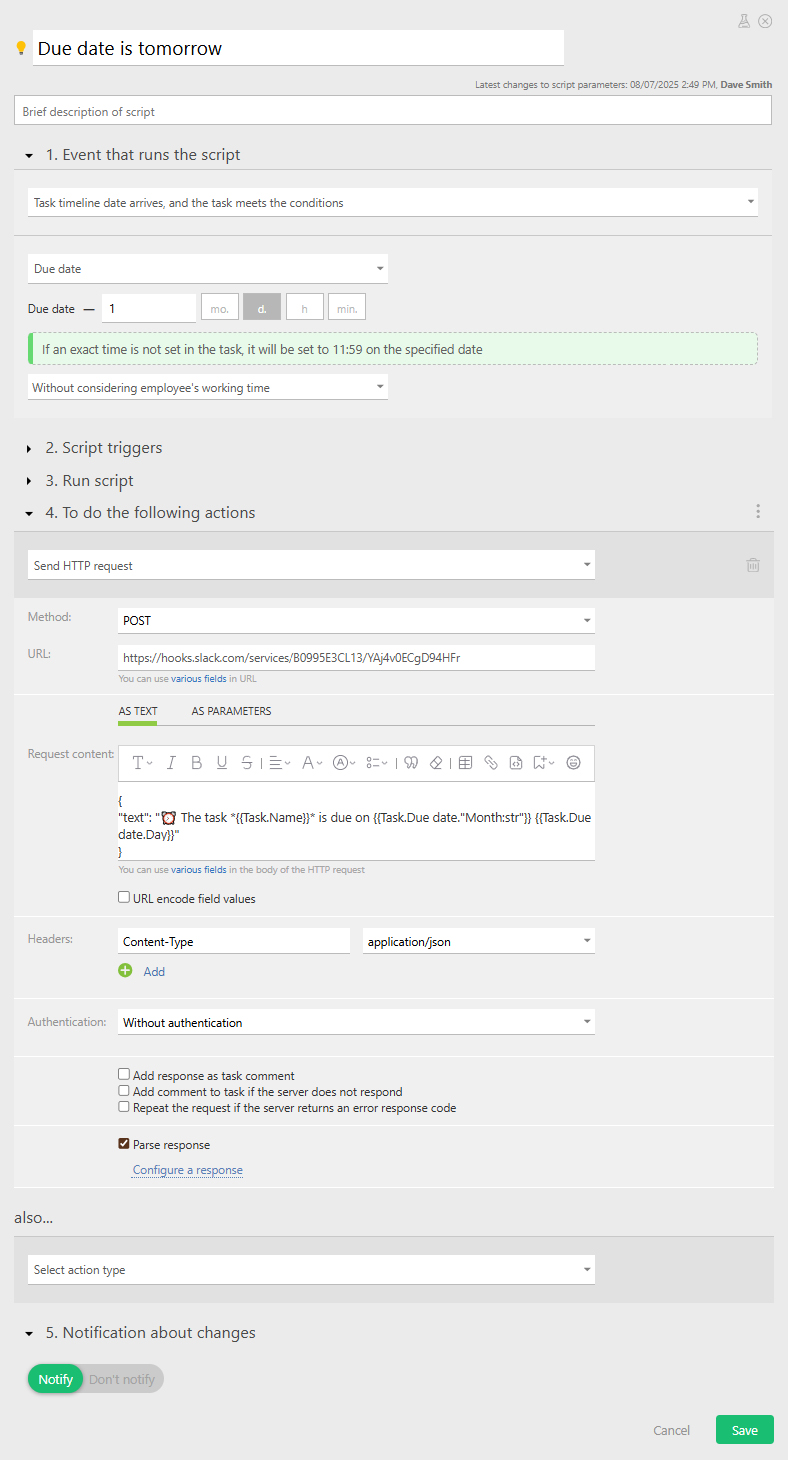
This setup is helpful when you want to send a notification in Slack that a task's due date is approaching.
What you need:
1. Slack workspace with incoming webhooks enabled
2. Webhook URL that links to the desired Slack channel
3. Custom script or button your Planfix object
- First, we send a request to Slack with the task’s assignee and due date when the deadline is approaching — in our case, when it's tommorow.
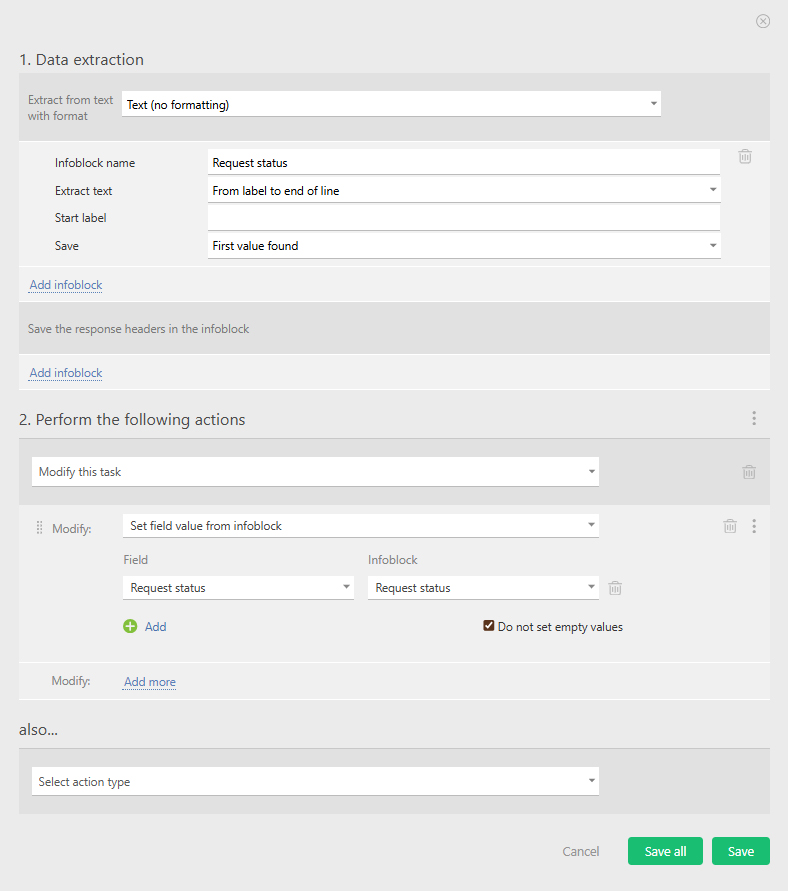
- Next, we parse Slack’s response. Since it just returns “ok,” we can use this as a simple check to confirm the request was delivered without issues.