Configuring Chronicle display
From Planfix
Viewing read events
Events marked as read are not deleted and can be viewed at any time. To do this, toggle the slider in the top right-hand corner of the Chronicle:
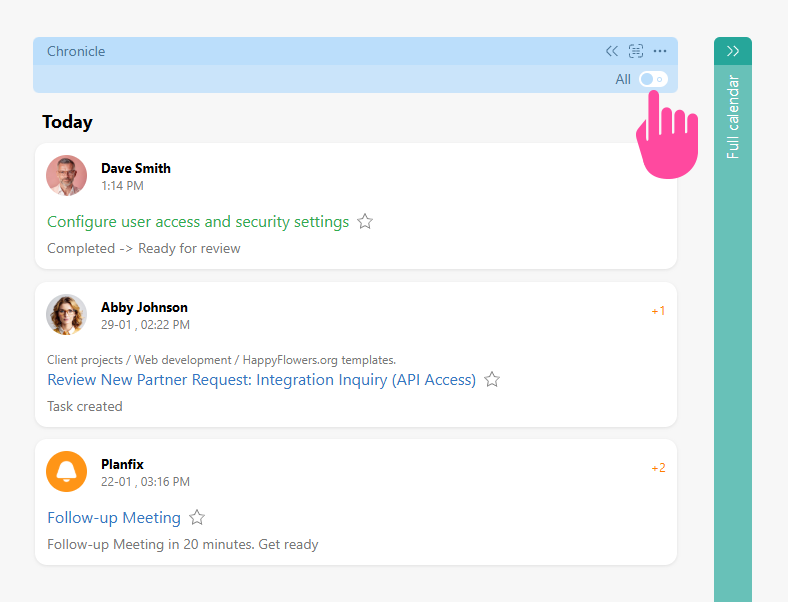
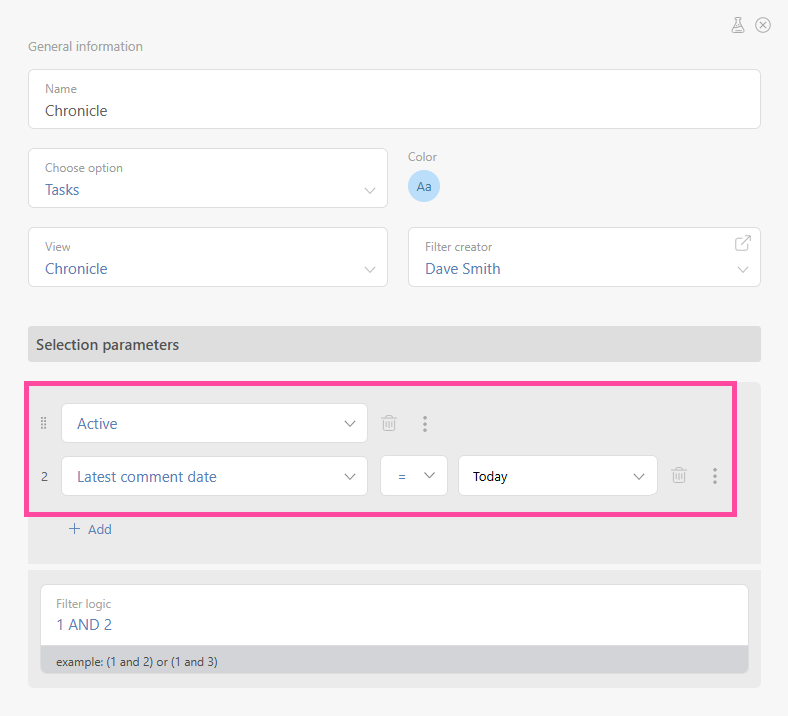
Note that all tasks are visible in All events display mode, including those that match the filter. If a task matches the filter but has no associated events, it is displayed in the Chronicle with the date of its creation:
Sorting events in the Chronicle
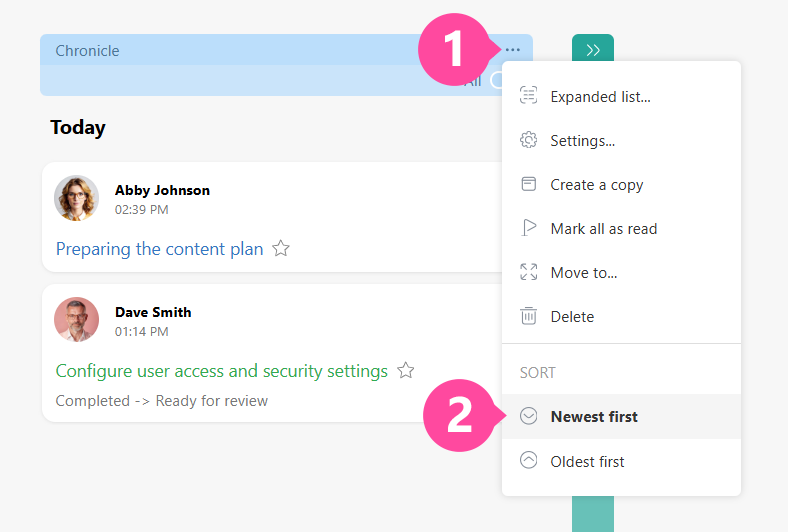
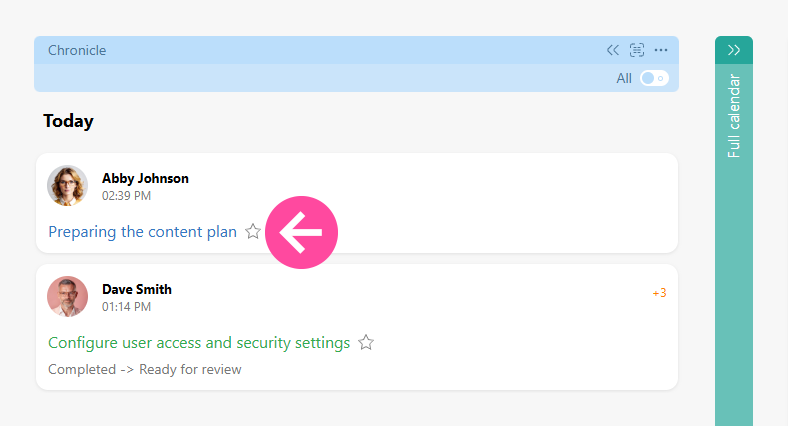
You can sort the events in the Chronicle in the order that suits you best.