
Contains text
From Planfix
This condition checks for the presence of text that you specify in the given email object: sender email address, recipient email address, subject, or email subject. If the specified text is found, the actions listed in the rule will be executed.
Examples
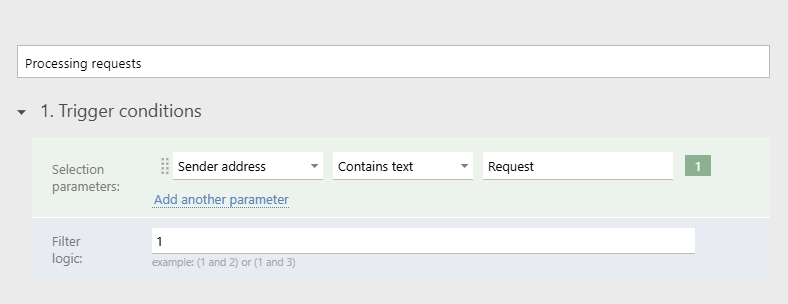
- The rule will trigger for emails containing the word "Order" in the subject:
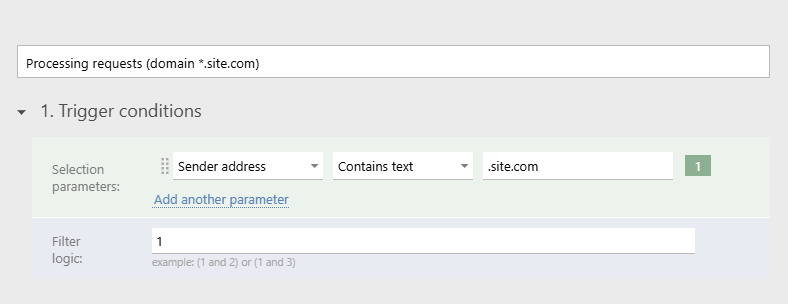
- The rule will trigger for emails coming from any third-level domain of *.site.com:
Important
The texts processed by the rules are case-sensitive. This means that if the rule specifies the text "Request" but an email contains the text "request," the rule will not be executed. For such an email to be processed, you must create a separate rule.