Adding comments to checklists
Comments can be added to checklists. This is done from the shortcut menu of any comment, by clicking the Add to checklist option:
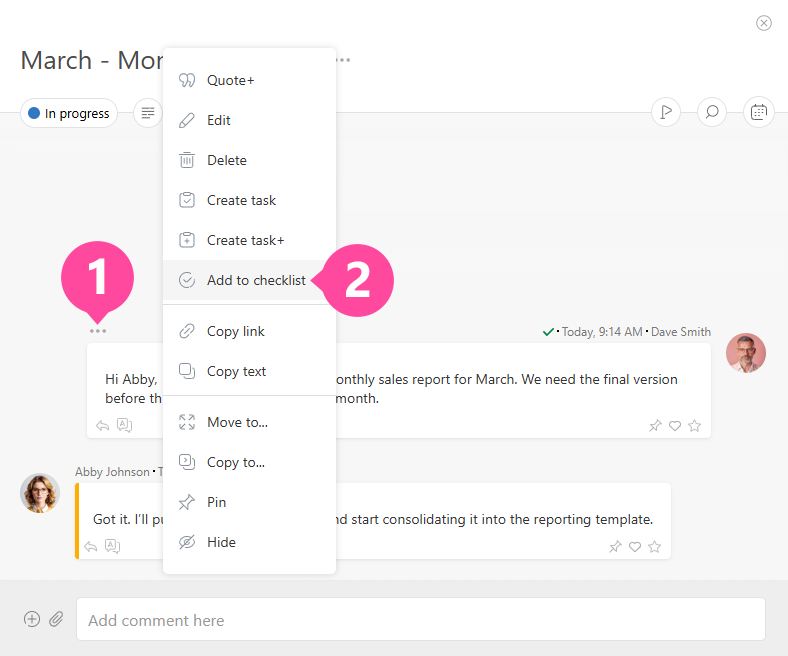 The image may differ depending on the selected display mode for comments.
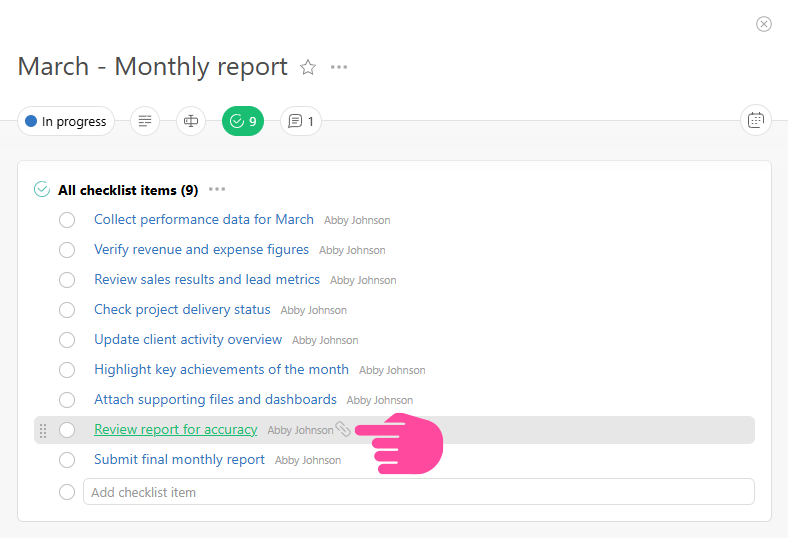
This lets you record various items in a task's checklist, such as agreements or work stages that are agreed upon in the comment section of the task. This method is also convenient because checklist items created in comments contain links that take you to the comment where they were linked. This can provide users with additional information about the item: