Task merging
From Planfix
Tasks in Planfix can be merged. To do this, go to Tasks section.
- In the task list, you need to select the necessary tasks and click on the Change button:
- Then select the Merge option and choose which task you want to merge into:
- Please note, the "Do not notify about changes" option is available exclusively to Account Administrators.
For the event Task is merged with another task you can launch a script to perform various actions:
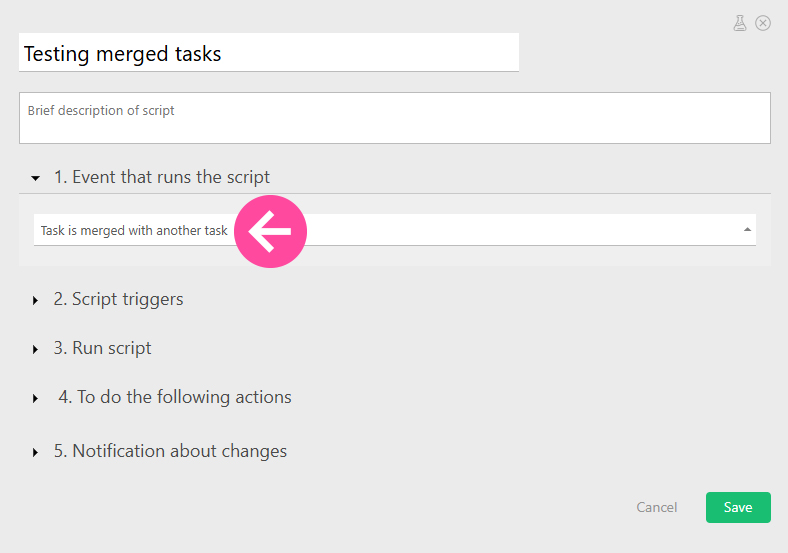
- Please note that the script is triggered in the task into which the merging has occurred.
Important
- To merge tasks, you need the right to edit the tasks being merged.
- Merging tasks is an irreversible process:
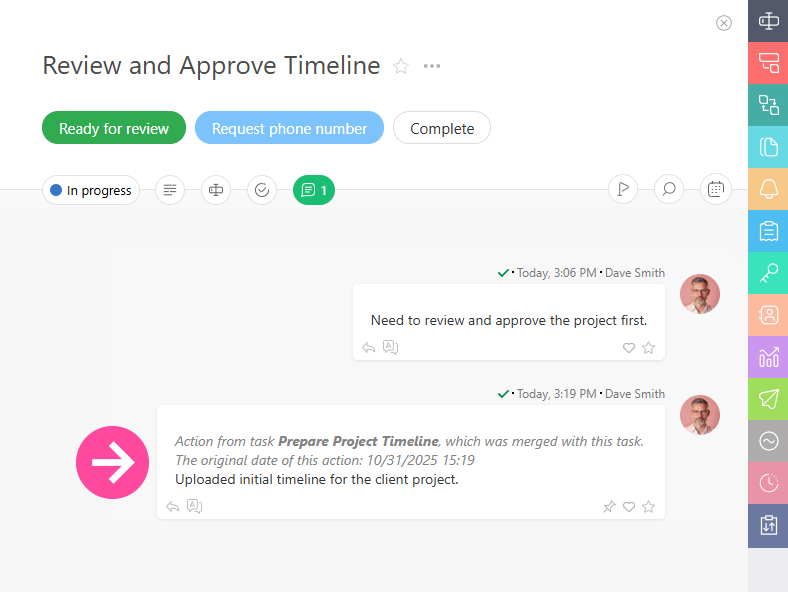
- After the merge, a corresponding entry will appear in the task action feed:
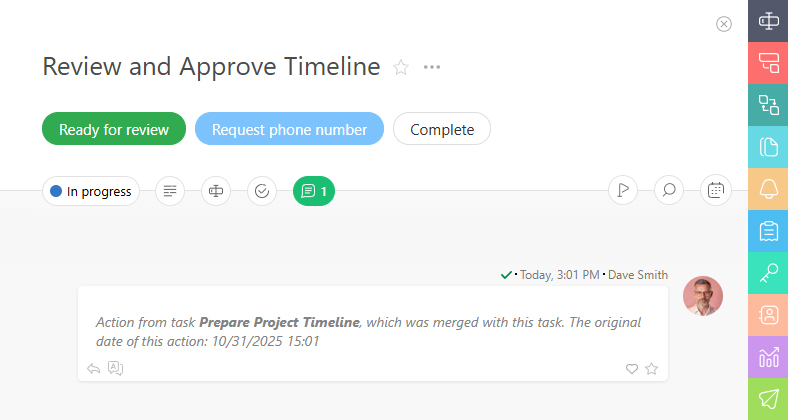
- In the merged task, comments will be arranged chronologically. The comments that were transferred from another task will contain information about this action: